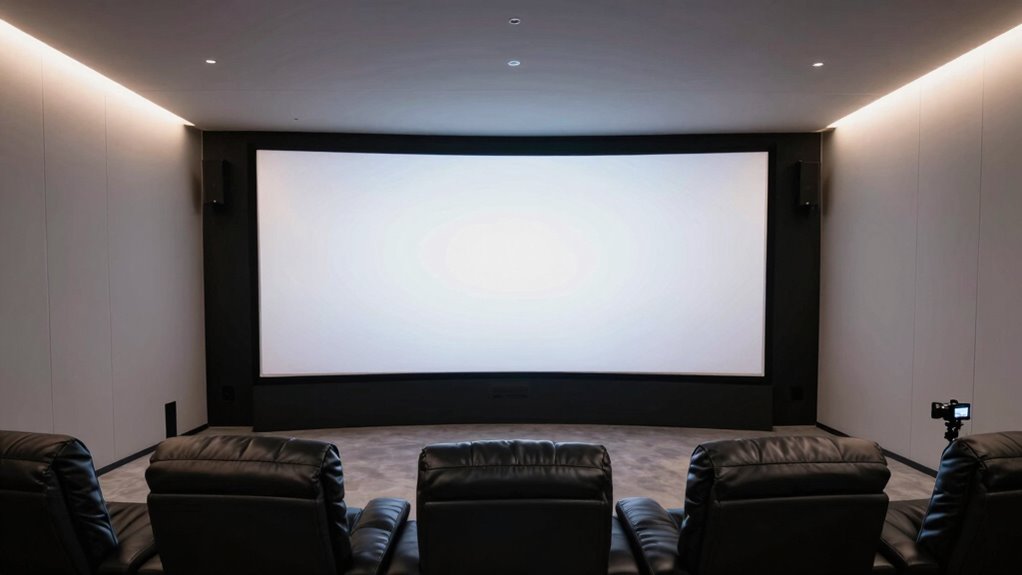

To match your room size with the right screen ratio, first measure your space carefully, including width, length, and ceiling height. Pick a screen size that fits comfortably within your room, aiming for about 30-40% wall coverage depending on the size. Consider aspect ratios that suit your room’s proportions—wider ratios work well in larger spaces, while narrower ones suit smaller rooms. Keep balance in mind to optimize viewing comfort; more details await if you keep exploring.

Turn your quiet moments into listening time
- Thousands of audiobooks, podcasts and originals
- Listen on your phone, tablet or Echo — also offline
- Cancel anytime
Key Takeaways
- Measure room width, length, and ceiling height accurately to determine suitable screen size and aspect ratio.
- Match the screen’s aspect ratio to room proportions for optimal visual harmony and viewing comfort.
- Ensure the screen size fits within the room’s wall space, avoiding overcrowding or gaps.
- Consider viewing distance guidelines (1.5 to 2.5 times the diagonal) to select an appropriate screen size.
- Adjust placement and aspect ratio to minimize eye strain and enhance immersive viewing based on room layout.
Understanding the Importance of Screen Size and Room Dimensions

Understanding the importance of screen size and room dimensions is essential for creating an ideal viewing experience. When your screen is too large for your space, it can cause discomfort and strain your eyes. Conversely, a screen that’s too small may leave you feeling disconnected from the content. Properly matching your screen size to your room ensures a comfortable, immersive experience without overwhelming the space. Consider how much distance you have from your seating to where the screen will hang; this impacts the suitable size. Also, take into account ceiling height and wall space to avoid clutter or awkward placement. Balancing these factors helps you select a screen that enhances your viewing pleasure while fitting seamlessly into your room’s layout. Additionally, understanding room proportions can help you make better decisions about placement and size, ensuring your setup remains both functional and visually pleasing. Recognizing how visual comfort is affected by room dimensions can further improve your overall viewing experience. Paying attention to lighting conditions can also reduce glare and reflections, making your viewing more comfortable and enhancing the overall viewing quality.
Calculating Optimal Viewing Distance for Your Space
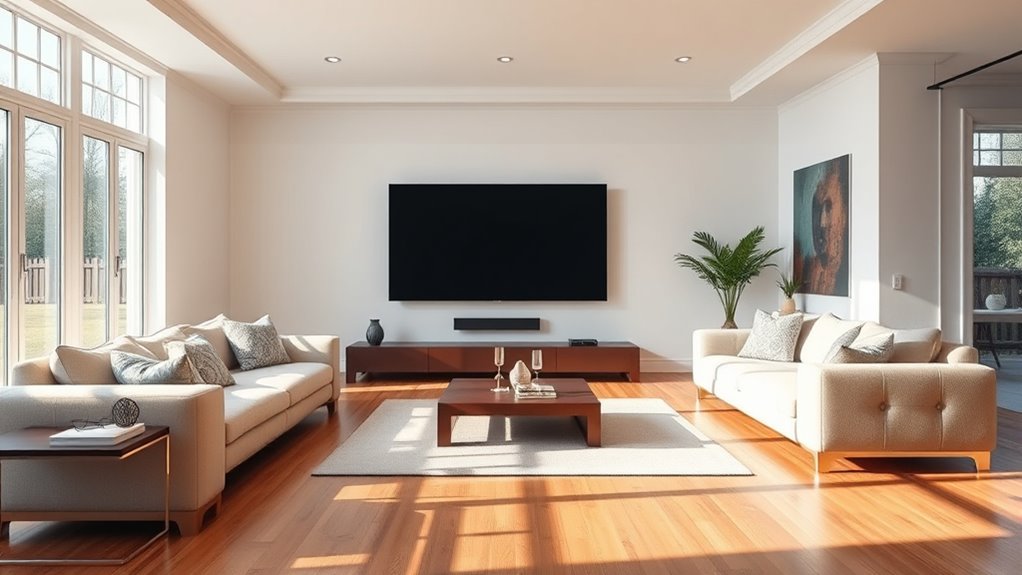
To achieve the best viewing experience, you need to calculate the most favorable distance between your seating area and the screen. Start by considering the size of your display; larger screens generally require you to sit farther back for comfortable viewing. A common guideline is to sit about 1.5 to 2.5 times the diagonal measurement of your TV or projector screen. For example, if you have a 55-inch TV, aim for a distance between roughly 6.9 and 11.5 feet. Keep in mind your room’s layout and potential obstructions. Adjust this range based on your preferences for immersion or clarity. Proper spacing guarantees you enjoy sharp images without straining your eyes or missing details. Calculating this distance helps optimize your viewing comfort and overall experience. Considering room size and layout considerations ensures your setup complements your space and viewing needs. Additionally, factoring in screen resolution can enhance clarity at your chosen distance.
Choosing the Right Aspect Ratio for Your Room Layout

Choosing the right aspect ratio depends on your room’s dimensions and how you plan to use the space. A wider ratio suits larger rooms, providing a balanced viewing experience, while narrower spaces may benefit from a more compact ratio. Consider your viewing comfort and available space to select an aspect ratio that enhances your overall viewing setup. Additionally, understanding home décor inspiration can help you select proportions that complement your interior design style and create a harmonious environment. Incorporating smart appliances and connected technology can further optimize your space, ensuring that your room layout aligns with modern kitchen innovations and enhances your overall experience. Recognizing performance metrics can guide you in choosing the most functional setup for your needs. Being aware of room layout optimization principles can also help you maximize space efficiency and aesthetic appeal. For example, selecting the appropriate screen size and aspect ratio can significantly impact your viewing experience and how well your equipment fits within the space.
Room Dimensions and Ratios
Selecting the right aspect ratio for your room layout starts with considering your room’s dimensions. Measure your space carefully, noting the width, length, and ceiling height. Understanding these measurements helps you determine which aspect ratio will fit best without feeling cramped or too sparse. Accurate room measurement is essential for making the best choice. For narrower rooms, a 16:9 ratio works well, maximizing width without overwhelming the space. In wider rooms, a 2.35:1 or 21:9 ratio can create a cinematic feel and suit the room’s proportions. Avoid choosing an aspect ratio that conflicts with your room’s dimensions, as this can lead to awkward viewing angles or wasted space. Room size considerations help ensure a balanced setup that enhances your viewing experience by aligning your screen with the room’s proportions. Additionally, considering room proportions can help you select a screen size that minimizes eye strain and maximizes comfort during extended viewing sessions. Properly matching your screen aspect ratio to your room’s spatial layout can also improve the overall aesthetic and functionality of your entertainment space. Understanding the psychological impact of different aspect ratios can assist in creating an environment that promotes comfort and reduces visual fatigue. By aligning your room’s ratios with the screen’s aspect ratio, you ensure a balanced, comfortable setup that enhances your viewing experience.
Viewing Comfort and Space
Ensuring your viewing experience remains comfortable hinges on matching the screen’s aspect ratio to your room’s layout. If your space is wide, a 16:9 screen enhances immersion without feeling cramped. For taller rooms, a 4:3 or 3:2 ratio might provide better viewing comfort, reducing neck strain. Consider how you’ll sit relative to the screen; wider ratios create a cinematic feel, but can cause distortion if not properly scaled. Smaller rooms benefit from narrower aspect ratios to avoid overwhelming the space. Always test different screen sizes and ratios in your room, checking for eye strain and field of view. Being aware of screen size and aspect ratio compatibility can help prevent discomfort and optimize your setup. Proper projection distance and calibration are essential to ensure the image fits well within your space. Additionally, understanding connected home fitness integration can optimize your overall entertainment and fitness environment. Incorporating safe power practices can also ensure your setup remains secure and efficient. Being mindful of visual ergonomics can further enhance your viewing comfort over long periods. By balancing your room’s dimensions with the right aspect ratio, you’ll enjoy a comfortable, immersive viewing experience that’s tailored to your space.
Measuring Your Room for Accurate Screen Placement

To place your screen accurately, start by measuring your room’s dimensions carefully. Use a tape measure or laser distance meter to record the length, width, and height of the space where you’ll position the screen. Take note of any obstructions, like furniture or windows, that could affect placement. Confirm your measurements are precise, as small discrepancies can impact viewing angles and overall comfort. Mark the ideal height on the wall where the top or center of the screen should be, based on your seating position. Consider the distance from your seating area to the wall where the screen will be mounted. Accurate measurements help you avoid misalignment, ensuring the screen fits well within the room and provides an ideal viewing experience. Additionally, understanding screen size and aspect ratio can help optimize your setup for the best viewing experience. Properly matching your room size with the screen dimensions ensures an immersive and comfortable viewing environment.
Selecting Screen Sizes Based on Room Dimensions
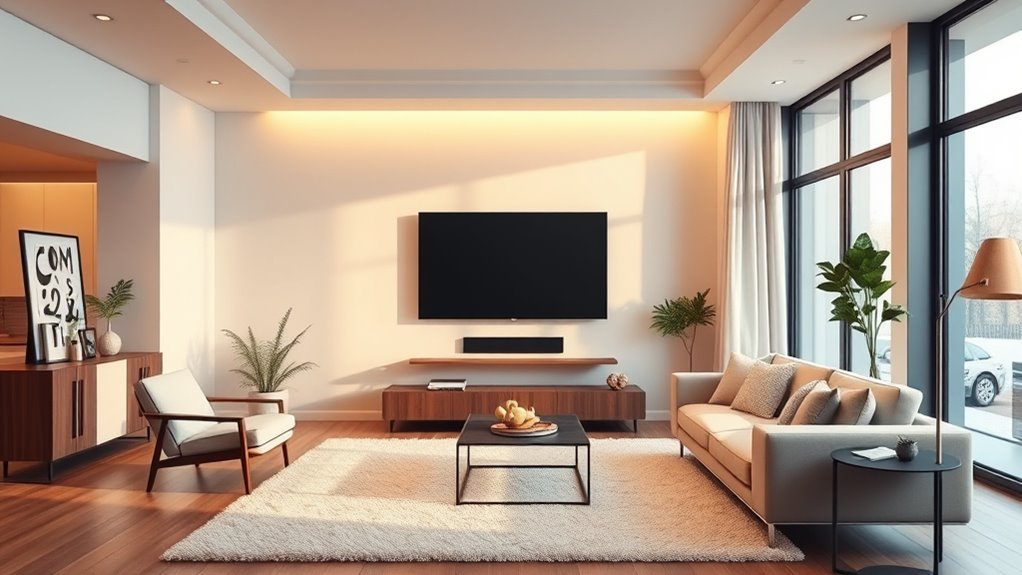
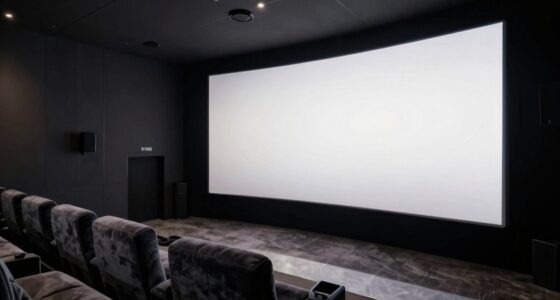
When choosing a screen size, consider your room dimensions and how far you’ll be sitting from it. A larger screen can fill your space better, but only if your viewing distance accommodates it comfortably. Finding the right balance between your room size and screen-to-wall ratio ensures an immersive yet comfortable viewing experience.
Room Dimensions and Viewing Distance
Choosing the right screen size starts with understanding your room’s dimensions and how far you’ll sit from the display. Measure the distance from your seating area to where the screen will hang. This distance influences the ideal screen size; sitting too close can overwhelm you, while sitting too far may diminish picture details. A common guideline is that your viewing distance should be approximately 1.5 to 2.5 times the diagonal size of the screen. For example, if you sit 8 feet away, a screen between 65 to 85 inches might be best. Keep in mind, room proportions and furniture placement also matter. Properly matching your room dimensions with viewing distance guarantees a comfortable, immersive experience without straining your eyes or missing visual details.
Optimal Screen-to-Wall Ratio
Matching your screen size to your room’s dimensions guarantees a balanced and immersive viewing experience. Aim for a screen that occupies about 30-40% of your wall space to avoid overwhelming or underwhelming visuals. For example, in a small room, a 55-inch screen works well, while larger rooms can handle 75-inch or bigger screens. Consider this guide:
| Room Size | Screen Size | Wall Coverage |
|---|---|---|
| Small | 55-inch | ~30% |
| Medium | 65-75 inch | ~35-40% |
| Large | 85-inch or more | ~40% |
This balance ensures the screen feels natural within your space, providing ideal comfort and visual impact. Properly matching your screen to your room enhances your viewing pleasure while maintaining harmony with your environment.
Considering Viewing Comfort and Eye Strain Factors
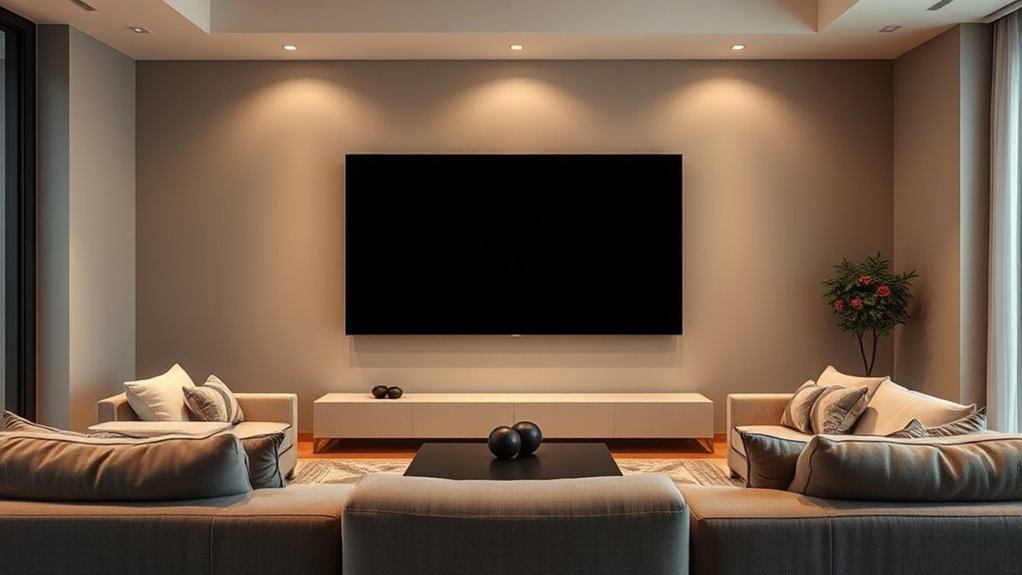
To guarantee comfortable viewing experiences and reduce eye strain, it’s essential to contemplate how screen size and aspect ratio interact with your room environment. Your eyes should comfortably focus on the screen without excessive effort. Consider these factors:
- Maintain a proper viewing distance to avoid eye fatigue.
- Choose a screen size that fits your room’s scale.
- Use appropriate brightness and contrast settings.
- Minimize glare by positioning screens away from windows.
- Take regular breaks to prevent eye strain during long viewing sessions.
Common Screen Ratios and Their Suitability for Different Spaces
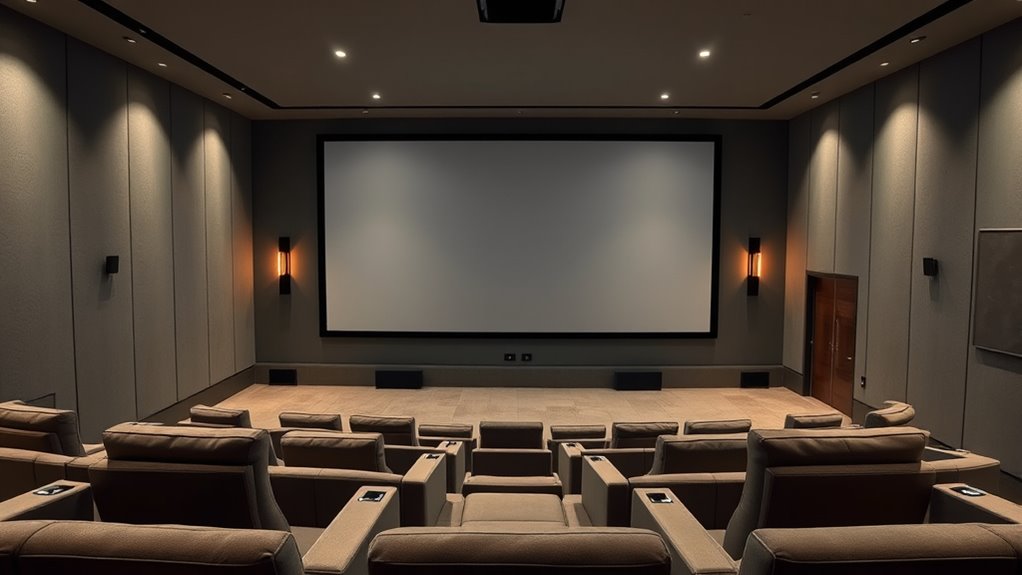
Different screen ratios are designed to enhance viewing experiences based on the space they occupy. For smaller rooms, 16:9 is a common choice, providing a comfortable widescreen feel without overwhelming the space. This ratio works well for typical living rooms and bedrooms, offering versatility for movies, TV shows, and gaming. If you have a larger, more open area, you might consider a 2.35:1 or 2.39:1 ultra-widescreen ratio, which mimics cinema screens and enhances immersion. For compact spaces like offices or small media rooms, 4:3 or 5:4 ratios can be suitable, especially for presentations or monitors. Understanding these ratios helps you match your screen to your room size, ensuring an ideal viewing experience without sacrificing comfort or visual quality.
Practical Tips for Adjusting Screen Position and Size
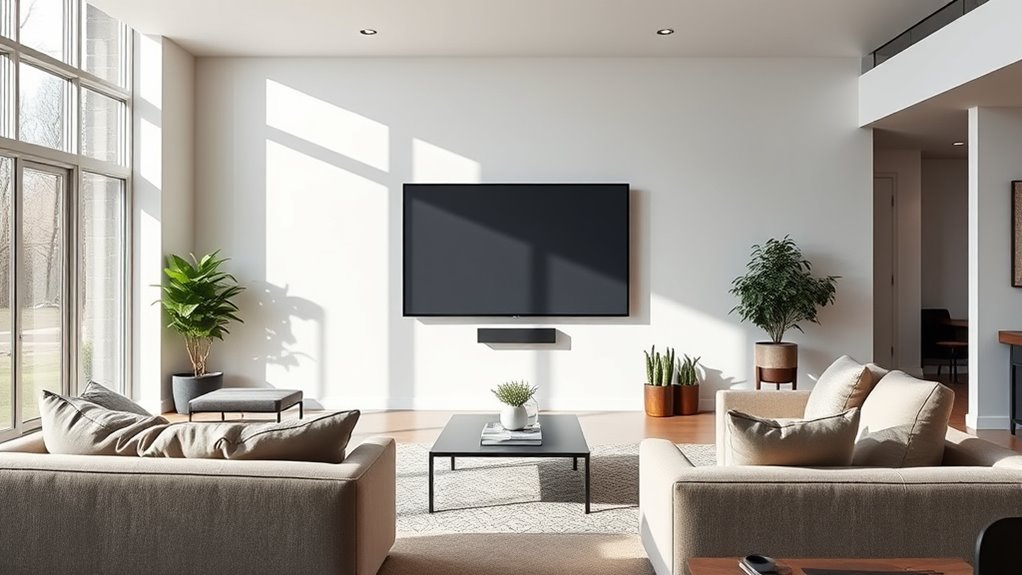
Adjusting your screen’s position and size is essential for creating an ideal viewing experience. Proper placement ensures comfort, reduces eye strain, and enhances picture quality. To get it right, consider these practical tips:
- Mount the screen at eye level when seated, avoiding tilting or bending your neck.
- Maintain a distance equal to about 1.5 to 2.5 times the screen’s diagonal size.
- Center the screen directly in front of your seating area to minimize glare and distortion.
- Adjust the screen’s height and tilt for best viewing angles.
- Use a stable mount or stand to prevent shifting during use.
Troubleshooting Common Room and Screen Size Mismatches
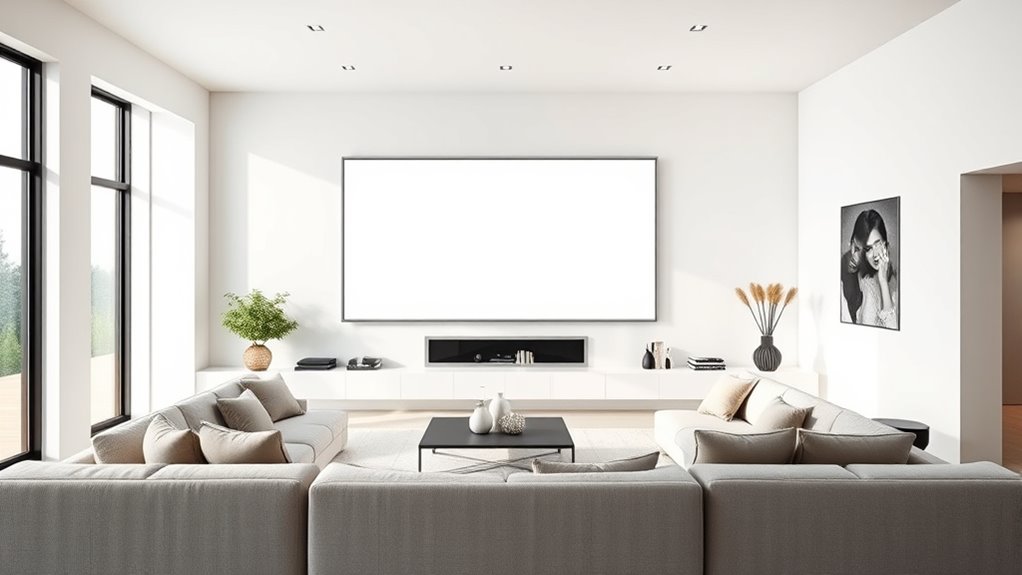
When your room size and screen dimensions don’t match, it can lead to a less-than-ideal viewing experience, such as eye strain or distorted images. To troubleshoot, start by measuring your room’s dimensions carefully and compare them with your screen size and aspect ratio. If the screen feels too large or small, consider adjusting its placement or choosing a different screen size better suited for your space. Check for seating positions that ensure proper viewing angles and distances. Sometimes, resizing or repositioning the screen can resolve distortions. Additionally, verify your projector or display settings are optimized for your room’s size. If needed, use mounting brackets or stands to better align the screen. Properly matching your room and screen prevents discomfort and improves overall viewing quality.
Frequently Asked Questions
How Do Ceiling Height and Room Shape Affect Screen Size Choices?
Ceiling height and room shape directly influence your screen size choices. Higher ceilings let you go bigger without overwhelming the space, while lower ceilings may require a more modest screen to prevent feeling cramped. Irregular room shapes can create viewing angles or shadow issues, so you might choose a smaller or adjustable screen to optimize picture quality. Always consider these factors to guarantee a comfortable, immersive viewing experience.
Can Movable or Adjustable Screens Optimize Different Room Sizes?
Yes, movable or adjustable screens let you customize your viewing experience for different room sizes. You can easily shift or resize the screen to match your space, ensuring ideal image quality and comfort. This flexibility is especially useful if your room changes size or if you host various types of presentations or movie nights. With these screens, you get a versatile setup that adapts seamlessly to your needs.
What Impact Does Furniture Placement Have on Screen Size Decisions?
Furniture placement directly impacts your screen size decisions by influencing viewing distance and comfort. If your furniture is close to the screen, opt for a smaller or medium-sized screen to avoid eye strain. Conversely, if you have a spacious setup with ample distance, a larger screen enhances your viewing experience. Properly arranging furniture guarantees ideal sightlines, making your screen size choice more effective and enjoyable.
How Do Ambient Lighting Conditions Influence Screen Size Preferences?
Ambient lighting markedly influences your screen size choice because bright rooms can wash out images on smaller screens, making larger screens more desirable for clarity. Conversely, in darker environments, smaller screens suffice without sacrificing picture quality. You should consider how much natural or artificial light your space receives, opting for larger screens in well-lit rooms to maintain vivid visuals, and smaller ones where lighting is controlled for ideal contrast.
Are There Specific Recommendations for Small vs. Large Multipurpose Rooms?
For small rooms, choose a slightly smaller screen to prevent overstimulation and maintain clarity, ensuring the space feels comfortable. In larger multipurpose rooms, opt for a bigger screen to fill the area and provide immersive viewing. Always consider the room’s lighting, seating arrangement, and viewing distance. Adjust screen size accordingly to optimize visibility and comfort, making sure everyone gets a great experience without straining their eyes.
Conclusion
By matching your screen size to your room dimensions, you create a more comfortable and immersive viewing experience. Did you know that the ideal viewing distance is typically about 1.5 to 2.5 times the diagonal screen size? Keeping this in mind helps prevent eye strain and guarantees maximum enjoyment. So, take the time to measure your space carefully—your eyes and your entertainment will thank you for it.
Halloween Picks
halloween
As an affiliate, we earn on qualifying purchases.