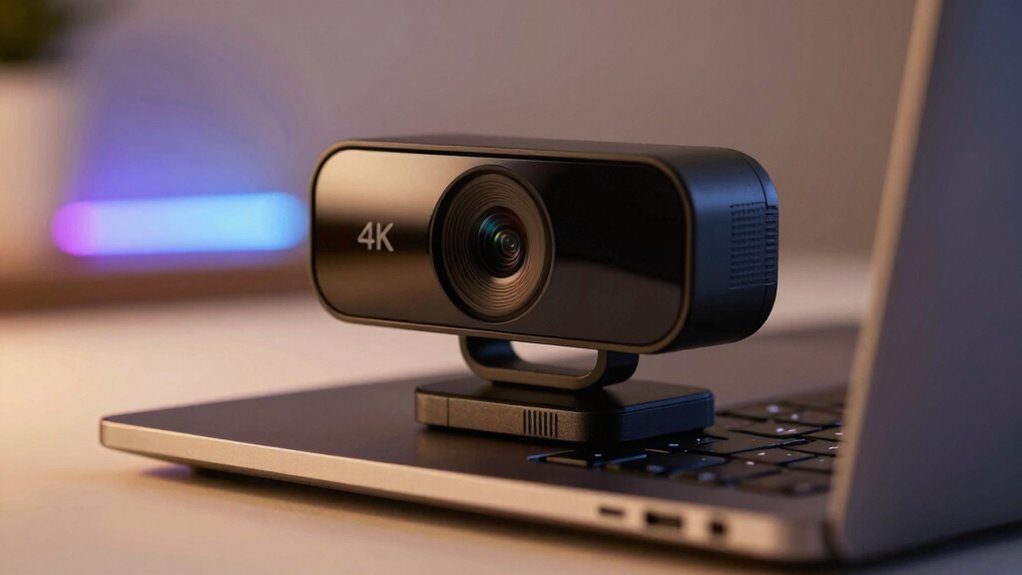
When it comes to 4K webcams, lighting is more important than resolution. Good lighting makes your video look vibrant, clear, and professional, regardless of camera quality. Poor lighting causes dullness, graininess, and shadows that hide your features. Proper illumination helps your webcam capture details and reduces strain on the sensor. If you want to get the most out of your webcam’s resolution, focusing on lighting can make all the difference, and there’s more to discover on creating a perfect setup.

Give the gift of listening to someone you love
- Choose a 1-, 3-, 6- or 12-month membership
- They pick the audiobooks they love
- Easy to send by email
Key Takeaways
- Proper lighting enhances image clarity and vibrancy, making high-resolution webcams appear sharper and more professional.
- Good lighting reduces noise and graininess, which high resolution alone cannot eliminate.
- Adequate illumination ensures facial features are well-defined, maximizing the benefits of 4K resolution.
- Proper lighting minimizes shadows and glare, improving overall video quality regardless of camera resolution.
- Well-lit environments optimize webcam performance and complement high-resolution capabilities for a polished look.
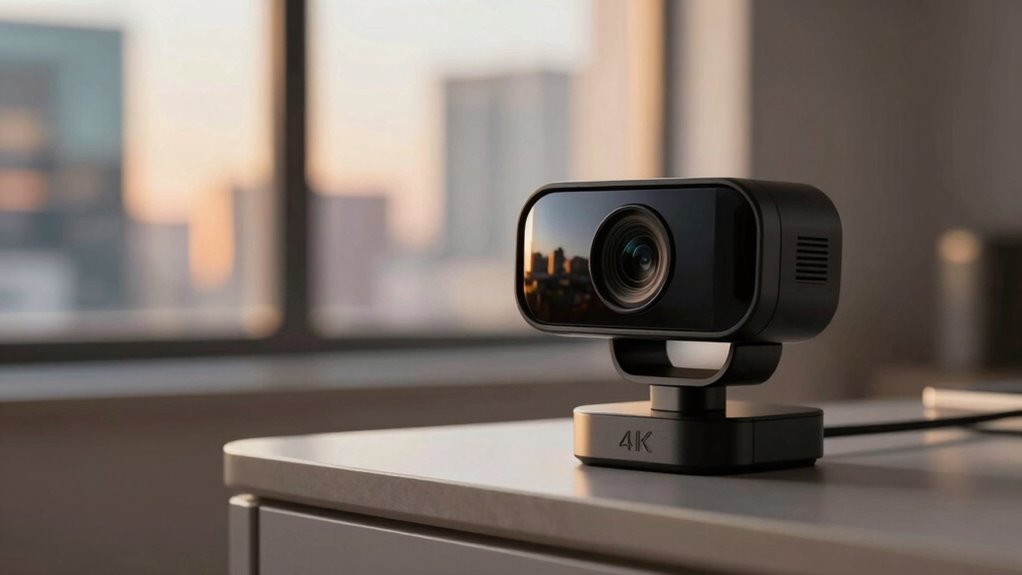
While 4K resolution promises sharp, detailed images, proper lighting often has a greater impact on your webcam’s video quality. No matter how high your webcam’s resolution is, poor lighting can make your image look dull, grainy, or washed out. Bright, balanced light ensures your face is clear and vibrant, making a significant difference in how you appear on camera. Good lighting also enhances the overall quality of your video, making details pop and reducing shadows that can obscure your features. When you focus on lighting, you create an environment where your webcam can perform at its best, maximizing the benefits of high resolution. Additionally, proper lighting can help mitigate issues caused by indoor air quality, such as dust or humidity, which can affect your equipment’s performance and longevity. Ensuring your environment has adequate air circulation can further protect your camera and accessories from potential damage caused by poor air quality. Beyond lighting, the quality of your audio plays an essential role in your overall video presentation. Even with perfect visuals, if your audio is muffled, distant, or filled with background noise, viewers will struggle to stay engaged. Clear, crisp audio ensures your message comes across effectively, complementing the visual quality of your 4K webcam. Investing in a good microphone or positioning your current mic properly can elevate your video calls and recordings, making your content more professional and enjoyable to watch. Another key factor often overlooked is camera angle. The way you position your webcam influences how viewers perceive you. A flattering camera angle, typically eye level, creates a natural and engaging perspective that fosters connection. Avoid overly high or low angles, which can distort your appearance or appear unprofessional. Experiment with different camera positions to find the most flattering and comfortable setup. When your camera angle aligns with good lighting, your face remains well-lit and properly framed, further enhancing your overall appearance. While a 4K webcam can capture incredible detail, it’s only as effective as your surrounding setup. Proper lighting not only improves image quality but also reduces the strain on your webcam’s sensor, allowing it to perform smoothly and accurately. Meanwhile, paying attention to your camera angle and ensuring good audio quality creates a more polished and professional presentation. When you combine these elements—lighting, audio, and camera positioning—you maximize the potential of your 4K webcam, making your video calls and recordings stand out. Ultimately, lighting and setup choices have a more profound impact on your video quality than resolution alone, proving that the finer details truly matter in achieving a high-quality visual experience.
Products Worth Considering

Sonos Era 100 Wireless Smart Speaker with Alexa, Black

Philips Hue Amarant Outdoor Smart Light Bar, Black

Sonos One (Gen 2) Voice-Controlled Smart Speaker, White
As an affiliate, we earn on qualifying purchases.
Frequently Asked Questions
How Does Lighting Influence Webcam Image Quality in Different Environments?
Lighting considerably impacts your webcam image quality across various environments. Good lighting enhances color accuracy, making your skin tone and surroundings appear natural. It also reduces shadows, ensuring your face is clear and well-defined. Proper lighting setup prevents grainy images and dull colors, regardless of the environment. By optimizing your lighting, you create a more professional and visually appealing image, making your webcam footage look sharp, vibrant, and true to life.
What Are the Best Lighting Setups for Webcam Use?
You should aim for soft, evenly diffused light with a warm color temperature around 3500-4500K to enhance your webcam image quality. Use light diffusion tools like softboxes or lamps with diffusers to minimize harsh shadows. This setup creates a flattering, natural look, ensuring your face is well-lit without glare. Experiment with positioning to avoid backlighting, and remember, good lighting often trumps high resolution for clear, professional visuals.
Can Poor Lighting Negate the Benefits of 4K Resolution?
Poor lighting can definitely negate the benefits of 4K resolution, as it affects the overall image quality. Even with great camera placement and high resolution, inadequate lighting causes graininess and color inaccuracies. To maximize your webcam’s potential, guarantee proper lighting setup with appropriate color temperature, avoiding harsh shadows. Good lighting enhances details, making your 4K webcam truly shine, so focus on balanced, well-placed light sources for the best results.
How Do I Improve Lighting With Limited Space or Equipment?
To improve lighting in limited space, focus on ambient adjustment by diffusing natural light through sheer curtains or positioning your webcam near windows. Use available sources like lamps with adjustable brightness to fill shadows without overcrowding your setup. Keep the light source in front of you for even illumination, and avoid harsh backlighting. Small, strategic adjustments like these can substantially enhance your webcam’s image quality, even with minimal equipment.
Are There Specific Lighting Recommendations for Low-Light Conditions?
Think of low-light conditions as a shadowy stage waiting for its spotlight. You should use soft light sources with proper color temperature—around 5000K for daylight warmth—and diffuse the light to avoid harsh shadows. Position your light at a 45-degree angle to evenly illuminate your face. This gentle glow will make your features pop, ensuring you look vibrant even in dim settings, without needing extensive equipment.
Conclusion
So, remember, when it comes to webcams, lighting isn’t just an accessory—it’s your secret weapon. No matter how stunning your 4K camera is, poor lighting can turn your crystal-clear vision into a blurry mess. Think of lighting as the magic wand that transforms your video from mediocre to mesmerizing. Invest in good lighting, and you’ll outshine even the fanciest resolution—because in the world of video quality, light is truly king.