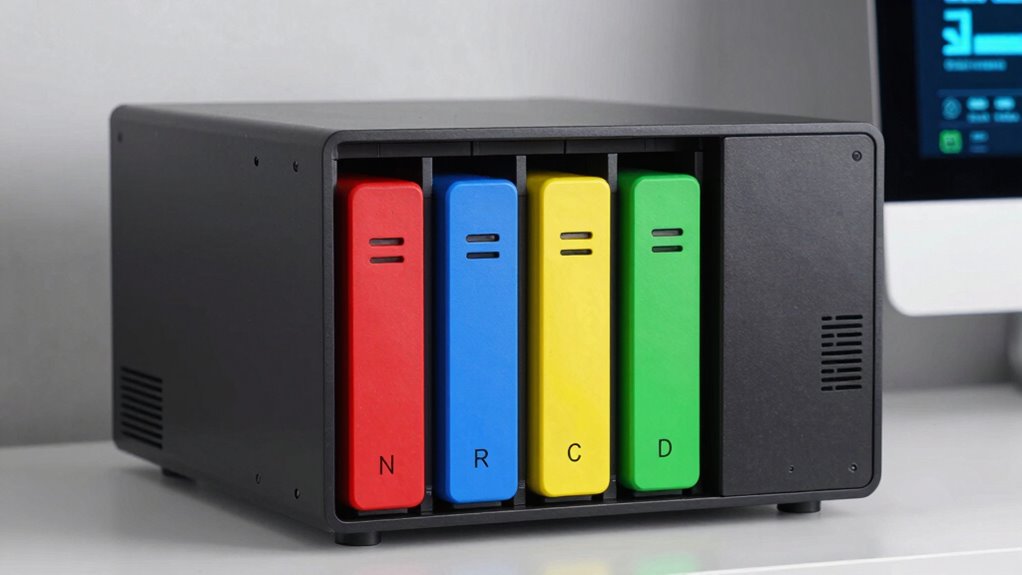

When comparing drive bays to real storage in a home NAS, remember that drive bays show how many drives you can install, but total storage depends on each drive’s capacity. More bays mean more potential, especially for RAID setups and future expansion. However, actual storage varies with drive sizes and configurations. To get the most from your NAS and understand how bays translate into reliable space, explore how different setups and features can benefit your needs.

Turn your quiet moments into listening time
- Thousands of audiobooks, podcasts and originals
- Listen on your phone, tablet or Echo — also offline
- Cancel anytime
Key Takeaways
- Drive bays determine the number of drives a NAS can hold, directly affecting potential storage capacity.
- Actual storage depends on drive size and RAID configuration, not just the number of bays.
- More bays enable future expansion, but usable storage varies based on drive choices and redundancy setup.
- Drive compatibility and efficiency influence real storage capacity and system reliability.
- Cloud integration can supplement physical storage, enhancing total available storage regardless of drive bays.
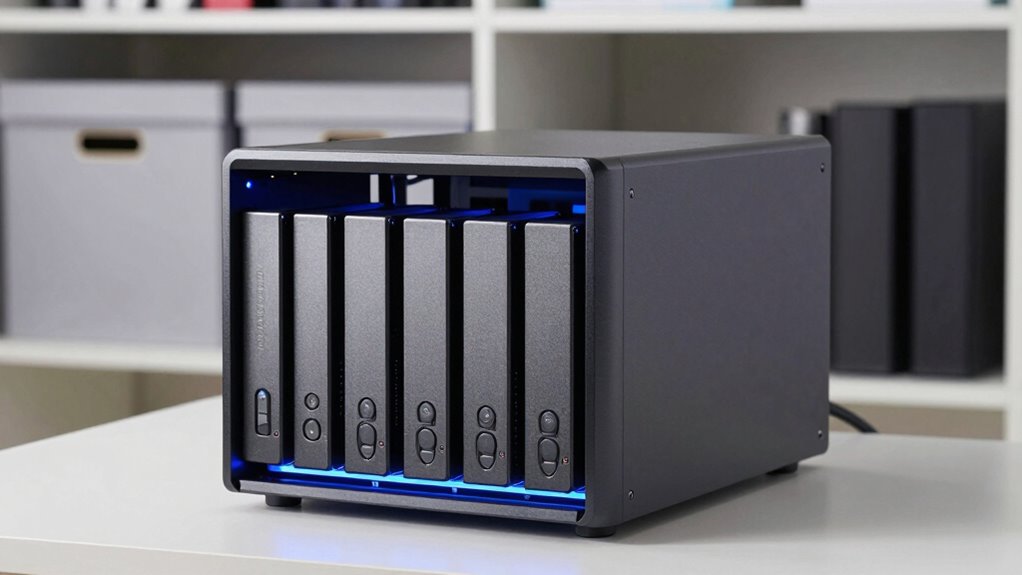
Are you looking for a dependable way to store and access your digital files at home? A home NAS (Network Attached Storage) device can be an excellent solution, especially if you want centralized storage that’s accessible from multiple devices. When choosing a NAS, you’ll encounter options like drive bays and actual storage capacity, and understanding the difference can help you make an informed decision. Drive bays refer to the number of hard drives or SSDs your NAS can hold, which directly impacts your total storage capacity. The more bays your device has, the more drives you can add, increasing your storage potential. But it’s not just about quantity—having multiple bays allows you to implement data redundancy strategies like RAID, which protects your data if a drive fails. This is essential for maintaining data integrity and preventing loss, especially if you store important files, backups, or media libraries on your NAS.
Additionally, the choice of drive bays influences your ability to expand storage capacity as your needs grow over time. This flexibility can be crucial for future-proofing your setup. Proper knowledge of storage configurations and their impact on capacity is vital for optimizing your setup. Understanding drive compatibility can also help you select the right drives for your NAS, ensuring stability and performance. It’s also important to consider energy consumption and noise levels, especially for home environments, when choosing your drives and NAS model. This trade-off is important to understand because it influences how much data you can store versus how much protection you get against drive failure. Modern NAS devices also often support cloud integration, allowing for seamless syncing with cloud services. This feature allows you to back up critical files remotely, adding an extra layer of data redundancy beyond physical drives. Combining local storage with cloud backups gives you peace of mind, knowing your data is safeguarded even if a drive fails or your home experiences a disaster.
Ultimately, the choice between drive bays and actual storage depends on your needs. If you want expandable capacity and robust data redundancy, a NAS with multiple bays is advantageous. But if your storage needs are modest, a smaller device with fewer bays may suffice. Regardless of your selection, understanding how drive bays translate into actual storage space and how cloud integration can complement your setup will help you build a reliable, efficient home storage system that keeps your digital life running smoothly.
Products Worth Considering

Samsung 65-Inch The Frame Pro Neo QLED 4K TV (2026) Bundle with Modern Brown Bezel, HDMI Cables, and Home Theater Guide

Bose TV Speaker (2nd Gen) Compact Soundbar

Philips Hue Play HDMI Sync Box 4K with 65-Inch Play Gradient Light Strip
As an affiliate, we earn on qualifying purchases.
Frequently Asked Questions
How Do Drive Bays Affect NAS Performance?
Drive bays directly impact your NAS performance by limiting drive configurations, which can restrict data transfer speeds and overall efficiency. Fewer bays mean less storage scalability and potential bottlenecks as your needs grow. More bays allow you to expand storage easily, improving performance by enabling faster data access and backups. However, too many bays might complicate management. Balancing drive bay limitations with your storage scalability needs ensures maximum NAS performance.
What Are the Advantages of Real Storage Over Drive Bays?
Think of real storage as the sturdy foundation of a house—more reliable and scalable. It offers you better data redundancy, safeguarding your files against failures, and cost efficiency, as you pay for only what you need. Unlike drive bays, which can be limiting and costly as you expand, real storage adapts to your growing needs, providing seamless performance and peace of mind for your data needs.
Can Drive Bays Be Expanded Easily in a NAS?
Yes, drive bays in a NAS can usually be expanded, but it depends on the model’s drive bay compatibility. Some NAS devices support additional drives through compatible expansion units, making it easier to grow your storage. However, expansion limitations may exist if your NAS doesn’t support more drives or lacks compatible expansion options. Always check your device’s specifications to understand its expansion capabilities before purchasing additional drives.
Which NAS Is Best for Large Media Libraries?
Think of your large media library as a sprawling, lush forest—you need a sturdy, expandable tree to support it. The best NAS for this is one with multiple drive bays, like Synology DiskStation DS1821+, offering ample space and power efficiency. Look for models with cloud integration, so you can access your media anywhere, and low power consumption, ensuring your media forest stays vibrant without draining your energy.
How Secure Is Data Stored in Drive Bays Versus Real Storage?
Data stored in drive bays and real storage can both be secure if you implement proper measures. Drive bays often rely on physical security; locking enclosures and restricted access protect your data. Real storage solutions typically include data encryption, safeguarding your information even if physical security is compromised. Combining physical security with data encryption enhances overall protection, ensuring your data remains safe regardless of whether it’s stored in a drive bay or a dedicated storage device.
Conclusion
Think of your home NAS like a toolbox—you need the right compartments for your tools. Drive bays are your expandable shelves, ready to grow as your storage needs increase. Real storage, on the other hand, is like a deep closet, offering plenty of space but less flexibility. Choosing between them is like picking between a versatile toolbox and a spacious closet—each has its purpose, but understanding your needs helps you build the perfect storage solution for your digital life.