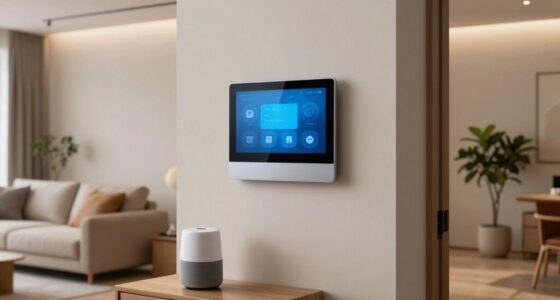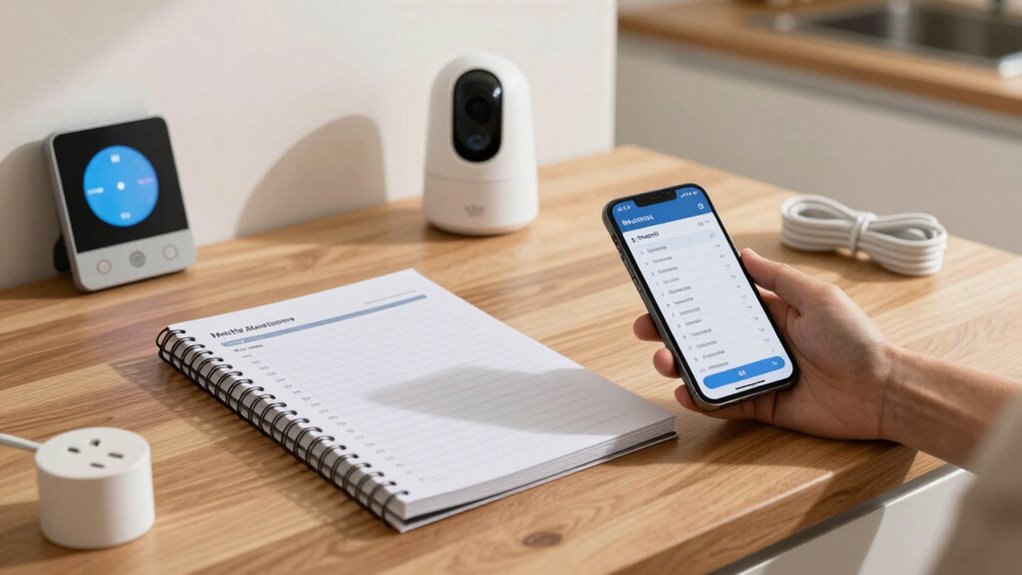

Each month, review your energy usage by checking the smart thermostat and adjusting settings to save on costs. Test security devices, like locks and cameras, and update their firmware to prevent malfunctions. Confirm lighting routines and replace faulty bulbs. Restart your Wi-Fi router and guarantee all devices are connected securely. Keep a log of maintenance tasks and device issues to spot patterns. Staying on top of these steps shaves energy bills and boosts overall safety—discover more tips to keep your smart home in top shape.

Turn your quiet moments into listening time
- Thousands of audiobooks, podcasts and originals
- Listen on your phone, tablet or Echo — also offline
- Cancel anytime
Key Takeaways
- Review and optimize energy usage by adjusting thermostats and upgrading to energy-efficient devices.
- Test and update smart locks, cameras, and alarm systems to ensure proper functionality and security.
- Verify lighting schedules, replace faulty bulbs, and update device firmware for smart lighting systems.
- Restart routers, check for firmware updates, and ensure all devices connect securely to the network.
- Log maintenance activities, track device performance, and perform regular cleaning and software updates.
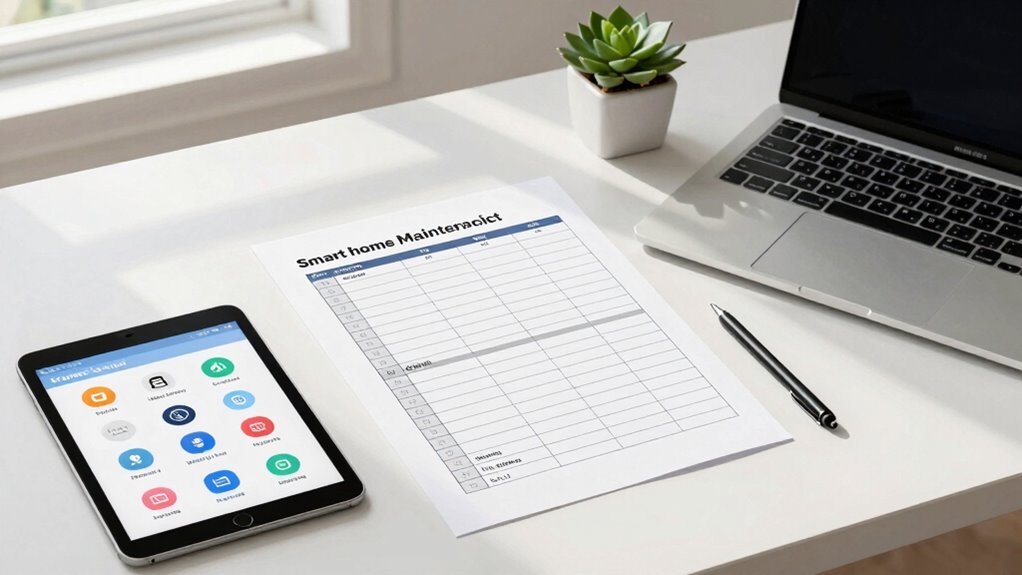
Keeping your smart home running smoothly requires regular maintenance, and a monthly checklist can make this task much easier. By staying on top of essential tasks each month, you guarantee your systems operate efficiently, securely, and reliably. One of the most effective steps is to review your energy consumption and consider energy efficient upgrades. Take a moment to analyze your smart thermostat’s data, adjusting settings to optimize heating and cooling. If your thermostat supports scheduling, verify it’s set to match your routines, reducing unnecessary energy use. Look for opportunities to upgrade to more energy-efficient devices, like smart bulbs or outlets, which can further cut your electricity costs and lower your carbon footprint.
Next, focus on your security system checks. Regularly test your smart locks, cameras, and alarm integrations to confirm they’re functioning properly. Lock and unlock doors remotely, verify camera feeds, and review alert notifications to catch any malfunctions early. Update firmware and app software for all security devices to patch vulnerabilities and improve performance. Clear any obstructions from camera lenses and ensure sensors are clean and in the correct positions. These routine checks help prevent false alarms and guarantee your home remains protected. If you notice any issues during these inspections, address them immediately — whether that means replacing batteries, recalibrating sensors, or contacting support for technical assistance.
Regularly test and update your security devices to ensure optimal performance and early issue detection.
In addition to security, keep an eye on your smart lighting system. Confirm that schedules and automation routines still work as intended. Replace any faulty bulbs and update firmware as needed. Regularly review your connected devices to prevent unauthorized access; change passwords periodically, and enable two-factor authentication where possible. This proactive approach maintains your home’s security from digital threats. It’s also beneficial to understand the importance of network security and regularly monitor your network to prevent potential breaches. Ensuring your smart devices are protected from cyber threats is crucial for maintaining your home’s safety and privacy. Additionally, consider performing a regular network audit to identify vulnerabilities and strengthen your defenses.
Don’t forget to review your device connections and network security. Restart your Wi-Fi router to refresh your network and guarantee all smart devices are connected properly. Consider upgrading your router or adding a mesh network if you notice lag or dead zones, which can interfere with device operation. Check for firmware updates for your router and other network hardware, as these often include security improvements. Maintaining a secure network is essential for protecting your smart home from cyber threats and ensuring optimal device performance. By maintaining a strong, secure network, you support the seamless operation of all your smart home gadgets.
Finally, keep a log of maintenance activities and note any recurring issues. This record helps you track your home’s performance over time and simplifies troubleshooting. Regularly cleaning devices, updating software, and checking system integrations may seem minor, but they play an essential role in maintaining a smart home that’s efficient, safe, and hassle-free. Following this checklist each month keeps your home in top shape, allowing you to enjoy the full benefits of your smart technology without unexpected surprises.
smart thermostat energy-saving upgrade
As an affiliate, we earn on qualifying purchases.
As an affiliate, we earn on qualifying purchases.
Frequently Asked Questions
How Do I Prioritize Tasks on My Monthly Maintenance Checklist?
You should start by evaluating which tasks are most urgent or could cause bigger issues if neglected. Use task scheduling to set specific dates for each maintenance activity, and then prioritize based on their importance and impact. Regularly review your list to adjust priorities, ensuring critical systems like heating or security get immediate attention. This approach keeps your smart home running smoothly and prevents costly repairs down the line.
What Tools Are Essential for Smart Home Maintenance?
You’ll want a few trusty tools to keep your smart home running smoothly. A smartphone or tablet is essential for calibration and control, while a Wi-Fi analyzer helps optimize your network for seamless device connectivity. A small screwdriver set can handle physical adjustments, and a multimeter ensures your smart devices operate safely. These tools make routine maintenance easier, keeping your smart home efficient and responsive, without the need for complex tech know-how.
How Can I Automate Regular Maintenance Reminders?
You can automate regular maintenance reminders by setting up voice reminders through your smart home assistant, like Alexa or Google Home. Use automation apps such as IFTTT or SmartThings to create custom routines that trigger notifications at scheduled intervals. This way, you receive timely alerts for tasks like filter replacements or system checks, ensuring your smart home stays in top shape without manual effort.
Are There Safety Tips for Handling Smart Device Troubleshooting?
When troubleshooting smart devices, prioritize safety by disconnecting power before handling. Keep fire safety in mind—avoid overloading circuits or exposing devices to water. Guarantee your device security by updating firmware regularly and using strong, unique passwords. If issues persist, consult the manufacturer’s guidelines or contact support. Always remember that safety first, and never attempt repairs that could compromise your device’s security or your home’s safety.
How Do I Update My Smart Home Devices’ Firmware?
Think of your smart devices like the Oracle of Delphi, constantly evolving. To update their firmware, open your device’s app and navigate to settings, then look for firmware updates or device info. Make certain your devices are compatible with the latest firmware version to avoid glitches. Regular updates improve security and performance, so check for firmware updates monthly to keep your smart home running smoothly and securely.
smart security camera firmware update
As an affiliate, we earn on qualifying purchases.
As an affiliate, we earn on qualifying purchases.
Conclusion
By sticking to this monthly smart home maintenance checklist, you’ll keep everything running smoothly and catch issues before they become costly. It’s funny how routine checks can save you time and money in the long run—kind of like how a simple habit can unexpectedly prevent a big hassle. Stay consistent, and you’ll enjoy a more efficient, safe, and stress-free home. After all, a well-maintained smart home is just a checklist away from peace of mind.
smart LED light bulbs with scheduling
As an affiliate, we earn on qualifying purchases.
As an affiliate, we earn on qualifying purchases.
Wi-Fi router with firmware update
As an affiliate, we earn on qualifying purchases.
As an affiliate, we earn on qualifying purchases.
Halloween Picks
halloween
As an affiliate, we earn on qualifying purchases.