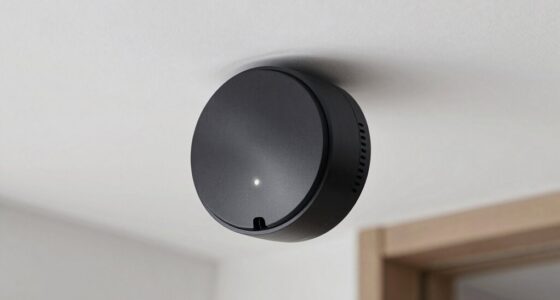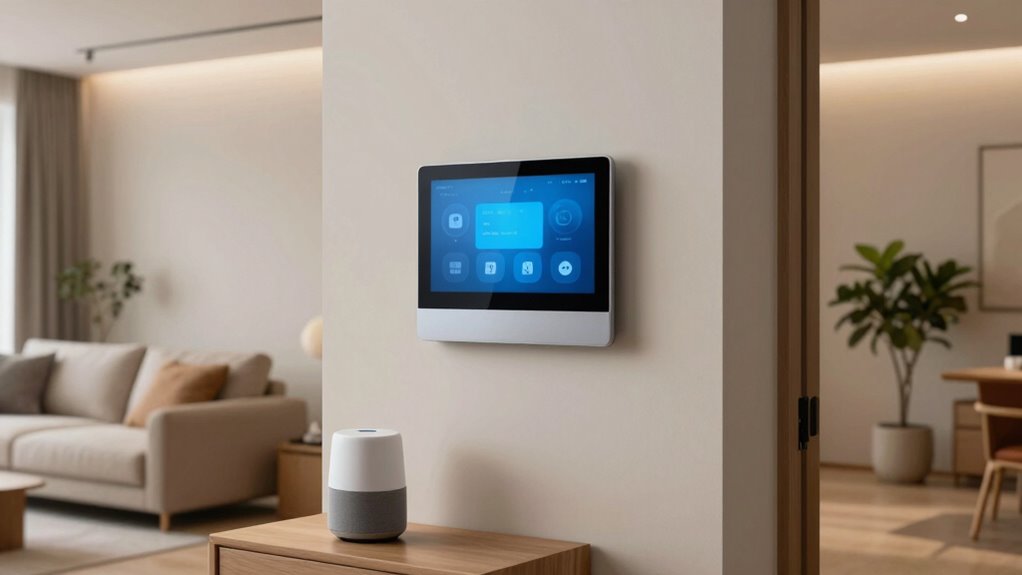

To avoid app overload in home automation, focus on consolidating control with unified apps or smart hubs. Limit the number of devices connected to prevent clutter and confusion. Regularly review and remove unnecessary apps or gadgets, keeping your setup simple and organized. Prioritize core functions like lighting, climate, and security for easier management. Using compatible, energy-efficient devices supports a streamlined and effective system. Keep your smart home easy to operate by following these tips—you’ll discover more ways to optimize your system.

Turn your quiet moments into listening time
- Thousands of audiobooks, podcasts and originals
- Listen on your phone, tablet or Echo — also offline
- Cancel anytime
Key Takeaways
- Use a smart hub or unified app to manage multiple devices from one interface.
- Regularly review and remove redundant or unused apps to reduce clutter.
- Prioritize core functions like lighting, climate, and security for centralized control.
- Opt for devices supporting standardized protocols for seamless interoperability.
- Focus on voice control to minimize reliance on multiple apps and manual adjustments.
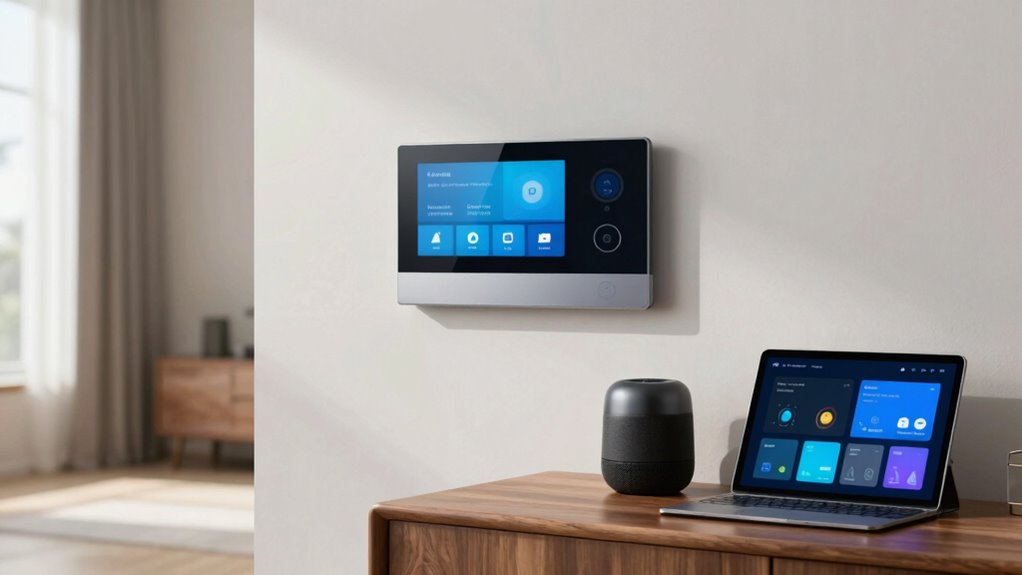
Home automation has transformed the way you manage and interact with your living space, making everyday tasks simpler and more efficient. With voice control, you can command your smart devices hands-free, reducing the need to juggle multiple apps or manual switches. Instead of fumbling through different apps to turn on lights, adjust the thermostat, or lock doors, you simply speak, and your system responds instantly. This seamless interaction not only saves time but also minimizes frustration, especially when you’re busy or in a hurry. By integrating voice control into your home, you create a more intuitive environment that adapts to your needs effortlessly.
Voice control simplifies home management, making tasks faster and more intuitive with just your voice.
However, one common pitfall with home automation is falling into “app overload.” It’s tempting to install a multitude of apps for different devices, but this can quickly become overwhelming. Managing numerous apps, each with its own interface, updates, and notifications, takes away from the convenience you’re seeking. To avoid this, focus on consolidating your control systems. Many smart hubs or unified apps allow you to manage multiple devices from a single interface, reducing clutter and confusion. This approach keeps your smart home simple and accessible, preventing the feeling of being overwhelmed by technology.
Energy efficiency is another essential aspect of home automation that you should prioritize. Smart thermostats, for example, learn your schedule and temperature preferences, adjusting settings automatically to save energy when you’re not home or during sleeping hours. This not only reduces your utility bills but also minimizes your carbon footprint. Smart lighting systems can be programmed to turn off when rooms are unoccupied or dim during certain times, further conserving energy. Incorporating these features guarantees your smart home isn’t just about convenience but also about sustainability. When you streamline your devices and avoid unnecessary apps, you make it easier to monitor and optimize energy use across your home. Additionally, understanding home automation technology can help you make smarter choices about device compatibility and future upgrades. Being aware of the interoperability standards can ensure your devices work seamlessly together and reduce the need for multiple apps. Furthermore, selecting devices that support standardized protocols can enhance compatibility and simplify management.
To keep your home automation effective and manageable, set clear priorities. Choose a few core functions—like lighting, climate control, and security—and stick with integrated solutions that support voice control and energy efficiency. Avoid the temptation to connect every gadget available; instead, focus on those that genuinely improve your daily life and are easy to control. Regularly review and update your system, removing redundant apps or devices that no longer serve a purpose. Establishing a smart home management plan can help you stay organized and prevent unnecessary complexity. This way, your home remains smart, efficient, and easy to operate, without the chaos of app overload. By doing so, you guarantee your smart home continues to work for you, not against you.
As an affiliate, we earn on qualifying purchases.
Frequently Asked Questions
How Do I Prioritize Which Devices to Automate First?
Start by identifying the most-used devices in your home, like lights or thermostats, to prioritize device integration. Focus on automating those that save you time or increase comfort first. Consider your daily routines for user customization, ensuring the automation enhances your lifestyle. This way, you avoid app overload, making your smart home manageable and efficient. Gradually expand to other devices as you become comfortable with the system.
What Are the Best Practices for Organizing Multiple Apps?
Think of organizing your apps like arranging a toolbox—you want everything easy to find. Use folders or labels for different functions, like voice control or energy management, to keep things tidy. Prioritize apps that streamline daily tasks and improve efficiency. Regularly update and delete unused ones. This way, managing multiple apps feels less like a cluttered drawer and more like a well-oiled machine, making your smart home seamless and enjoyable.
How Can I Ensure My Automation System Is Secure?
To keep your automation system secure, you should implement strong encryption protocols and enforce user authentication. Use unique, complex passwords for your accounts and enable two-factor authentication whenever possible. Regularly update your device firmware and apps to patch vulnerabilities. Additionally, limit access to trusted users and avoid sharing login details. These steps help protect your system from unauthorized access and guarantee your home automation remains safe and private.
What Should I Consider When Choosing a Universal Remote?
When choosing a universal remote, prioritize pairing, performance, and portability. Consider device compatibility to guarantee it controls all your gadgets seamlessly. Look for a user interface that’s simple, intuitive, and easy to navigate, saving you time and trouble. Focus on features like customizable buttons, a clear display, and reliable connectivity. By balancing these factors, you’ll pick a remote that’s practical, precise, and perfectly suited to your smart setup.
How Do I Troubleshoot Connectivity Issues Across Devices?
To troubleshoot connectivity issues, first check device compatibility to guarantee all your devices work with your network setup. Restart your router and the affected devices to refresh connections. Keep an eye on network stability—if your Wi-Fi is weak or unstable, it can cause problems. You might also try repositioning your router for better coverage or updating firmware and software on devices to resolve bugs.
As an affiliate, we earn on qualifying purchases.
Conclusion
To keep your smart home humming smoothly, steer clear of app overload like a captain avoiding stormy seas. Think of your automation system as a well-tuned orchestra—each app and device should play in harmony, not drown you in noise. Simplify your controls, so instead of juggling a hundred apps, you’re conducting a symphony of comfort and convenience with ease. When you tame the chaos, your smart home becomes a sanctuary, not a wild jungle.
As an affiliate, we earn on qualifying purchases.
energy-efficient smart thermostat
As an affiliate, we earn on qualifying purchases.
As an affiliate, we earn on qualifying purchases.
Halloween Picks
halloween
As an affiliate, we earn on qualifying purchases.