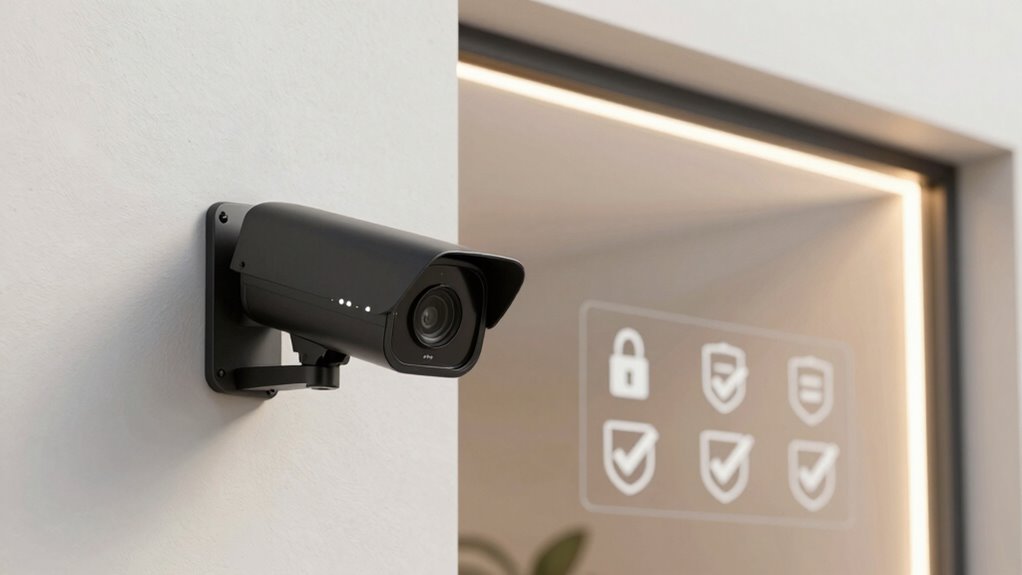

To keep your personal space secure, you should review and customize your indoor camera’s privacy settings regularly. Make sure you enable privacy mode during personal moments and disable it when you need monitoring. Adjust motion detection zones to avoid private areas and set up strong passwords with two-factor authentication for remote access. Also, keep your firmware updated for security patches. Managing these settings carefully protects both your privacy and data—if you want to learn more, keep exploring essential tips.

Turn your quiet moments into listening time
- Thousands of audiobooks, podcasts and originals
- Listen on your phone, tablet or Echo — also offline
- Cancel anytime
Key Takeaways
- Review and customize privacy modes, such as digital shutters or physical covers, to control when recordings occur.
- Adjust motion detection zones and schedules to exclude private areas like bedrooms or bathrooms.
- Use strong, unique passwords and enable two-factor authentication for secure remote access.
- Regularly update firmware to ensure security patches and protect against vulnerabilities.
- Understand and review the device’s data and privacy policies to manage how your footage and information are stored and shared.
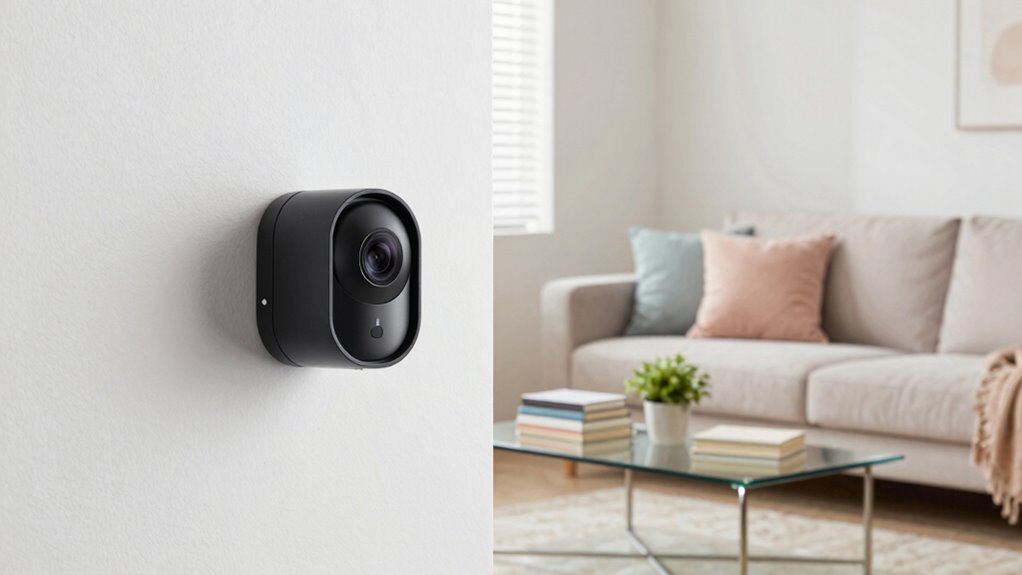
Have you ever wondered how to keep your home safe and monitored from anywhere? Indoor cameras can give you peace of mind by letting you check in on your space anytime, whether you’re at work, on vacation, or just relaxing elsewhere. But with great power comes the need for solid privacy settings. Before you rely on your indoor camera, it’s crucial to review and adjust its privacy options to protect your personal space and data.
One key feature to think about is motion detection. While it’s incredibly useful for alerting you to movement in your home, it can also raise privacy concerns if not properly managed. Make sure your camera’s motion detection is set up to trigger only when you need it—perhaps during certain hours or in specific areas. You don’t want constant alerts that could lead to unnecessary recordings or even accidental exposure of sensitive moments. Adjusting motion zones allows you to exclude private areas, such as bedrooms or bathrooms, from detection. This way, you’re not constantly alerted about activity that’s irrelevant or private, and you reduce the risk of capturing sensitive footage unintentionally.
Set motion detection for specific times and areas to protect your privacy and avoid unnecessary recordings.
Remote access is another essential aspect of privacy you should examine. Many indoor cameras allow you to view live footage remotely through a smartphone app or web portal. While this feature is convenient, it also opens potential security gaps if not configured correctly. Always verify your remote access is secured with strong, unique passwords and two-factor authentication if available. This prevents unauthorized users from viewing your feeds. Also, check the device’s encryption settings—end-to-end encryption is the best way to keep your video streams private from hackers. Being aware of security vulnerabilities helps you understand the importance of maintaining robust protections for your device.
Additionally, review your camera’s privacy mode. Most modern devices offer a physical or digital privacy shutter that you can activate when you don’t want the camera to record or transmit footage. Use this feature during personal or sensitive moments, and disable it only when you genuinely want to monitor your home. Regularly updating your camera’s firmware is equally important, as updates often include security patches that protect against vulnerabilities.
Furthermore, understanding privacy policies of your camera’s brand helps you know how your data is stored and who might access it, ensuring you maintain control over your personal information. By taking these steps and regularly reviewing your privacy settings, you safeguard your home’s security and maintain your peace of mind. Remember, a well-configured indoor camera system is not just about monitoring—it’s about protecting your privacy too.
Products Worth Considering

Ring Floodlight Cam Wired Plus, 1080p HD Outdoor Security Camera with Motion-Activated Floodlights, 4-Pack, White

Ring Floodlight Cam 2K Wired Security Camera, 3-Pack, Black

Blueair Blue Pure 511i Max Air Purifier for Home and Bedroom
As an affiliate, we earn on qualifying purchases.
Frequently Asked Questions
Can I Disable Audio Recording on My Indoor Camera?
Yes, you can disable audio recording on your indoor camera. Most cameras offer privacy controls that let you turn off audio recording easily. You simply access the camera’s settings menu and locate the audio options. By toggling off the audio recording feature, you can guarantee your privacy is protected and avoid recording conversations. Always review your camera’s user manual or app for specific steps to disable audio recording effectively.
How Do I Prevent Unauthorized Access to My Camera Feed?
To prevent unauthorized access to your camera feed, guarantee you enable strong user authentication, like complex passwords and two-factor authentication. Additionally, verify that your camera uses robust camera encryption to protect data transmission. Regularly update your firmware and change default credentials. Keep your Wi-Fi network secure with a strong password, and avoid sharing access links. These steps help safeguard your feed from unauthorized viewers effectively.
Are There Legal Restrictions on Indoor Camera Placement?
You can’t ignore the fact that laws on indoor camera placement are strict enough to make a fortress jealous. You need to guarantee legal compliance by checking local surveillance regulations before installing cameras. Many areas prohibit recording private spaces without consent, so avoid placing cameras in bedrooms or bathrooms. Always research and follow regional laws to prevent legal trouble, because overlooking these rules can turn your security setup into a costly nightmare.
How Often Should I Update My Camera’s Privacy Settings?
You should update your camera’s privacy settings at least once every few months, or whenever you experience changes in your privacy concerns. Regular updates help guarantee your security best practices are maintained, preventing unauthorized access or data leaks. Keep an eye on software updates and new features, and review your permissions. Staying proactive helps protect your privacy and keeps your indoor cameras secure against evolving threats.
Can I Set Different Privacy Modes for Specific Times?
Yes, you can set different privacy modes for specific times using scheduling controls. Many indoor cameras let you customize privacy modes based on your schedule, automatically switching between them at designated times. This way, you can guarantee your privacy during certain periods, like when you’re home or sleeping, and stay monitored when needed. Check your camera’s app or settings to enable scheduling controls and tailor privacy modes to fit your lifestyle.
Conclusion
To keep your home secure without sacrificing privacy, always double-check your indoor camera settings. Regularly review who has access and enable features like two-factor authentication. Did you know that 70% of homeowners with smart cameras worry about privacy breaches? By staying vigilant and customizing your privacy options, you guarantee your security doesn’t come at the expense of your peace of mind. Protect your space smartly—your privacy depends on it.