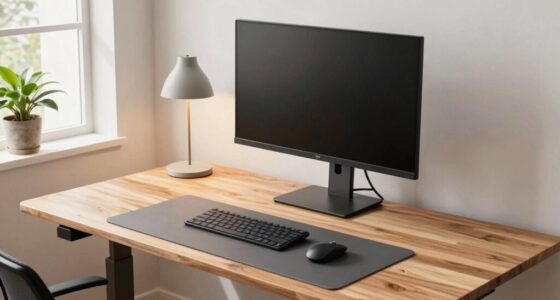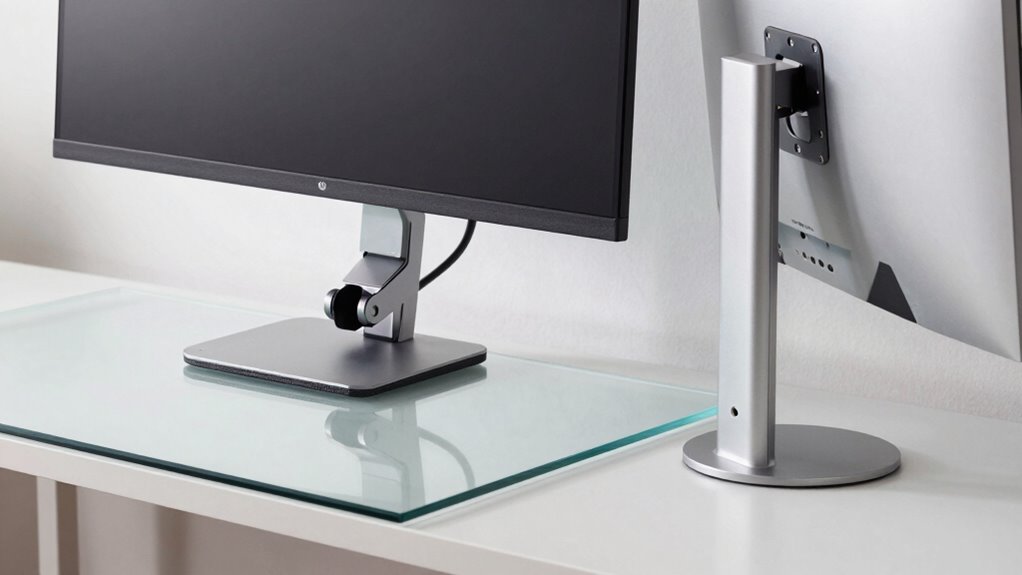

Choosing between clamp and grommet monitor mounts depends on your workspace and stability needs. Clamp mounts are quick to install, don’t require modifications, and are perfect for temporary or rental setups. Grommet mounts are more stable, offering precise adjustments and a cleaner look, ideal for long-term, permanent setups. If you want more details on which option suits your workspace best, keep exploring this comparison.

Turn your quiet moments into listening time
- Thousands of audiobooks, podcasts and originals
- Listen on your phone, tablet or Echo — also offline
- Cancel anytime
Key Takeaways
- Clamp mounts are quick, easy to install and remove, ideal for temporary or rental setups, without desk modifications.
- Grommet mounts provide greater stability and precise ergonomic adjustments, suitable for long-term, permanent installations.
- Clamp mounts may be less stable over time with frequent adjustments, while grommet mounts offer consistent security.
- Clamp mounts are better for clutter-free, non-permanent workspaces; grommet mounts create a sleek, organized appearance.
- Both options support ergonomic flexibility, but grommet mounts typically offer finer control due to increased stability.
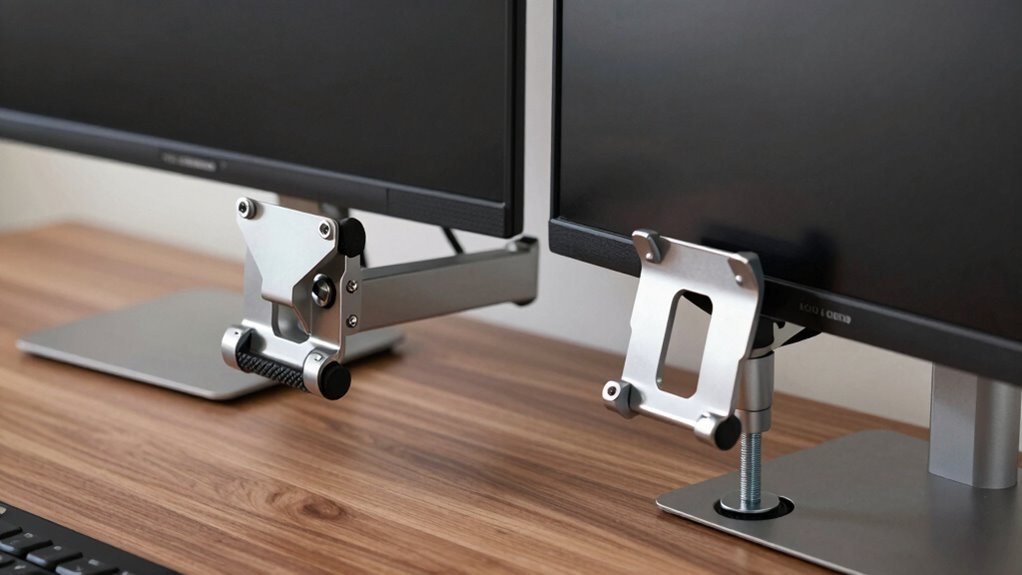
When choosing a monitor mount, understanding the differences between clamp and grommet mounting options can considerably impact your workspace setup. Your choice influences not just how your monitor is positioned, but also the overall ergonomic adjustments you can make and how easily you can install the mount. Both options serve to secure your monitor, but they do so differently, affecting your comfort and convenience.
Clamp mounts attach to the edge of your desk, providing a straightforward, widely compatible solution. They’re quick to install and don’t require drilling into your desk surface, making them ideal if you want a hassle-free setup or if you’re renting and can’t make permanent modifications. The installation ease of clamp mounts is a significant advantage—they tighten quickly with a screw or knob, holding firmly without much effort. Once installed, these mounts offer excellent flexibility for ergonomic adjustments, allowing you to easily change your monitor’s height, tilt, or rotation. This adaptability can help you find the most comfortable viewing position, reducing strain on your neck and eyes during long work sessions. Additionally, the ease of installation is a key factor for many users seeking a quick solution.
Clamp mounts are quick to install, adjustable, and ideal for hassle-free, non-permanent monitor setups.
Grommet mounts, on the other hand, require a hole to be drilled into your desk, which might seem intimidating at first. However, many find that once the hole is made, the installation process is equally simple. Grommet mounts are often more stable because they pass through a pre-drilled hole and clamp tightly from underneath, providing a secure hold. This stability translates into smoother, more reliable adjustments over time, making it easier to fine-tune your monitor’s position. If your workspace allows for drilling and you prefer a more permanent solution, grommet mounts offer a clean, sleek appearance with less clutter around the mounting area. They also tend to be more adaptable in terms of positioning, giving you more precise control over your ergonomic adjustments. Additionally, understanding mounting options can help you select the best fit for your needs and workspace design. Choosing the right mount can also contribute to workspace organization, making your setup more efficient and aesthetically pleasing.
Ultimately, your choice hinges on your workspace constraints and preferences. If you prioritize quick setup and easy removal, a clamp mount might serve you best. If you’re after a more stable, long-term solution with refined ergonomic adjustments, a grommet mount could be the better option. Both types provide solid support, but understanding these distinctions helps guarantee your workspace is optimized for comfort, productivity, and ease of installation.
Products Worth Considering

Ring Wired Doorbell Pro (3rd Gen) with Chime Plus, Deep Silver

Ring Battery Doorbell Pro, 1536p HD+ Head-to-Toe Video

Levoit Vital 100S-P Air Purifier with Washable Pre-Filter
As an affiliate, we earn on qualifying purchases.
Frequently Asked Questions
Which Mount Type Offers Better Cable Management Options?
A grommet mount generally offers better cable management options. It allows you to easily route cables through the grommet hole, making wire concealment straightforward and organized. This setup helps reduce clutter and keeps cables out of sight, creating a cleaner workspace. Clamp mounts may limit cable routing options since they attach to the desk edge, making it harder to conceal wires effectively. So, for ideal cable management, grommet mounts are the better choice.
Are Clamp Mounts Suitable for All Desk Materials?
Did you know that about 60% of desk owners prefer clamp mounts for their versatility? Clamp mounts aren’t suitable for all desk materials; they work best on sturdy, thick surfaces that can handle the pressure without wobbling. If your desk is thin or unstable, clamp mounts might compromise desk stability or risk slipping. For versatile mounting options, make sure your desk material supports clamp pressure, or consider other mounting solutions for safety and durability.
How Do Mount Types Affect Desk Aesthetics?
Mount types impact your desk’s aesthetics by offering different visual appeals—clamp mounts look sleek and minimal, while grommet mounts add a more industrial look. You’ll find clamp mounts often easier to install, enhancing installation ease, and they can be less intrusive, maintaining a clean appearance. Both types support ergonomic benefits by allowing flexible positioning, but choose based on your style preference and how seamlessly you want your workspace to blend with your monitor setup.
Can Clamp and Grommet Mounts Be Used Interchangeably?
Clamp and grommet mounts aren’t entirely interchangeable because their compatibility considerations differ. Clamp mounts attach directly to the desk’s edge, while grommet mounts require a pre-drilled hole. Installation complexity varies: clamps are usually easier and quicker to install, whereas grommet mounts may need more effort. If your desk already has a compatible grommet hole, switching is straightforward; otherwise, you might need to modify your desk or choose a different mount type.
What Is the Maximum Weight Capacity for Each Mount Type?
Clamp mounts typically support up to 20-30 pounds, offering ergonomic benefits by adjusting height easily, though installation can be complex. Grommet mounts usually hold around 25-50 pounds, providing a more straightforward installation process with strong support. Your choice depends on weight needs and setup preferences, but always check manufacturer specs to guarantee safety and ideal ergonomic benefits for your workspace.
Conclusion
Ultimately, choosing between clamp and grommet monitor mounts depends on your workspace needs. Clamps are quick to install and ideal for desks without existing holes, while grommets offer a more permanent, sturdy solution. Did you know that a study found that 65% of users prefer grommet mounts for stability? Consider your desk setup and long-term use to make the best choice. Either way, a good mount can boost your comfort and productivity considerably.