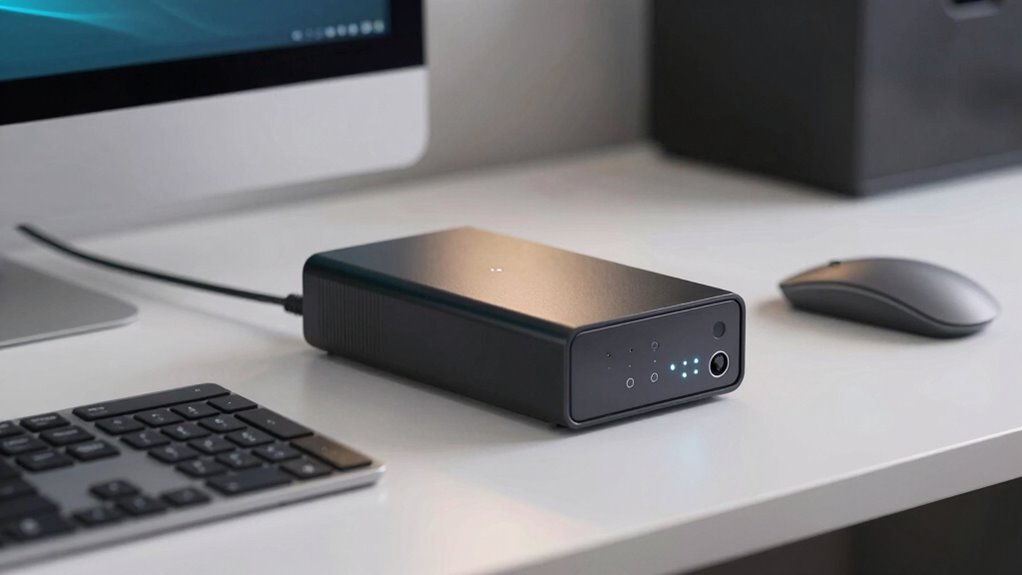

A UPS battery backup for your desk provides emergency power during outages and protects your devices from surges by regulating voltage. It absorbs excess energy and keeps your electronics safe and running smoothly. To prolong its lifespan, you should regularly test and maintain the battery while keeping it in a cool, dry space. Smart features like automatic voltage regulation and battery indicators help manage power effectively. Keep exploring to discover how proper upkeep can maximize your UPS’s performance.

Turn your quiet moments into listening time
- Thousands of audiobooks, podcasts and originals
- Listen on your phone, tablet or Echo — also offline
- Cancel anytime
Key Takeaways
- UPS backups provide emergency power and protect desk electronics from surges and voltage fluctuations.
- Regular testing and proper placement extend UPS battery lifespan and ensure reliable performance.
- Choose models with smart charging and sufficient runtime suited for typical desk work sessions.
- Maintain the UPS by updating firmware, monitoring battery health, and avoiding deep discharges.
- Proper UPS management safeguards data, maintains productivity, and maximizes device and battery longevity.
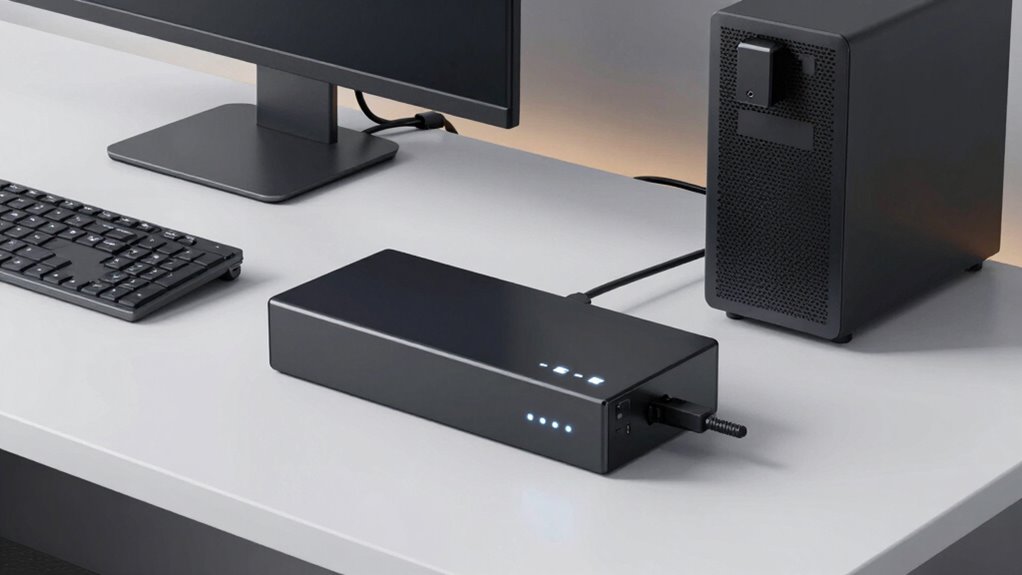
During power outages or sudden surges, UPS battery backups provide a reliable source of emergency power, guaranteeing your devices stay operational without interruption. If you work at a desk with sensitive electronics like computers, monitors, or external drives, understanding how UPS systems work can help you protect your equipment effectively. A key feature of many UPS units is power surge protection, which shields your devices from unexpected voltage spikes that can cause damage or data loss. When a surge occurs, the UPS absorbs the excess energy, preventing it from reaching your devices and potentially ruining them.
Managing the battery lifespan of your UPS is essential to maintaining its reliability over time. Batteries naturally degrade with use and age, so regular testing and timely replacement are indispensable. Some UPS units come with built-in indicators that alert you when the battery’s capacity diminishes below a usable level. By keeping an eye on these signals, you can plan for replacements before the battery fails during an outage, ensuring your system remains protected. Proper battery management also involves avoiding frequent deep discharges, which can shorten battery life, and keeping the UPS in a cool, dry environment to slow down degradation. Additionally, understanding battery degradation and how to prevent it can significantly improve your UPS’s longevity and performance.
When choosing a UPS for your desk, consider models that prioritize battery health and longevity. Look for units with smart charging capabilities, which optimize the charging process to extend battery lifespan. Additionally, select a UPS with a sufficient runtime to cover your typical work sessions—this guarantees you can save work and shut down properly if power is lost. Many modern UPS systems feature automatic voltage regulation, which stabilizes fluctuating power levels, reducing stress on the battery and connected devices. Understanding power surge protection and how it shields your electronics can help you make more informed decisions about your equipment. Installing additional surge suppressors can further enhance your setup by providing an extra layer of defense against electrical disturbances. Recognizing the importance of proper UPS placement can also ensure optimal performance and longevity of your backup system.
To maximize your UPS’s effectiveness, regularly perform maintenance routines like testing the backup function and inspecting for signs of wear or damage. Keeping firmware updated can also enhance power management features and prolong battery life. Proper battery management plays a crucial role in ensuring your UPS remains reliable and efficient over time. Remember, a well-maintained UPS not only provides reliable backup power but also guarantees continuous protection against power surges, which are common in many environments. By actively managing your UPS’s battery health and leveraging power surge protection, you safeguard your valuable electronics and maintain productivity, even during electrical disturbances. Taking these steps helps you get the most out of your UPS, ensuring your workspace remains protected and operational when it matters most.
As an affiliate, we earn on qualifying purchases.
Frequently Asked Questions
How Long Do UPS Batteries Typically Last Before Replacement?
Typically, UPS batteries last about 3 to 5 years before needing replacement. Their lifespan depends on factors like charging cycles and how often power outages occur. Remember to perform regular battery recycling and maintenance checks to guarantee peak performance. Over time, batteries degrade due to repeated charging cycles, so monitoring their condition helps you know when it’s time for a new one, preventing unexpected shutdowns and data loss.
Can UPS Backups Power Multiple Devices Simultaneously?
Think of your UPS as a power strip with a brain—yes, it can handle multiple devices at once! Your UPS’s power capacity determines how many devices it can support simultaneously without shutting down. Just like fitting several appliances into one outlet, check the device compatibility and total power draw to guarantee your UPS can handle everything. Keep in mind, overloading may cause it to cut power unexpectedly.
What Maintenance Is Required for UPS Battery Backups?
You should regularly check your UPS battery backups for signs of wear and perform battery recycling when needed to prevent leaks or failures. Keep the device clean and guarantee vents aren’t blocked to avoid overheating. During power surges, your UPS protects your devices, but prompt maintenance ensures it functions correctly. Replacing batteries as recommended prolongs life and prevents unexpected shutdowns, maintaining reliable backup power whenever you need it.
Are There Different Types of UPS Batteries Available?
Yes, there are different types of UPS batteries available. Some common options include sealed lead-acid batteries and lithium-ion batteries, each offering unique benefits. You might worry about disposal; remember, battery recycling is vital for environmental health. Proper power management guarantees your UPS functions efficiently and prolongs battery life. Choosing the right battery type depends on your needs, budget, and sustainability goals, making informed decisions indispensable.
How Do Temperature and Environment Affect UPS Battery Life?
Temperature and environment critically impact your UPS battery life. Excessive heat accelerates battery degradation, so thermal management is vital to keep temperatures in check. Humidity and dust can cause corrosion and reduce efficiency, making environmental monitoring essential. By maintaining ideal conditions and managing thermal levels, you extend your battery’s lifespan, ensuring reliable backup power when you need it most. Proper care helps you avoid unexpected failures and costly replacements.
surge protector with battery backup
As an affiliate, we earn on qualifying purchases.
As an affiliate, we earn on qualifying purchases.
Conclusion
Now that you know how UPS battery backups work, you’re practically invincible against power outages! With a reliable backup, your desk remains a fortress of productivity, no matter how fierce the storm. It’s like having your own personal superhero guarding your tech. So, invest in a UPS today and turn any blackout into just a minor blip—because your work deserves nothing less than the power of a thousand suns!
automatic voltage regulation UPS
As an affiliate, we earn on qualifying purchases.
As an affiliate, we earn on qualifying purchases.
As an affiliate, we earn on qualifying purchases.
Halloween Picks
halloween
As an affiliate, we earn on qualifying purchases.