
If you spend long hours at your computer and want to reduce wrist and forearm strain, switching to a trackball might be ideal. It keeps the device stationary, offering better ergonomics and comfort during extended use. However, if you need quick, precise movements for gaming or fast-paced tasks, a high-quality mouse is usually better. Still, there’s more to think about regarding both options—keep exploring to find out which one suits your needs best.

Turn your quiet moments into listening time
- Thousands of audiobooks, podcasts and originals
- Listen on your phone, tablet or Echo — also offline
- Cancel anytime
Key Takeaways
- Users experiencing wrist or forearm strain may benefit from switching to a trackball for improved ergonomics.
- Gamers requiring quick, precise movements should stick with a traditional mouse for optimal performance.
- Those seeking customizable controls and features typically prefer mice over trackballs.
- Long hours of work or repetitive tasks are better managed with a trackball to reduce fatigue.
- Casual users or professionals prioritizing comfort over speed may consider switching to a trackball.
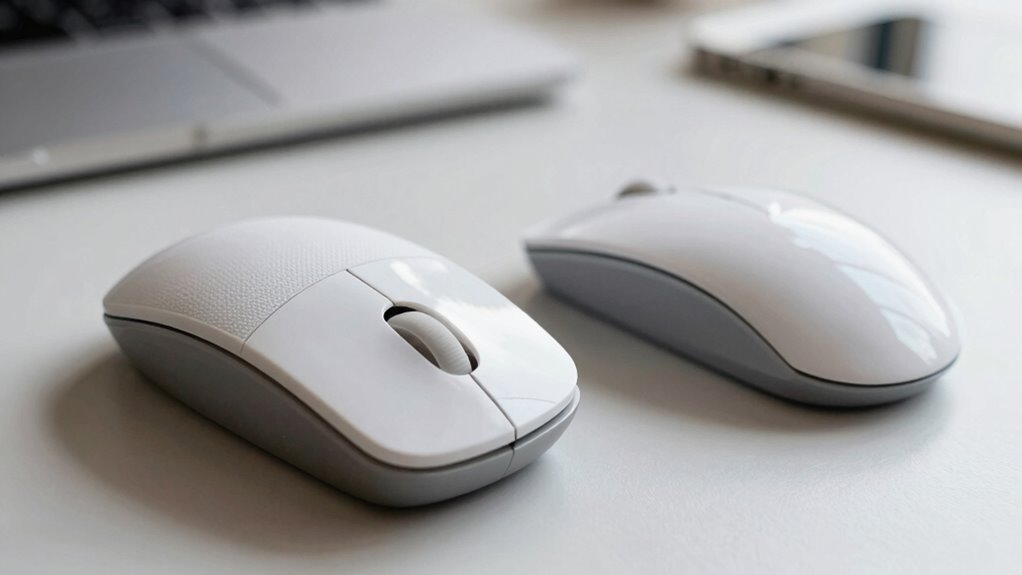
When choosing between a trackball and a mouse, understanding their differences can help you make an informed decision. Both devices serve the same purpose—controlling your cursor—but they do so in very different ways. A mouse requires you to move it across a surface, translating your hand movements into cursor motion, while a trackball stays stationary, and you manipulate a large ball with your fingers or palm. Your choice depends on your specific needs, comfort, and how you use your computer.
If you’re concerned about ergonomic benefits, a trackball might be the better option. Because it remains stationary, it reduces the strain on your wrist and forearm, making it ideal for prolonged use or if you suffer from repetitive strain injuries. You don’t need to move your entire arm or wrist to navigate, which can significantly decrease discomfort and fatigue over time. This makes a trackball especially attractive for users who spend hours at their desks, seeking a more natural hand position. Conversely, a traditional mouse may require more wrist and arm movement, which can lead to discomfort if not used correctly or if you’re prone to strain injuries.
When it comes to gaming performance, the choice becomes more nuanced. Many gamers value the precision and quick response times a mouse offers, especially in fast-paced genres like first-person shooters or real-time strategy games. A mouse generally provides more immediate and accurate control over small, rapid movements, giving you an edge in competitive play. Trackballs, on the other hand, tend to excel in tasks that require steady, controlled movements but might fall short in situations demanding rapid, twitch reactions. For casual gaming, a good mouse might be preferable, but if you’re into more relaxed, precise control, a trackball could work. However, it’s important to note that most high-end gaming setups still favor mice due to their responsiveness and customizable buttons. Additionally, some users may find that ergonomic design features on mice can influence their comfort during extended gaming sessions. Furthermore, the customizability of buttons and sensitivity settings on mice often allows for a tailored experience that many gamers find advantageous.
Ultimately, if your daily tasks involve a lot of cursor navigation and you want to prioritize comfort and reduce strain, switching to a trackball makes sense. It offers notable ergonomic benefits and can improve your overall comfort during long work sessions. If gaming performance is your priority, especially in fast-paced or competitive environments, sticking with a high-quality gaming mouse might be the better choice. Both devices have their strengths, so consider your usage habits, comfort, and the type of work or play you do most. Making the switch depends on what you need most—whether it’s enhanced comfort or peak gaming performance. Additionally, some users prefer customizable controls on mice that are not available on trackballs, which can influence their decision.
Products Worth Considering

Hisense 85 U6 Pro Series Mini-LED ULED 4K UHD HDR Gaming AI Smart Fire TV (85U6SF Pro)

Coway Airmega 250 Air Purifier for Large Rooms

Philips Hue Bridge Pro Smart Lighting Hub
As an affiliate, we earn on qualifying purchases.
Frequently Asked Questions
Which Device Offers Better Ergonomic Benefits for Long-Term Use?
A trackball offers better ergonomic benefits for long-term use because it promotes a more natural hand posture, reducing wrist strain. With a trackball, you don’t need to move your entire arm, which minimizes repetitive stress. This device allows you to keep your hand steady, decreasing discomfort over time. If you seek comfort during extended work sessions, switching to a trackball can help protect your wrist and improve overall ergonomics.
How Does Cost Compare Between Trackballs and Mice?
In regard to cost, mice generally cost less upfront, making them more affordable for most users. The price comparison shows that basic mice are budget-friendly, while high-end models with advanced features can be pricier. Trackballs tend to be more expensive initially, but their durability might save money long-term. An affordability analysis suggests that for tight budgets, a simple mouse is the smarter choice, but if ergonomic benefits matter, investing in a trackball could be worthwhile.
Can a Trackball Improve Precision in Graphic Design?
A trackball can indeed improve your precision in graphic design because of its superior trackball accuracy. Unlike a mouse, which relies on responsiveness from your entire arm, a trackball allows you to make fine adjustments with minimal hand movement. This stability helps you focus on detailed work, reducing fatigue and increasing control, making it especially beneficial for intricate design tasks where precision is critical.
Are Trackballs Suitable for Gaming?
Trackballs are generally not ideal for gaming, as they can hinder your gaming performance due to slower response times and less precise control compared to mice. When you compare speed, mice typically offer faster, more accurate movements, making them better suited for fast-paced games. If you’re serious about gaming performance, sticking with a traditional mouse is usually the best choice, as it provides quicker, more responsive control during gameplay.
What Maintenance Is Required for Each Device?
You should regularly clean both devices to maintain their durability. For a mouse, use a soft cloth and compressed air to remove dust from the sensor and buttons. For a trackball, clean the ball and surrounding mechanisms with a damp cloth and gentle brush. Regular cleaning prevents dirt buildup, guarantees smooth operation, and prolongs each device’s lifespan. Proper maintenance keeps your equipment functioning at its best and extends its overall durability.
Conclusion
Ultimately, choosing between a trackball and a mouse depends on your needs and preferences. Think of the trackball as a steady ship steering through calm waters, offering precision and comfort for long hours. Meanwhile, the mouse is like a swift sailboat, perfect for quick, everyday tasks. Whichever you pick, make sure it fits your style—after all, your workspace should be as smooth as a well-oiled machine, guiding you effortlessly to productivity.