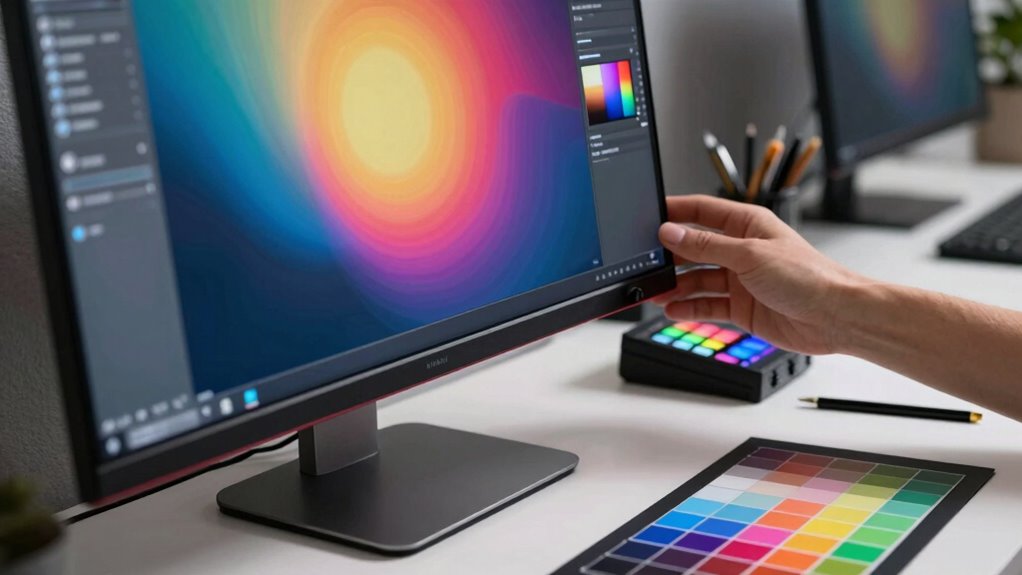

To calibrate your monitor effectively, you need to use hardware tools like colorimeters or spectrophotometers combined with calibration software. These tools help you set accurate brightness, contrast, and color temperature, ensuring your display matches your project’s color space, such as sRGB or Adobe RGB. Regular calibration maintains color accuracy over time, eliminating surprises in your prints or other outputs. Keep exploring, and you’ll find how to keep your visuals consistently reliable and true to your creative vision.

Turn your quiet moments into listening time
- Thousands of audiobooks, podcasts and originals
- Listen on your phone, tablet or Echo — also offline
- Cancel anytime
Key Takeaways
- Use hardware calibration tools like colorimeters for accurate monitor color measurement.
- Set the correct color space (e.g., sRGB, Adobe RGB) based on your project type.
- Regularly calibrate your monitor to maintain consistent color accuracy over time.
- Adjust brightness, contrast, and color temperature according to calibration software guidance.
- Maintain a controlled ambient lighting environment to ensure reliable calibration results.
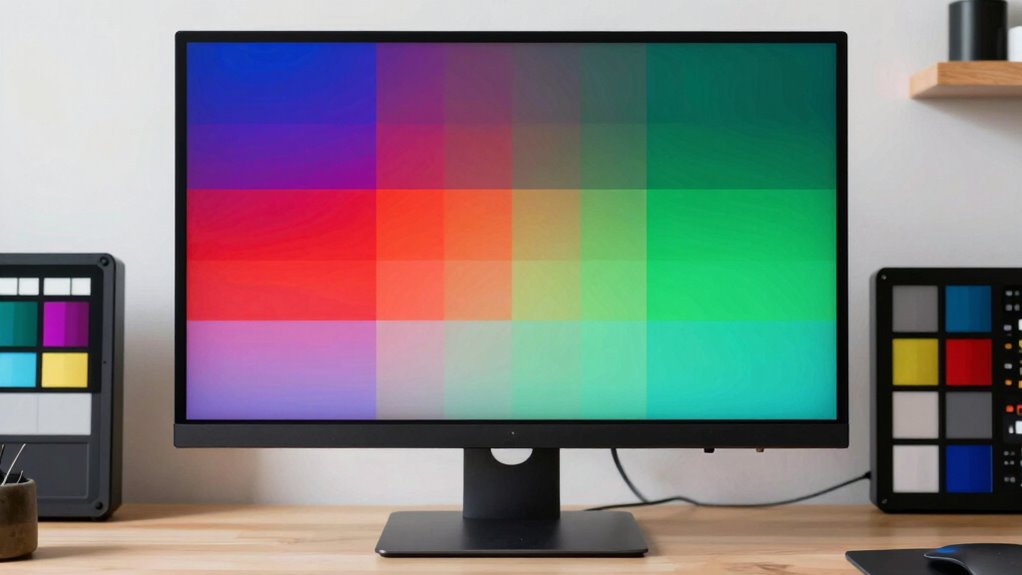
If you’re serious about producing accurate and consistent visuals, understanding monitor calibration is essential. Your monitor acts as the primary window through which you view and refine your creative work, so ensuring it displays colors correctly is vital. Calibration involves adjusting your monitor’s settings to match a standard, often with the goal of reproducing colors as accurately as possible. This process helps you see true colors, shadows, and highlights, making your edits reliable across different devices and outputs. Without calibration, what looks perfect on your screen might turn out off-color or dull when printed or viewed on another display.
A crucial part of calibration is understanding color spaces. Color spaces define the range of colors your monitor can display, such as sRGB, Adobe RGB, or DCI-P3. Each space has its strengths depending on your work—sRGB is common for web design, while Adobe RGB offers a wider gamut suitable for printing and high-quality images. When calibrating, you need to set your monitor to the correct color space for your projects, ensuring the colors you see are consistent with the standards you’re working within. This alignment minimizes surprises later in the production or printing process, saving you time and frustration.
To achieve a proper calibration, you’ll rely on calibration tools. These tools include hardware colorimeters or spectrophotometers that measure your monitor’s output. The devices connect to your computer and come with calibration software that guides you through the process. The software adjusts your monitor’s brightness, contrast, and color temperature to match a target profile. Using calibration tools regularly maintains color accuracy over time, especially as your monitor ages or ambient lighting conditions change. This consistency is vital for creators who need precise color matching across multiple projects or devices.
Furthermore, proper calibration isn’t just a one-time task. It’s an ongoing process that ensures your visuals stay accurate as hardware and environmental conditions evolve. When you calibrate your monitor correctly, it provides a reliable platform for editing images, videos, or any creative work, eliminating guesswork and guesswork’s potential inaccuracies. Regularly monitor calibration helps maintain color fidelity and reduces the risk of discrepancies. Additionally, understanding color spaces allows you to select the optimal profile for your specific needs, ensuring your work remains consistent across different platforms and outputs. Incorporating calibration schedules into your workflow can help mitigate the effects of hardware aging and changing ambient light conditions, keeping your visuals consistently accurate. By understanding color spaces and investing in quality calibration tools, you empower yourself to produce visuals that truly reflect your creative vision. This practice not only enhances your work’s quality but also streamlines your workflow, giving you confidence that what you see on your screen is exactly what your audience or clients will receive.
Products Worth Considering

eufy C28 Robot Vacuum Cleaner and Mop for Pet Hair, 15,000 Pa

Dyson Big Ball Multi Floor Canister Vacuum, Yellow

LEVOIT Air Purifier for Home, Pets, Bedroom, Smart WiFi
As an affiliate, we earn on qualifying purchases.
Frequently Asked Questions
How Often Should I Recalibrate My Monitor?
You should recalibrate your monitor at least once a month to maintain accurate color temperature and consistent image quality. If you notice colors looking off or your workspace lighting changes, it’s time to re calibrate sooner. Regular calibration ensures your edits stay true to your creative vision. Keep in mind, the more often you calibrate, the better your monitor will reflect real colors, helping you produce professional-quality work consistently.
What Tools Are Best for Professional Calibration?
You should use professional calibration tools like a colorimeter or spectrophotometer paired with reliable calibration software to guarantee accurate color management. Devices like the X-Rite i1Display Pro or Datacolor SpyderX are top choices, offering precise readings and easy-to-use interfaces. Regularly calibrating with these tools helps maintain consistent color accuracy, essential for high-quality creative work. Always follow the software instructions for best calibration results.
Does Calibration Improve Color Accuracy for Printing?
Yes, calibration considerably improves color accuracy for printing. When you calibrate your monitor, you enhance color consistency, making sure what you see on screen matches your print output. This process helps with print color matching, reducing surprises when printing photos or designs. By maintaining a calibrated display, you can better predict how colors will translate to print, ensuring your final product looks exactly as intended with accurate, vibrant colors.
Can Calibration Fix Display Hardware Issues?
Calibration can’t fix display hardware issues, but it can improve color consistency. If your monitor has hardware problems like dead pixels, flickering, or uneven brightness, calibration won’t resolve those. However, if your display’s hardware is functioning correctly, calibration helps guarantee accurate colors and consistent performance. For hardware issues, consider professional repairs or replacing the monitor. Calibration is a tool to fine-tune color accuracy, not a fix for physical hardware faults.
Is Calibration Necessary for Gaming Monitors?
Yes, calibration is necessary for gaming monitors because it enhances gaming performance by ensuring accurate colors and ideal contrast. Proper calibration can improve your visual experience, making fast-paced games clearer and more responsive. Additionally, you should consider refresh rate adjustment to reduce motion blur and screen tearing. Together, calibration and refresh rate tuning help you achieve smoother gameplay, giving you a competitive edge and preventing eye strain during long gaming sessions.
Conclusion
By understanding basic monitor calibration, you guarantee your colors are accurate and consistent, whether you’re editing photos or designing graphics. For example, a photographer who calibrated their monitor before editing a wedding shoot was able to deliver prints that matched their client’s expectations perfectly. Remember, calibration is an ongoing process—regularly check and adjust your display. This simple step can substantially improve your creative work and client satisfaction, making your projects truly stand out.