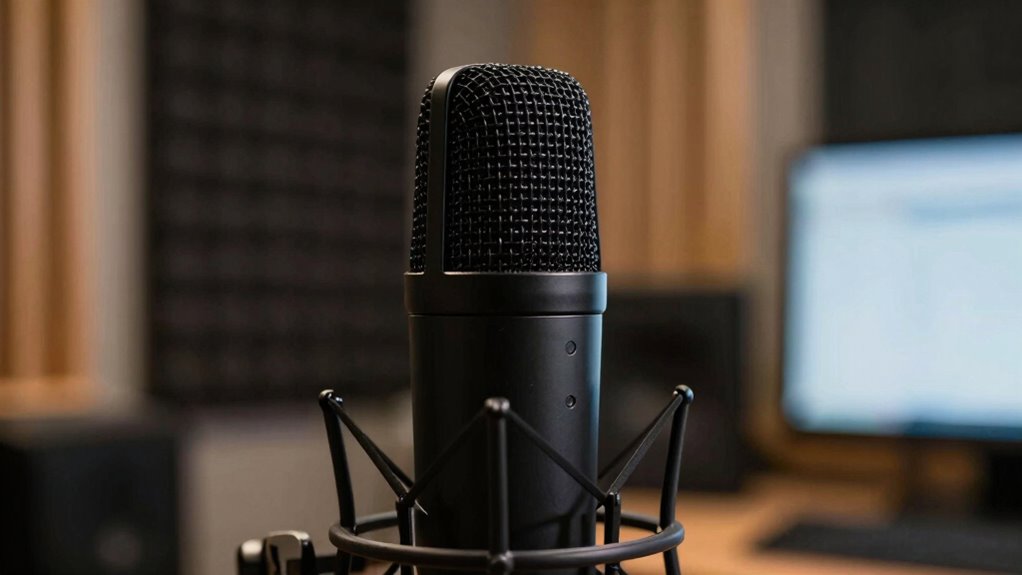

To guarantee clear calls, focus on microphone design, placement, and noise-canceling tech. Choose a microphone with a cardioid pattern that mainly captures your voice and rejects sounds from behind. Keep it close to your mouth and use features like foam covers or pop filters to reduce ambient noise. Modern mics often include active noise cancellation, filtering out background sounds for clearer audio. Learning more can help you make smarter choices for better call quality.

Turn your quiet moments into listening time
- Thousands of audiobooks, podcasts and originals
- Listen on your phone, tablet or Echo — also offline
- Cancel anytime
Key Takeaways
- Focus on microphones with good voice pickup and noise reduction features for clearer call audio.
- Choose microphones with cardioid or similar pickup patterns to isolate your voice from background noise.
- Use physical features like windshields and foam covers to minimize ambient sounds and pops.
- Properly position the microphone close to your mouth to enhance voice clarity and reduce background capture.
- Select microphones with active noise-canceling technology for optimal sound quality during calls.

Ever wondered how a tiny device captures your voice or music so clearly? That’s all about the microphone’s ability to focus on sound — known as voice pickup — while minimizing the impact of background noise. When you’re on a call, your microphone’s primary task is to pick up your voice accurately and transmit it clearly to the other person. It does this through a combination of design features and technology that help it distinguish your voice from other sounds around you.
The key to good voice pickup lies in the microphone’s pickup pattern, which determines from which directions it captures sound. For example, a cardioid microphone is designed to pick up sound mostly from the front while rejecting sounds coming from behind. This makes it ideal for calls because it focuses on your voice and reduces background noise. When you speak into a microphone with a good pickup pattern, your voice comes through crisp and clear, even if there’s a lot of noise in the background.
Background noise can be a major issue during calls, but modern microphones are built to combat this. Some incorporate noise-canceling technology that actively filters out ambient sounds, such as office chatter or traffic noise. Others use physical design features like windshields or specialized capsules that dampen unwanted sounds. When you use a microphone with these features, your voice remains prominent, and the overall call quality improves dramatically because the microphone isn’t overwhelmed by noise from your surroundings. Additionally, understanding the fundamentals of microphone technology can help you better appreciate how these features work together to optimize performance. A good grasp of these fundamentals can also guide you in choosing the right equipment for specific environments.
Furthermore, microphone placement plays a critical role in capturing clear audio, as even the best microphone can perform poorly if positioned incorrectly. Proper placement, such as keeping the microphone close to your mouth, enhances voice pickup and reduces the chance of capturing unwanted background noise. Using a proper microphone setup can significantly improve call clarity by ensuring optimal sound capture. Proper placement helps your voice stand out in the recording or transmission, making conversations clearer. Some microphones include built-in pop filters or foam covers that further improve voice clarity by preventing plosive sounds and reducing ambient noise. Knowing about microphone technology can help you understand how these features work together to optimize performance. Being aware of the different pickup patterns available can also help you tailor your microphone choice to your specific needs.
Products Worth Considering

Hisense 65-inch U6 Pro Mini-LED 4K UHD Smart Fire TV

Shark Pet Cordless Stick Vacuum, 40-Minute Runtime, Grey, IX141

Philips Hue Secure Starter Kit with Contact Sensors, Motion Sensor, Bridge, and Color Smart Bulbs
As an affiliate, we earn on qualifying purchases.
Frequently Asked Questions
How Do I Reduce Background Noise During Calls?
To reduce background noise during calls, you should enable echo cancellation and noise reduction features on your microphone or conferencing app. Use a directional microphone that focuses on your voice and minimizes surrounding sounds. Find a quiet space, close windows, and turn off appliances that create noise. Adjust your microphone sensitivity settings if possible, ensuring it captures your voice clearly without amplifying background sounds. These steps will help you achieve clearer calls.
What Is the Best Microphone Placement for Clear Audio?
Research shows proper microphone placement can improve audio clarity by up to 50%. For clear calls, position your microphone about 6-12 inches from your mouth, aiming slightly below or above to avoid breathing sounds. Use ideal positioning—placing the mic directly in front of your mouth—and consider foam windshields to reduce plosive sounds and background noise. Adjusting your setup ensures your voice comes through crisp and clear every time.
How Do I Troubleshoot Microphone Connectivity Issues?
To troubleshoot microphone connectivity issues, start by checking wireless compatibility with your device. Make sure your microphone is properly paired or connected via Bluetooth or cables. Look for any loose connections or damaged wires. If you experience audio feedback, adjust your microphone’s position and volume settings. Restart your device and update drivers or firmware if needed. These steps help resolve common connectivity problems, guaranteeing clear, feedback-free audio during calls.
What Are the Differences Between Dynamic and Condenser Microphones?
Did you know that condenser microphones are used in over 70% of professional recording studios? Dynamic microphones excel at handling high sound pressure levels and are more durable, making them ideal for live performances. Conversely, condenser microphones offer superior audio fidelity, capturing more detail and nuance, perfect for studio recordings or voice calls. Your choice depends on durability versus sound quality, with each type leveraging different aspects of microphone technology.
How Can I Improve Microphone Sensitivity?
To improve your microphone sensitivity, focus on voice modulation and proper positioning. Adjust your distance to the mic to capture more nuanced sounds and prevent distortion. Use audio compression settings to even out volume levels, making your voice clearer and more consistent. Practicing voice modulation helps you deliver a natural sound, while tweaking sensitivity settings guarantees your microphone responds well to your voice’s dynamics, resulting in crisper, clearer calls.
Conclusion
Think of your microphone as a bridge, connecting your voice to the world. When you understand its basics—how it captures sound and minimizes noise—you build a sturdy path for your words to travel clearly. With each call, you’re planting seeds of connection, nurturing understanding across distances. Mastering these fundamentals transforms your voice into a beacon, shining through the digital fog. Ultimately, your microphone becomes a symbol of your ability to communicate authentically and confidently.