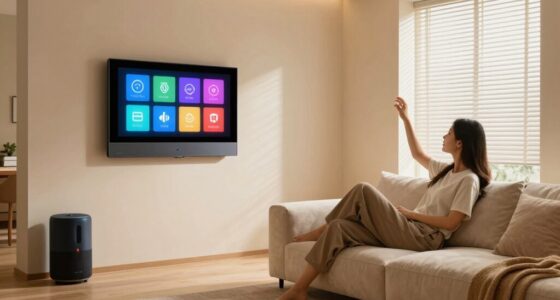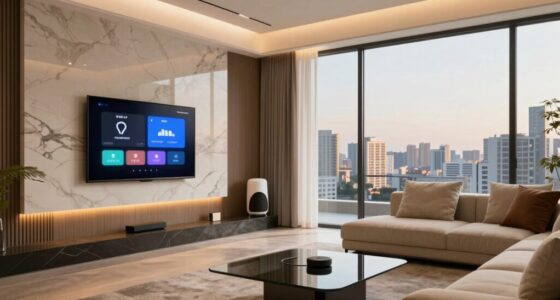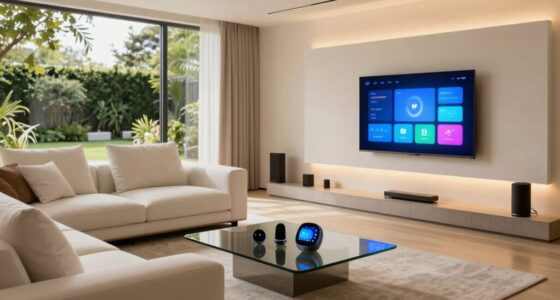
Smart home scenes are pre-programmed settings that let you control multiple devices at once, like lights, thermostats, and security, with a single command or schedule. They help simplify your routines, personalize your space, and save energy. Whether you’re waking up, leaving home, or relaxing, scenes make automation easy and seamless. If you’re curious about how to create and optimize your scenes, there’s plenty more to explore to enhance your smart home experience.

Turn your quiet moments into listening time
- Thousands of audiobooks, podcasts and originals
- Listen on your phone, tablet or Echo — also offline
- Cancel anytime
Key Takeaways
- Smart home scenes are pre-set configurations that automate multiple devices simultaneously to create specific atmospheres or routines.
- They can be customized for activities like mornings, nights, entertainment, or work, adjusting lighting, temperature, and other devices.
- Scenes are activated through triggers such as time, motion, location, or device actions, often managed via smart home platforms like Alexa or Google Home.
- Using scenes improves convenience, energy efficiency, and personalization by automating routine adjustments with a single command or schedule.
- Creating effective scenes involves selecting compatible devices, setting preferred parameters, and testing for reliable, seamless operation.
Products Worth Considering

Philips Hue Bridge Pro Smart Lighting Hub

Samsung 85-Inch M70H Series Mini LED 4K Smart TV (2026)

Samsung 85 M80H Series Mini LED 4K Smart TV (2026)
As an affiliate, we earn on qualifying purchases.
What Are Smart Home Scenes?
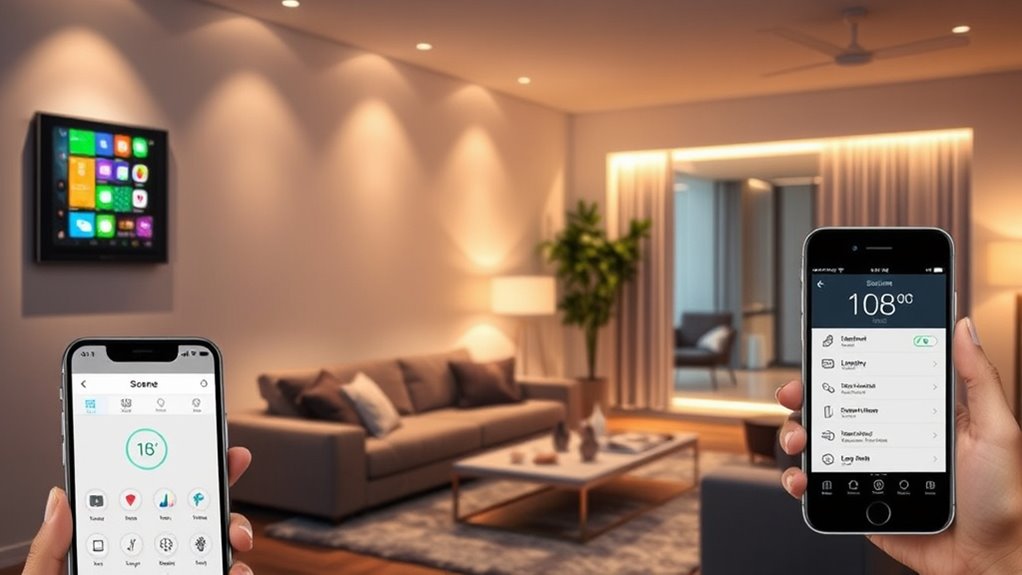
Smart home scenes are pre-programmed settings that automate multiple devices to work together seamlessly. When you activate a scene, it adjusts your lights, thermostats, blinds, and even your music with a single command or scheduled trigger. These scenes are designed to simplify your daily routines and create specific atmospheres effortlessly. For example, you might set a “Movie Night” scene that dims the lights, closes the blinds, and turns on your home theater system. You don’t need to control each device individually; instead, you activate the scene, and everything automatically aligns to your preferences. This automation saves you time, enhances convenience, and helps you create a more personalized living environment with minimal effort. Understanding automation allows you to make the most of these features and customize scenes to suit your lifestyle effectively, making your smart home more intuitive and user-friendly. Incorporating energy-efficient principles into your scene setups can also contribute to sustainable living and reduce energy consumption. Additionally, understanding how smart home devices communicate ensures your scenes work reliably and efficiently.
Types of Scenes and Their Uses
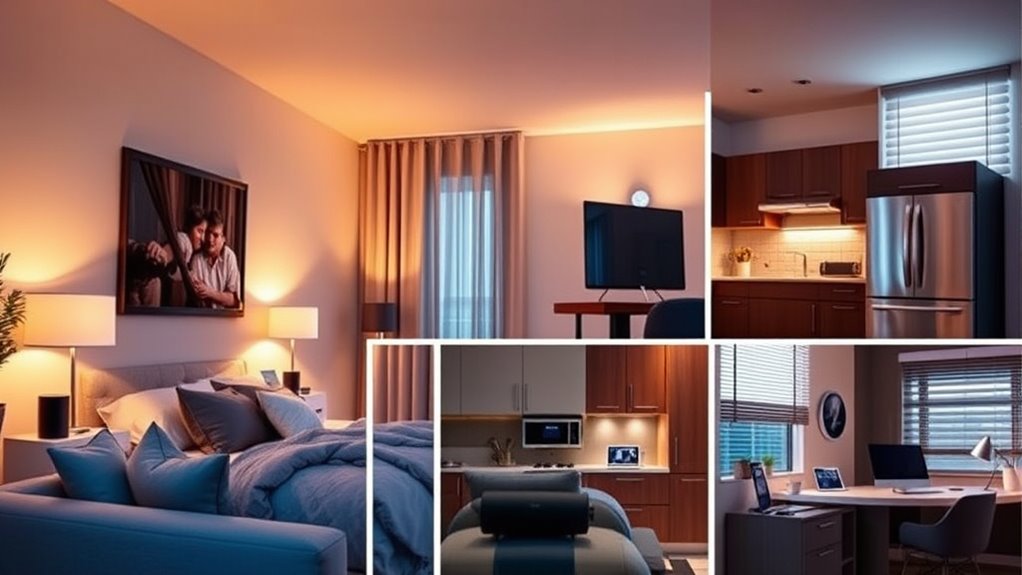
Have you ever wondered how different scenes can enhance your daily routines? Scenes come in various types, each designed for specific purposes. For example, a “Morning” scene can brighten lights, start your coffee maker, and adjust the thermostat to wake you gently. An “Enter Home” scene might turn on hallway lights, open doors, and activate your favorite music. Night scenes can dim lights, lock doors, and arm security systems for peace of mind. Entertainment scenes set the mood with dimmed lights and sound system adjustments for movie nights or parties. Work scenes might focus on bright lighting and focused temperature control. By using these specific scenes, you streamline your daily activities, making shifts seamless and your environment more personalized and comfortable. Integrating smart home scenes with your household automation systems can further optimize convenience and efficiency. Additionally, considering automatic climate control can help maintain optimal temperatures in different scenes for enhanced comfort, especially when coordinating with home theatre projectors or other entertainment equipment to create immersive experiences. Incorporating scene customization into your setup allows for even greater personalization, tailoring environments precisely to your needs and preferences.
How to Create and Customize Scenes
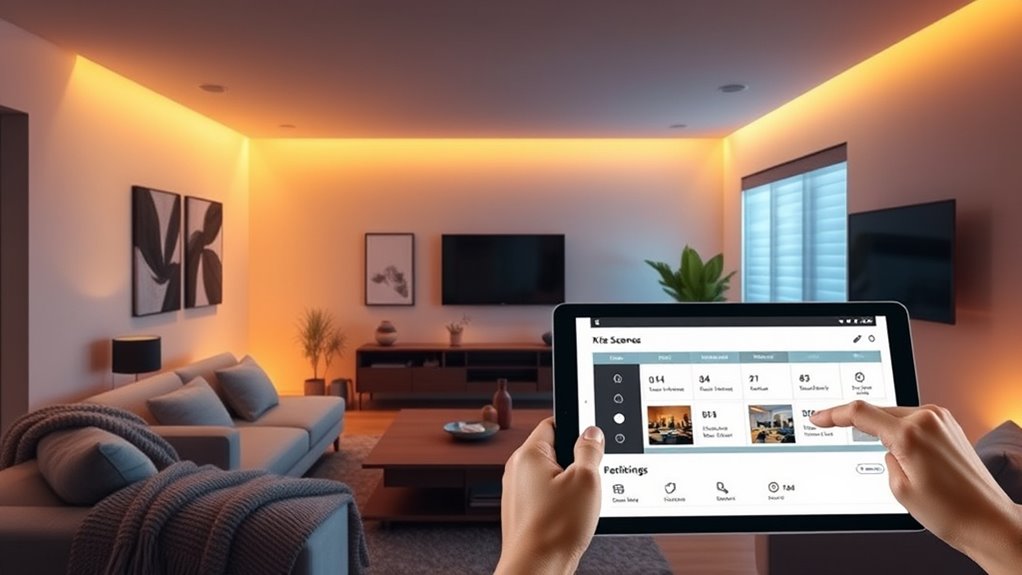
To create and customize scenes, you start by selecting the components you want to control, like lights, blinds, or thermostats. Next, set up automation triggers that activate your scene based on time, location, or device actions. Understanding scene customization can help you optimize your smart home experience further. Additionally, being aware of home automation systems can guide you in choosing compatible devices that work seamlessly together. Incorporating interoperability standards ensures your devices communicate effectively and enhances your overall setup. Moreover, considering nutritional considerations such as energy efficiency can help in designing scenes that not only improve convenience but also promote sustainable living. Finally, tailor the scene settings to your preferences, adjusting brightness, temperature, or other options for the perfect ambiance. Incorporating power management strategies can also improve energy efficiency and device longevity within your scene configurations.
Selecting Scene Components
Choosing the right components is essential for creating effective home scenes that match your lifestyle. First, identify the devices you want to control, such as lights, thermostats, or smart plugs. Focus on the ones you use daily or want to automate for convenience. Consider the compatibility of these devices with your smart home hub or app. You’ll also want to determine the specific settings for each component—like brightness levels, color, or temperature—that best suit your scene’s purpose. Keep in mind how the components will work together to create a seamless experience. Additionally, pay attention to the Free Floating nature of some devices, which may affect their placement and responsiveness. This can be particularly important when integrating nanotechnology-based sensors or actuators that enhance precision and performance. Furthermore, understanding how sound vibrations influence device operation can inform the placement of sound-sensitive components. Also, consider how environmental factors such as airflow or ambient noise might impact device responsiveness and scene stability. Finally, prioritize reliable, easy-to-use devices that respond quickly, ensuring your scene performs smoothly whenever you activate it. Selecting well-matched components sets the foundation for a functional and personalized scene.
Setting Automation Triggers
How do you guarantee your smart home scenes activate exactly when you want them to? The key is setting precise automation triggers. You can base triggers on time, so your scene runs at a specific hour or minute. Alternatively, use sensor data—motion detectors, door sensors, or light levels—to activate scenes only when conditions are met. Location-based triggers, like arriving home or leaving, ensure scenes run at the right moments. Some systems allow you to combine multiple triggers for more complex automation. When creating triggers, be specific to avoid accidental activations. Test your settings thoroughly to confirm they work as intended. automation design principles can help you craft more reliable and intuitive smart home experiences. Additionally, understanding trigger customization enables you to tailor automations precisely to your routines, enhancing overall efficiency and comfort. By carefully selecting and customizing triggers, you ensure your scenes respond accurately to your daily routines and preferences, creating a seamless and efficient smart home environment. Incorporating precise trigger settings can further improve the reliability of your automations by reducing false activations.
Customizing Scene Settings
Creating and customizing smart home scenes allows you to tailor your environment precisely to your needs and preferences. To do this, start by selecting the scene you want to modify or create a new one. Then, adjust the individual device settings—such as brightness, color, temperature, or on/off states—to match your desired ambiance. Many systems let you set specific values or choose from presets, making it easy to craft the perfect mood. You can also add conditions or timers to automate changes throughout the day. Once you’re satisfied, save your customized scene. Testing it ensures everything works smoothly. Customizing scene settings empowers you to create personalized experiences that enhance comfort, convenience, and energy efficiency effortlessly.
Devices and Platforms Supporting Scenes

Many modern smart home devices and platforms now support scenes, allowing you to automate multiple actions with a single command. Popular platforms like Apple HomeKit, Amazon Alexa, Google Home, and Samsung SmartThings enable you to create and activate scenes easily. These platforms integrate a wide range of devices, including lights, thermostats, locks, and sensors, so you can coordinate their functions seamlessly. Some platforms offer intuitive apps or voice control, making scene setup straightforward. Compatibility varies across brands, so it’s essential to guarantee your devices work with your chosen platform. Many devices also support scene creation directly through their native apps, providing additional customization options. By choosing compatible devices and platforms, you can streamline your automation and enhance your smart home experience.
Benefits of Using Smart Home Scenes

Using smart home scenes makes your daily routines more convenient and gives you better control over your environment. They also help you save energy by automatically adjusting devices, reducing costs. Plus, you can personalize settings to create a living space that truly fits your lifestyle.
Enhanced Convenience and Control
Smart home scenes considerably enhance convenience and control by allowing you to automate multiple devices with a single command or tap. Instead of adjusting each light, lock, or thermostat individually, you can activate a scene to set everything perfectly. For example, a “Good Night” scene can turn off lights, lock doors, and adjust the temperature automatically. This saves you time and effort, especially during busy mornings or evenings. You gain seamless control over your environment, making daily routines smoother. With just a tap or voice command, you can create the perfect ambiance or prepare your home for different activities. This level of automation puts you in full command, reducing manual adjustments and ensuring your home responds precisely how you want.
Energy Efficiency Gains
By automating your home with scenes, you can substantially reduce energy waste and lower utility bills. When you set scenes to turn off lights, adjust thermostats, and power down devices when not in use, you optimize energy consumption effortlessly. This not only saves money but also benefits the environment. With smart scenes, you gain control over your energy use, ensuring appliances operate only when needed. You can create schedules so that heating, cooling, and lighting align with your daily routines, avoiding unnecessary energy drain.
- Reduce unnecessary power consumption with automated controls
- Maximize efficiency by syncing devices to your schedule
- Lower utility bills through targeted energy savings
Personalized Living Experience
Automating your home with scenes not only saves energy but also creates a tailored living environment that suits your preferences. With smart scenes, you can set lighting, temperature, and music to match your mood or activity, making your daily routines smoother. Imagine waking up to soft lighting, a warm room, and your favorite playlist—all at the tap of a button or a voice command. You can customize scenes for work, relaxation, or entertainment, ensuring your space always feels just right. This personalization enhances comfort, saves you time, and makes your home more intuitive. Over time, these automated settings adapt to your habits, providing a truly unique and convenient living experience tailored specifically to you.
Tips for Optimizing Scene Automation

To get the most out of your scene automation, it’s essential to fine-tune your settings for responsiveness and reliability. Start by testing each scene at different times of day to ensure it triggers correctly. Adjust individual device delays to prevent lag or conflicts. Regularly review your automation rules to eliminate redundancies and optimize performance.
Fine-tune your scenes for reliable, seamless automation by testing, adjusting delays, and reviewing rules regularly.
Here are some tips to help you optimize your scenes:
- Simplify your scenes by limiting the number of devices involved to reduce potential errors.
- Use conditional logic to make scenes more adaptable to real-world situations.
- Set clear triggers that are easy to verify, such as specific times or sensor activations, for smoother automation.
Implementing these strategies guarantees your scenes operate seamlessly and reliably.
Frequently Asked Questions
Can Smart Home Scenes Be Voice-Activated?
Yes, smart home scenes can be voice-activated. You just need to set up your compatible voice assistant, like Alexa or Google Assistant, and connect it to your smart home devices. Once linked, you can simply give a voice command to activate a scene, such as “Good morning” or “Movie time,” which will automatically adjust your lights, thermostat, and other connected devices. It’s a convenient way to control your home hands-free.
Are There Security Risks Associated With Smart Home Scenes?
Like a double-edged sword, smart home scenes can pose security risks if not managed carefully. Hackers might exploit vulnerabilities in your connected devices, gaining access to your home network or personal data. To safeguard yourself, use strong, unique passwords, enable two-factor authentication, and keep your devices updated. Staying vigilant is key, so you don’t let a tiny crack in your digital fortress turn into a breach.
How Do Scenes Adapt During Power Outages?
During power outages, smart home scenes typically don’t function as usual because they rely on power and internet. To adapt, you might use backup power sources like batteries or generators for critical devices. Some systems include battery backup options or offline modes, allowing certain scenes to activate or remain functional without power. You should configure these backups beforehand to guarantee your essential scenes stay operational during outages.
Can Multiple Users Control Shared Scenes?
Yes, you can absolutely have multiple users control shared scenes—imagine a smart home where everyone’s commands are instantly comprehended, like a symphony of synchronized actions! Whether it’s your family or housemates, they can activate, modify, or deactivate scenes from their devices. This seamless control guarantees your home responds effortlessly to everyone’s needs, making life smoother, more connected, and never missing a beat—your smart home truly becomes a team effort!
What Is the Cost of Setting up Smart Home Scenes?
Setting up smart home scenes can cost anywhere from free to several hundred dollars, depending on your devices and complexity. If you already have compatible smart devices, creating scenes often costs nothing extra. However, if you need new equipment or a hub, expect to spend more. Some advanced features or professional installation might add to the costs, but basic scene setup is generally affordable and straightforward.
Conclusion
Smart home scenes make your daily routines seamless and customizable. With over 60% of smart home users reporting increased convenience, it’s clear these features transform how you live. By creating personalized scenes, you can effortlessly control multiple devices and enhance comfort. Now’s the perfect time to explore scene automation—making your smart home smarter and more tailored to your lifestyle. Embrace the power of scenes and enjoy a more connected, effortless living experience.