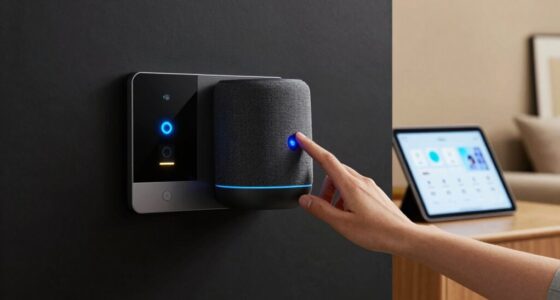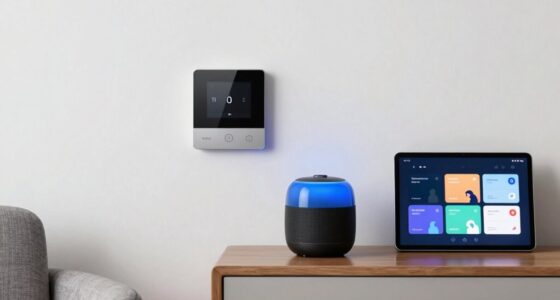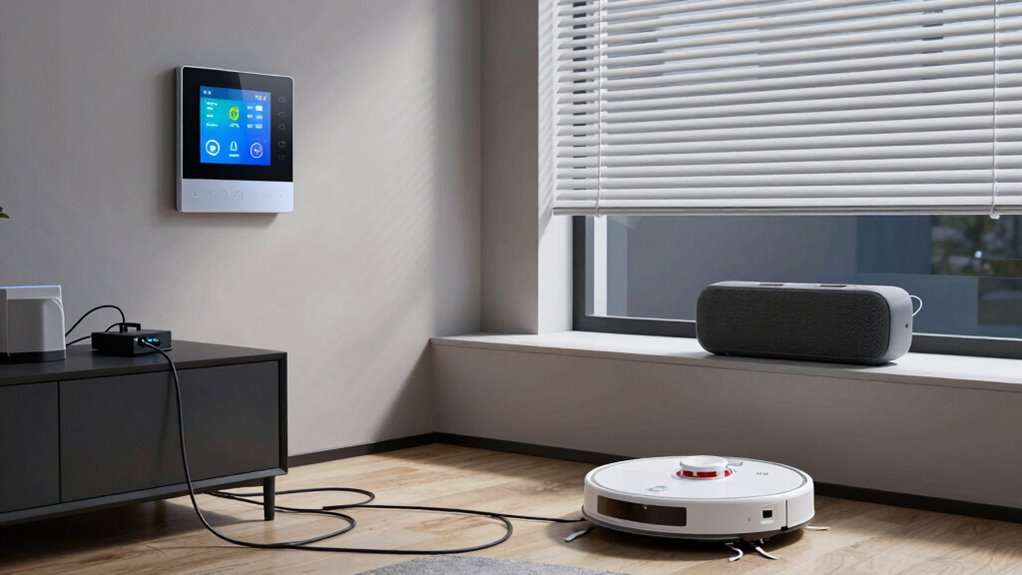

Smart home failures often happen from connectivity issues, device malfunctions, security breaches, power outages, or user errors. Weak Wi-Fi signals, outdated firmware, or incompatible gadgets can cause your system to falter. Power cuts or battery degradation may leave your devices unresponsive, while poor setup or misconfigured rules lead to automation mishaps. Cyber threats and glitches further threaten your home’s security and functionality. Stay informed to uncover solutions that keep your smart home running smoothly.
Key Takeaways
- Connectivity issues caused by Wi-Fi congestion, weak signals, or outdated hardware can disrupt smart home device communication.
- Power outages and battery degradation lead to system unresponsiveness and potential security vulnerabilities.
- Device malfunctions, compatibility problems, or incorrect setup can prevent proper operation of smart home systems.
- Security breaches often result from weak passwords, outdated firmware, or poor network security practices.
- Automation errors, firmware glitches, and software bugs can cause devices to malfunction or behave unexpectedly.
Connectivity and Network Failures

Have you ever experienced your smart home devices suddenly losing connection? It’s frustrating when your lights won’t turn on, your thermostat stops responding, or security cameras go dark unexpectedly. Connectivity and network failures are common causes. These issues often stem from Wi-Fi congestion, weak signals, or router problems. When your network isn’t stable, devices struggle to communicate with each other and the internet, leading to unresponsive or unreliable performance. Environmental factors like thick walls, interference from other electronics, or outdated hardware can also weaken signals. To prevent this, make certain your router is placed centrally, update firmware regularly, and limit bandwidth-heavy activities during critical moments. A strong, stable network is vital for your smart home to operate smoothly and keep you connected at all times. Ensuring reliable infrastructure and understanding networking fundamentals, such as network hardware, can help improve overall connectivity. Additionally, implementing quality of service (QoS) settings can prioritize traffic for essential devices, further enhancing network stability. Regularly checking for network congestion can also help you identify and address potential issues before they cause failures. Being aware of interference sources can help you take steps to minimize disruptions and maintain a consistent connection. Properly managing network security can also prevent unauthorized access that may interfere with your devices’ connectivity.
Device Malfunctions and Compatibility Issues
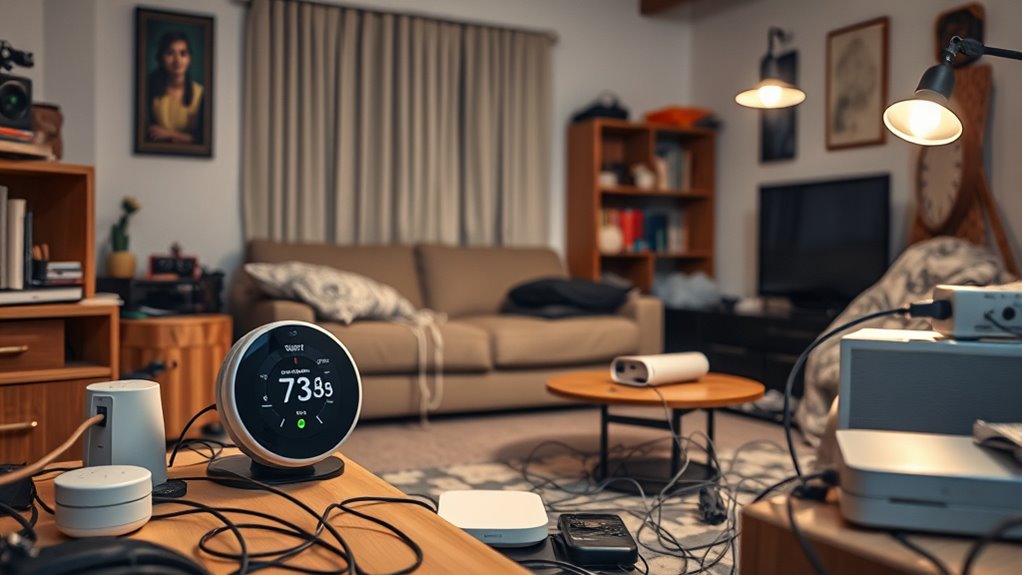
Device malfunctions and compatibility issues can disrupt your smart home experience unexpectedly. When devices stop working or don’t communicate properly, it can cause frustration and reduce efficiency. These problems often stem from outdated firmware, hardware failures, or incompatible devices trying to work together. You might find your smart thermostat unresponsive, lights flickering, or sensors not detecting motion. To avoid these issues, consider:
- Regularly updating device firmware and software
- Using compatible devices from trusted brands
- Checking for firmware conflicts before purchasing new gadgets
- Ensuring your hub supports all connected devices
- Rebooting devices when problems arise
- Monitoring device navigation and mapping performance to prevent malfunctions. Incorporating industry trends helps you stay ahead of potential compatibility issues and ensures your system remains up to date. Additionally, implementing standardized protocols can significantly reduce communication errors among diverse devices. Staying informed about interoperability standards allows for better integration and fewer disruptions. Regularly reviewing device specifications and compatibility lists can also help prevent unexpected malfunctions and ensure seamless operation.
Addressing these issues promptly helps maintain a smooth, integrated smart home. Staying vigilant about compatibility and device health minimizes the risk of malfunctions, keeping your smart home running seamlessly.
Security Breaches and Unauthorized Access
Even when your smart home devices are functioning correctly, security vulnerabilities can expose you to unauthorized access. Hackers often exploit weak passwords or outdated firmware to gain control. Once in, they can disable alarms, unlock doors, or spy through cameras. To prevent this, use strong, unique passwords for each device and enable two-factor authentication where possible. Regularly update your firmware and security settings to patch vulnerabilities. Incorporating security best practices can further safeguard your smart home environment. Additionally, implementing network segmentation can limit the potential damage if a breach occurs. Staying informed about latest cyber threats can also help you anticipate and prevent potential breaches. Employing encryption protocols adds an extra layer of protection for data transmitted within your smart home network. Maintaining a comprehensive security plan can help identify and mitigate emerging risks proactively.
Power Outages and Battery Failures

Power outages can suddenly stop your smart home systems from working, leaving you vulnerable and disconnected. Battery failures and degradation mean your backup power might not kick in when you need it most. Addressing these issues is essential to keep your smart home running smoothly during outages. To ensure reliable backup, consider proper sizing and load planning to match your home’s power needs effectively. Additionally, understanding battery maintenance can help prolong the life of your backup systems and ensure they function when needed. Regularly performing system diagnostics can help identify potential issues early, preventing unexpected failures during outages. Incorporating advanced monitoring systems can also provide early alerts about potential battery issues before failure occurs. Recognizing the importance of battery capacity can further ensure that your backup system provides sufficient power during outages, avoiding unexpected shutdowns.
Power Loss Disrupts Operations
When a power outage occurs or batteries fail, your smart home systems can quickly become unresponsive, disrupting daily routines and security. During these moments, you might find your lighting, security cameras, or climate controls offline, leaving your home vulnerable. To prepare, consider:
- Backup generators to keep essential devices running
- Uninterruptible power supplies (UPS) for critical equipment
- Manual overrides for locks and alarms
- Regularly checking battery levels and replacing as needed
- Creating contingency plans for key systems during outages
- Incorporating power management strategies to optimize energy reliability during outages, including understanding whole-house water filtration systems that can sustain water quality during disruptions
- Implementing energy-efficient appliances to reduce overall power consumption and ease the load on backup systems
Additionally, assessing your smart device compatibility can help ensure your backup solutions are effective across all systems.
Battery Degradation Challenges
Battery degradation can pose significant challenges in maintaining reliable smart home operations during power outages. Over time, batteries lose capacity, reducing their ability to supply backup power when needed most. You might find that your smart security system, lighting, or thermostats don’t function properly during an outage because the batteries can’t hold a sufficient charge. This decline happens gradually due to factors like repeated charging cycles, temperature fluctuations, and age. Without regular maintenance or timely replacements, degraded batteries leave your smart home vulnerable. You may experience unexpected system failures or prolonged outages, compromising safety and convenience. To minimize these risks, it’s essential to monitor battery health regularly and replace batteries before their performance drops too low, ensuring your smart home remains operational when power is lost.
User Errors and Misconfigurations

You might accidentally set up a device incorrectly or create automation rules that don’t work as intended. These user errors can cause your smart home to malfunction or behave unexpectedly. Understanding how to avoid misconfigurations is key to keeping your system running smoothly.
Incorrect Device Setup
Incorrect device setup is a common cause of smart home failures, often resulting from user errors or misconfigurations. When you don’t follow setup instructions carefully, devices may not connect properly or function as intended. Common mistakes include incorrect Wi-Fi credentials, placing sensors in unsuitable locations, or skipping firmware updates. These errors can lead to unresponsive devices, false alarms, or poor system performance. To avoid issues, double-check connections before installation, position sensors where they can detect movement accurately, and keep firmware current. Remember, even small setup mistakes can cause significant problems down the line. Being meticulous during installation saves you time and frustration, ensuring your smart home runs smoothly and reliably. Proper setup is the foundation for a functional, secure smart home system.
Misprogrammed Automation Rules
Misprogrammed automation rules are a common source of smart home failures, often caused by user errors or faulty configurations. When setting up rules, you might accidentally select the wrong trigger or condition, leading to unexpected device behavior. For example, scheduling lights to turn on at the wrong time or activating your alarm system when you’re still home can cause frustration. Mistakes like overlapping rules or conflicting commands can also create chaos. These errors are typically easy to fix once identified, but they can disrupt your daily routine or compromise security. To avoid this, double-check your automation logic, test rules thoroughly, and keep your configurations simple. Regular reviews help ensure your smart home functions as intended and prevents misprogrammed rules from causing failures.
Software Bugs and Firmware Glitches
Software bugs and firmware glitches are among the most common reasons smart home devices malfunction or become unresponsive. These issues can cause devices to freeze, disconnect, or behave unpredictably. When firmware isn’t properly tested or updates introduce errors, problems arise. You might experience a device that refuses to turn on or responds slowly. Sometimes, glitches cause security vulnerabilities or data loss. Firmware issues often stem from incomplete updates, incompatible software, or coding errors. To avoid headaches, always update firmware carefully and monitor device behavior after updates. Keep your devices’ firmware current to patch bugs and improve stability. Be aware that even small glitches can disrupt your smart home’s harmony, so staying vigilant helps ensure everything runs smoothly. Regular checks and updates are your best defense against these common failures.
Frequently Asked Questions
How Can I Prevent Smart Home Devices From Being Hacked?
To prevent your smart home devices from being hacked, start by updating their firmware regularly to fix security vulnerabilities. Use strong, unique passwords for each device and enable two-factor authentication whenever possible. Secure your Wi-Fi network with a strong encryption protocol like WPA3, and avoid using default settings. Additionally, disconnect unused devices and monitor your network for suspicious activity to keep your smart home safe from hackers.
What Backup Options Exist During Total Internet Outages?
During total internet outages, you can rely on local backups like a dedicated hub or controller that operates independently of the internet, allowing you to manage essential devices manually. Keep physical copies of important configuration settings and passwords. Use devices with local control options, such as smart switches or hubs, that don’t require cloud access. Regularly test these backups to guarantee they work when needed, so your home remains functional offline.
How Do I Troubleshoot Unresponsive or Frozen Smart Devices?
When your smart device becomes unresponsive or frozen, start by power cycling it—turn it off, wait a few seconds, then turn it back on. Check your Wi-Fi connection and verify the device has power. Update the device’s firmware or app, as outdated software can cause issues. Reset the device to factory settings if problems persist, and reconfigure it following the manufacturer’s instructions. This should resolve most freezing or unresponsiveness issues.
Are There Legal Privacy Obligations for Smart Home Data?
You should know that most smart home device manufacturers must follow privacy laws like GDPR or CCPA, which require you to be informed about data collection and give consent. Notably, a recent survey found that 78% of users worry about their data privacy. You’re protected by these laws, and you have rights to access, correct, or delete your data. Always review privacy policies to understand how your data’s handled and secure your smart home.
How Can I Ensure Compatibility When Adding New Smart Devices?
You should check each device’s compatibility with your existing smart home system before purchasing. Read product specifications, look for supported protocols like Zigbee or Z-Wave, and verify app compatibility. Update your hub’s firmware if needed. When possible, choose devices from the same brand or ecosystem to guarantee seamless integration. Testing new devices in a small setup first can prevent larger compatibility issues later.
Conclusion
Think of your smart home as a delicate orchestra, where each device plays a essential note. When one instrument falters—be it a network glitch, power outage, or user error—the harmony is disrupted. By understanding these failure scenarios, you become the conductor, ensuring every part stays in sync. Stay vigilant and proactive, so your smart home remains a symphony of seamless comfort rather than a cacophony of chaos.