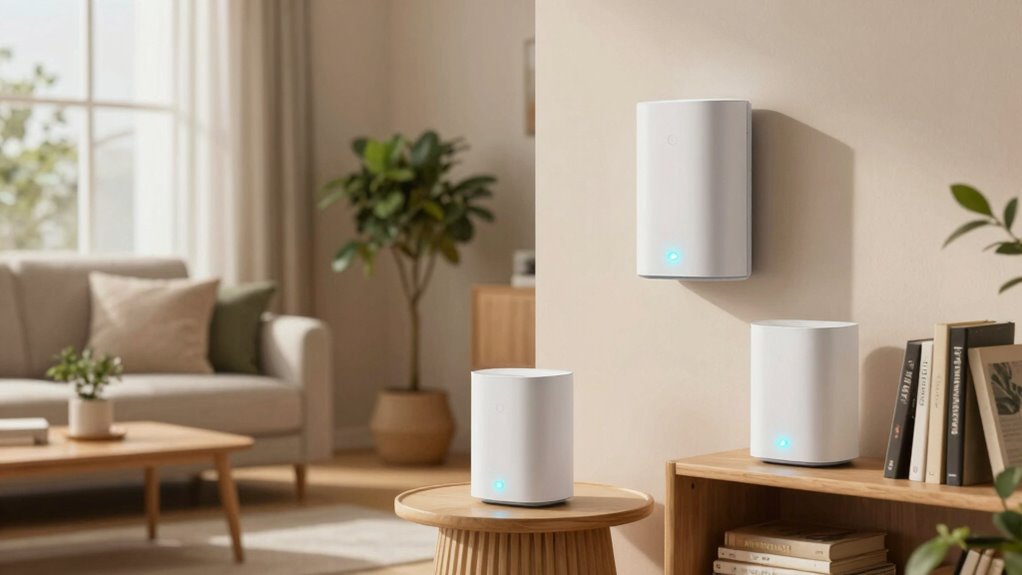

Mesh Wi-Fi creates a seamless, reliable network throughout your home, eliminating dead zones and ensuring consistent internet speed. It uses multiple connected nodes to cover larger spaces and supports your smart devices with dynamic traffic management. Unlike traditional routers, mesh systems adapt to your network needs and are easy to set up with user-friendly apps. If you want to understand how it can improve your home Wi-Fi, there’s plenty more to discover ahead.

Turn your quiet moments into listening time
- Thousands of audiobooks, podcasts and originals
- Listen on your phone, tablet or Echo — also offline
- Cancel anytime
Key Takeaways
- Mesh Wi-Fi creates a seamless, reliable network that covers the entire home, eliminating dead zones and maintaining consistent speeds.
- It uses multiple interconnected nodes to expand coverage easily without signal loss or performance drops.
- Setup is simple with user-friendly apps that guide placement, optimizing network stability and performance automatically.
- Mesh systems support smart home devices, prioritize traffic, and enhance streaming, gaming, and remote work experiences.
- They are scalable, allowing easy addition of nodes to grow coverage and accommodate increased internet and device demands.

If you’ve ever experienced slow or spotty Wi-Fi signals around your home, mesh Wi-Fi offers a reliable solution. Traditional routers often struggle to cover larger spaces or homes with thick walls, leading to dead zones and frustrating drops in internet speed. Mesh Wi-Fi systems are designed to eliminate these issues by creating a seamless network that blankets your entire home. Instead of relying on a single router, you set up multiple units—called nodes—that work together to distribute Wi-Fi evenly. This setup ensures consistent internet speed regardless of where you are in your home, making it ideal for streaming, gaming, or working from home.
Mesh Wi-Fi creates a seamless, reliable network to eliminate dead zones and ensure consistent internet everywhere in your home
A key benefit of mesh Wi-Fi is its ability to support a smart home ecosystem. With more devices connected than ever before—from smart thermostats to security cameras—your network needs to handle multiple streams of data efficiently. Mesh systems are built to prioritize traffic, so your smart home devices stay responsive even when several gadgets are streaming or updating simultaneously. This means no more lag or delays when you’re controlling smart lights or checking your security feeds. The system’s ability to maintain high internet speed across all devices makes your smart home experience smoother and more reliable.
Setting up a mesh Wi-Fi network is straightforward. Most systems come with user-friendly apps that guide you through the process step by step. You typically start by connecting the main node to your modem, then placing additional nodes around your home in strategic locations—near bedrooms, living rooms, or basement areas. Once everything is connected, the app automatically manages the network, optimizing the placement of nodes and ensuring your internet speed remains fast and stable. Unlike traditional routers, mesh systems adapt dynamically to network demands, adjusting to ensure consistent performance. Additionally, mesh networks often use dynamic routing to optimize data paths, further enhancing network stability. It’s also important to understand that network scalability is a key feature that allows you to expand your system as needed.
Another advantage is the scalability of mesh Wi-Fi. As your home or your connected device needs grow, you can easily add more nodes without replacing your entire system. This flexibility means your network can expand along with your smart home setup or increased internet usage, all while maintaining high internet speed. Plus, mesh systems often include features like guest networks, parental controls, and security options, giving you control over your connected environment. Understanding mesh Wi-Fi basics can help you make informed decisions about expanding and optimizing your home network, especially when considering the coverage area and how it impacts overall performance.
Mesh Wi-Fi system for large homes
As an affiliate, we earn on qualifying purchases.
As an affiliate, we earn on qualifying purchases.
Frequently Asked Questions
How Do Mesh Wi-Fi Systems Differ From Traditional Routers?
Mesh Wi-Fi systems differ from traditional routers by providing better network scalability and signal redundancy. Instead of relying on a single router, mesh systems use multiple nodes to create a unified Wi-Fi network, allowing you to easily expand coverage as needed. This setup guarantees a more reliable connection, even if one node fails, offering seamless coverage throughout your home and reducing dead zones.
Can Mesh Wi-Fi Be Used With Existing Internet Providers?
Yes, you can use mesh Wi-Fi with your existing internet provider. Most systems are compatible with various internet services, but you should check for any provider restrictions or specific setup requirements. Simply connect your mesh router to your modem, and it’ll work seamlessly. Just make sure to verify internet compatibility beforehand, especially if your provider has unique configurations or restrictions that might affect how your mesh network functions.
What Is the Ideal Number of Nodes for a Typical Home?
For a typical home, 2 to 3 nodes usually suffice. You should place nodes strategically, focusing on ideal node placement to guarantee even coverage. Keep signal strength in mind—position nodes where they can maintain strong connections without obstructions. Start with the main node near your router, then add additional nodes in areas with weak Wi-Fi signals, adjusting their placement until you get consistent coverage throughout your home.
How Secure Is Mesh Wi-Fi Compared to Standard Networks?
Mesh Wi-Fi is generally quite secure, especially with strong encryption protocols like WPA3 and robust user authentication methods. You benefit from automatic updates and network segmentation, reducing vulnerabilities. However, like any network, its security depends on proper setup, using complex passwords, and keeping firmware updated. Compared to standard networks, mesh systems often provide enhanced security features, making them a reliable choice for protecting your home Wi-Fi.
Do Mesh Wi-Fi Systems Support Smart Home Devices?
Yes, mesh Wi-Fi systems support smart home devices, making device integration seamless. They are designed with smart home compatibility in mind, allowing you to connect various devices like smart lights, thermostats, and security cameras effortlessly. Mesh networks typically have robust features that prioritize device management, ensuring your smart home remains connected and responsive. This integration simplifies controlling your smart devices, providing a unified, reliable network for all your smart home needs.
Best mesh Wi-Fi routers with easy setup
As an affiliate, we earn on qualifying purchases.
As an affiliate, we earn on qualifying purchases.
Conclusion
Now that you understand the basics of mesh Wi-Fi, you’re ready to tame the wild jungle of home connectivity. Think of it as building a sturdy web that catches every signal and spreads it smoothly across your space. With a little setup, you’ll enjoy seamless browsing, streaming, and gaming — no more dead zones or frustrating pauses. Embrace mesh Wi-Fi and turn your home into a well-connected oasis where the internet flows as effortlessly as a gentle breeze.
Mesh Wi-Fi nodes for smart home devices
As an affiliate, we earn on qualifying purchases.
As an affiliate, we earn on qualifying purchases.
Scalable mesh Wi-Fi network kits
As an affiliate, we earn on qualifying purchases.
As an affiliate, we earn on qualifying purchases.
Halloween Picks
halloween
As an affiliate, we earn on qualifying purchases.