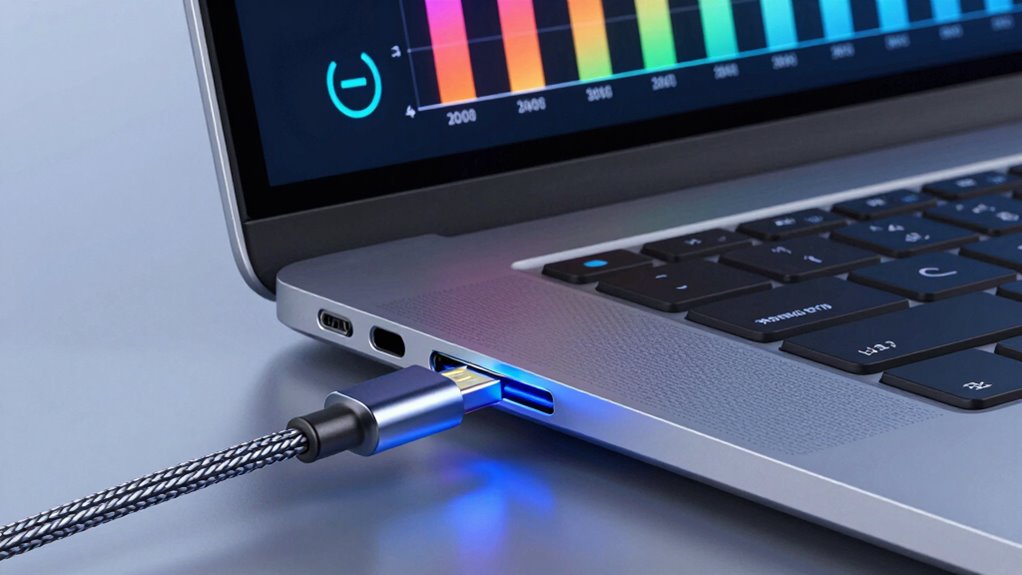

USB‑C Power Delivery (PD) is a smart fast-charging tech that adjusts voltage and current to deliver higher wattages safely, making your devices charge quicker. It works with compatible cables and chargers that support specific protocols, ensuring efficient power transfer without damage. This technology is versatile and adapts to different device needs, offering safer, faster charging. If you want to discover how it all works seamlessly behind the scenes, there’s more to explore.

Turn your quiet moments into listening time
- Thousands of audiobooks, podcasts and originals
- Listen on your phone, tablet or Echo — also offline
- Cancel anytime
Key Takeaways
- USB‑C Power Delivery (PD) adjusts voltage and current dynamically to deliver up to 100W, enabling fast charging across devices.
- Compatible cables with high-quality wiring and proper certification ensure safe, efficient power transfer at higher wattages.
- USB‑C PD negotiates power levels between devices to optimize charging speed while preventing overcurrent or overheating.
- Devices and chargers must support USB‑C PD protocols to unlock maximum wattage and ensure safe, reliable charging.
- Understanding wattage, cable quality, and device compatibility helps maximize USB‑C PD’s fast-charging benefits safely.
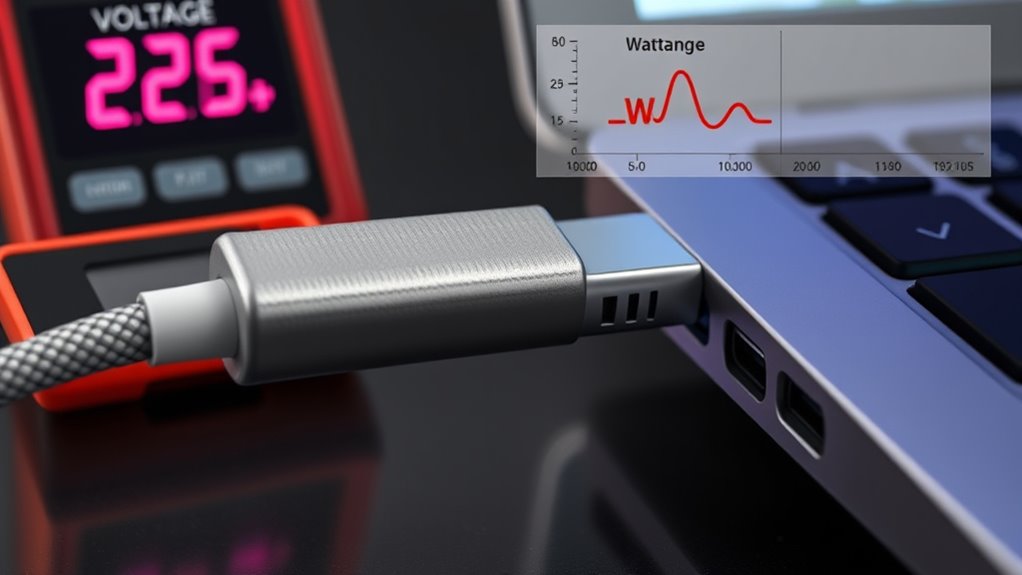
USB‑C Power Delivery (PD) is a fast-charging technology that allows your devices to transfer power more efficiently through a single cable. Unlike traditional charging methods, which often rely on fixed power levels and multiple cables, USB‑C PD dynamically adjusts voltage and current to enhance charging speed and safety. This flexibility is achieved through various charging protocols that communicate between your device and the power source, making sure that each component receives the appropriate amount of power. When you connect a compatible device with a USB‑C PD charger, the protocol kicks in, negotiating the ideal power transfer based on what both devices support. This negotiation process helps prevent overcharging or overheating, prolonging your device’s lifespan and maintaining safety. Additionally, the protocols within USB‑C PD enable a smooth and intelligent power transfer process, specifying how much voltage and current are delivered at any given time. They specify how much voltage and current are delivered at any given time, allowing for rapid charging without damaging your device. For instance, your phone might initially draw a lower current to protect its battery during initial charging, then ramp up to higher levels as it approaches full capacity. This adaptability is what makes USB‑C PD so effective and versatile. When choosing a charger, pay attention to whether it supports the charging protocols compatible with your device. This guarantees you’ll benefit from the fastest, safest charging possible.
Frequently Asked Questions
Can Usb‑C PD Charge Devices Faster Than Traditional Chargers?
Yes, USB-C Power Delivery charges your devices faster than traditional chargers because it supports fast charging and improves power efficiency. You’ll notice shorter charging times, especially for smartphones and tablets, thanks to higher wattage and smarter power management. Just make certain you use compatible cables and chargers to get the best performance. With USB-C PD, you can save time and enjoy more efficient, rapid charging for your devices.
Is Usb‑C Power Delivery Compatible With All USB-C Cables?
Not all USB-C cables support Power Delivery, so compatibility depends on cable quality and standards. You might assume any USB-C cable works, but many lack the necessary wiring for fast charging. To guarantee proper PD functionality, choose cables that meet compatibility standards and are rated for higher wattages. This way, you avoid potential issues and get the fastest, safest charging experience with your devices.
How Do I Identify if a Cable Supports High Wattage PD Charging?
You can identify if a cable supports high wattage PD charging by checking its certification and wattage indicators. Look for cables labeled with USB-IF certification, ensuring they meet safety and performance standards. Additionally, examine the packaging or the cable itself for wattage indicators like 100W or 240W, which show it can handle higher power levels. Certified cables with clear wattage labels are your best bet for high wattage PD charging.
Are There Safety Risks With Using High-Wattage Usb‑C Chargers?
An ounce of prevention is worth a pound of cure. Using high-wattage USB-C chargers generally isn’t risky if you follow proper electrical safety and make sure charger compatibility. Modern devices and chargers are designed with safety features like overcurrent and thermal protection. However, always use certified cables and chargers, and avoid cheap, unbranded options to minimize risks like overheating or damage. Stick to trusted brands for safe, reliable charging.
Can Usb‑C PD Be Used to Power Non-Usb Devices?
Yes, you can use USB-C Power Delivery to power non-USB devices, but it requires proper power conversion. You need a suitable adapter or cable that converts the PD output to match your device’s power input. Always confirm the power output is compatible and safe for your non-USB device. Otherwise, mismatched voltage or current could damage your device or cause safety issues.
Conclusion
Now that you’ve unraveled the mysteries of USB-C Power Delivery, you’re like a seasoned navigator charting a smooth course through a stormy sea of cables and watts. With this knowledge, you can confidently choose the right power, avoiding the rocky shores of incompatibility. Think of your devices as a symphony, harmonizing perfectly when paired with the right power source. Empowered and enlightened, you’re ready to harness the true potential of your USB-C connections—like a conductor guiding a masterpiece.
Halloween Picks
halloween
As an affiliate, we earn on qualifying purchases.