
To improve cooling with fans, focus on strategic placement to promote airflow patterns that prevent hot spots. Position fans near heat sources and across from intake vents to encourage a cross-breeze, while oscillating fans help distribute air evenly. Adjust fan angles and pressure settings to create a steady, directional flow, and consider room features that may block airflow. Mastering these tips lets you optimize your setup for better, more efficient cooling—keep exploring to discover more insightful techniques.

Turn your quiet moments into listening time
- Thousands of audiobooks, podcasts and originals
- Listen on your phone, tablet or Echo — also offline
- Cancel anytime
Key Takeaways
- Position fans to create cross-breezes by placing intake and exhaust fans opposite each other.
- Use oscillating fans to evenly distribute airflow across large or irregular spaces.
- Place fans near heat sources to quickly draw hot air away from critical areas.
- Adjust fan angles and heights to direct airflow toward occupied or heat-prone zones.
- Establish a pressure difference by balancing intake and exhaust fans for optimal cooling efficiency.
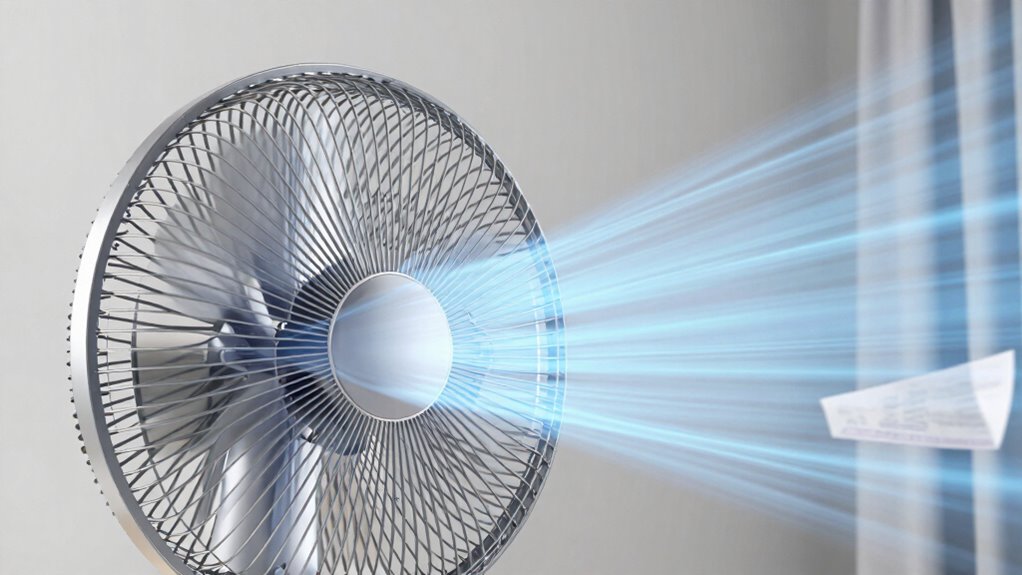
Have you ever wondered how the airflow patterns of fans can profoundly impact cooling efficiency? Understanding airflow dynamics is essential because the way air moves around your space directly influences how effectively heat is removed. When you look at fan placement, it’s not just about setting a fan anywhere and hoping for the best. Instead, you need to take into account how airflow travels through the room, creating a pattern that maximizes cooling while minimizing dead zones. Proper placement ensures that air circulates smoothly, preventing hot spots and promoting consistent temperature reduction.
The key to harnessing airflow dynamics lies in positioning your fans strategically. For instance, placing a fan near a heat source helps draw hot air away quickly, while positioning a fan across from an intake vent can aid in pulling cooler air into the space. If you’re using multiple fans, their placement should promote a cross-breeze effect—airflow moving from one side of the room to the other. This setup encourages a continuous circulation pattern, preventing stagnant air pockets and enhancing overall cooling performance. Remember, the goal is to create a steady flow rather than chaotic air movement, which can lead to uneven cooling.
Fan placement also involves understanding the direction of airflow. Fans with adjustable settings allow you to control whether they push air into the room or exhaust hot air outside. For maximum results, you want to create a pressure difference that encourages cooler air to enter and warm air to exit. Positioning exhaust fans near windows or vents can help pull hot air out, while intake fans can bring in cooler outdoor air, creating a cycle that boosts cooling. Keep in mind that the height and angle of your fans matter too; directing airflow toward occupied areas or heat-prone zones ensures that the most critical spots get the maximum benefit. Proper airflow patterns depend on understanding these dynamics and how they interact with room features. Additionally, using fans with oscillation features can help distribute airflow more evenly across large or irregularly shaped spaces, further improving cooling consistency.
Additionally, consider the room layout and obstacle placement. Furniture and walls can disrupt airflow, so you might need to experiment with different fan positions to find the most effective pattern. Using oscillating fans can help distribute airflow evenly, preventing uneven cooling. Understanding airflow patterns and adjusting fan placement based on room size, shape, and heat sources will give you a more efficient cooling setup. It’s about creating a well-designed airflow pattern that maximizes heat removal and keeps your space comfortable, energy-efficient, and free of hot spots. Recognizing how airflow dynamics influence cooling can help you optimize your setup even further.
As an affiliate, we earn on qualifying purchases.
Frequently Asked Questions
How Do Fan Speeds Affect Airflow Efficiency?
Increasing fan speeds generally boost airflow efficiency, helping cool your system better. However, faster speeds can lead to noisier operation, especially if the blade design isn’t optimized for quietness. To maximize airflow while keeping noise levels manageable, choose fans with well-designed blades that balance high efficiency and low noise. Adjusting speeds thoughtfully allows you to maintain effective cooling without disrupting your environment with excessive noise.
What Is the Optimal Fan Placement for Maximum Cooling?
Imagine your PC as a fortress; strategic fan placement is your shield. Position intake fans at the front and bottom to draw cool air in, while exhaust fans at the rear and top expel warm air. This setup creates a balanced airflow that maximizes cooling efficiency. Proper fan placement guarantees consistent airflow, prevents heat buildup, and keeps your system running smoothly under load, transforming your PC into a well-guarded fortress.
How Do Different Fan Types Impact Airflow Patterns?
Different fan types impact airflow patterns by varying in design and power. For example, high-performance fans move more air but can generate more fan noise and consume more energy. Conversely, quieter, energy-efficient fans produce less airflow, which might not cool as effectively. Your choice influences airflow direction, noise levels, and energy consumption, so select a fan type that balances cooling needs with acceptable noise and power use for ideal airflow patterns.
Can Multiple Fans Create Conflicting Airflow Directions?
Yes, multiple fans can create conflicting airflow directions if they’re not synchronized properly. Fan synchronization is key to ensuring smooth airflow and avoiding airflow conflicts. If fans push air in different directions, it can reduce cooling efficiency and cause turbulence, which hampers heat dissipation. To maximize airflow benefits, you should align fans to work together, either pulling cool air in or pushing warm air out, avoiding opposing airflow patterns that lead to conflicts.
How Does Room Size Influence Fan Airflow Effectiveness?
Room size greatly influences fan airflow effectiveness, especially if your space has poor insulation or poorly placed windows. Larger rooms require more powerful or multiple fans to circulate air effectively, but if insulation is inadequate, cooled air escapes quickly, reducing efficiency. Proper window placement can help optimize airflow, allowing cooler air in and warmer air out. Without considering these factors, even the best fans might struggle to cool your room effectively.
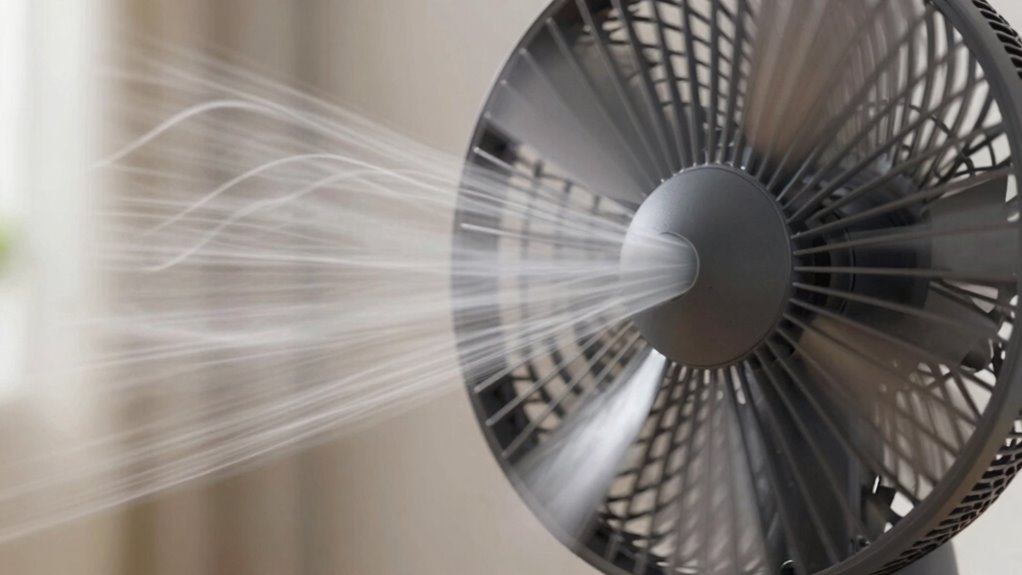
adjustable fan with directional airflow
As an affiliate, we earn on qualifying purchases.
As an affiliate, we earn on qualifying purchases.
Conclusion
By understanding airflow patterns, you can optimize your fan setup for better cooling. Position fans to create a steady flow that pushes hot air out and brings in cool air, ensuring efficient heat dissipation. Remember, “A little knowledge is a dangerous thing”—so experiment with placements to find what works best for your space. With a bit of effort, you’ll stay cooler and more comfortable, proving that proper airflow truly makes all the difference.
As an affiliate, we earn on qualifying purchases.
As an affiliate, we earn on qualifying purchases.
Evergreen bestsellers Picks
bestsellers
As an affiliate, we earn on qualifying purchases.