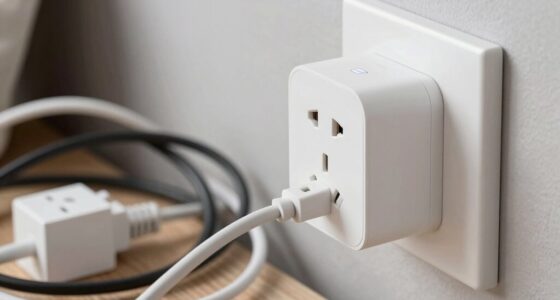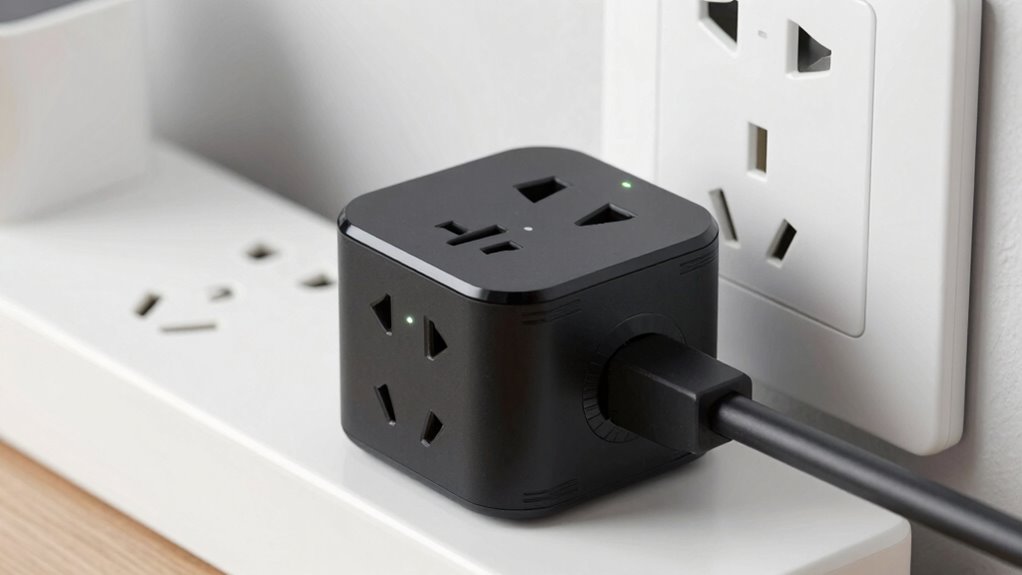

The most overlooked part of smart plugs and energy monitoring is ensuring a stable, reliable wireless connection. Without strong Wi-Fi, your devices can drop signals, making control and energy data unreliable. Obstructions, interference, and placement near the router all impact performance. If you don’t address these factors first, you’ll struggle with inconsistent results. To optimize your system, focus on boosting connectivity—you’ll uncover more tips to improve performance and energy savings.

Turn your quiet moments into listening time
- Thousands of audiobooks, podcasts and originals
- Listen on your phone, tablet or Echo — also offline
- Cancel anytime
Key Takeaways
- Ensuring strong, stable wireless connectivity is crucial to prevent control issues and data inaccuracies.
- Proper placement of smart plugs relative to Wi-Fi routers enhances signal strength and reliability.
- Minimizing interference from other electronic devices improves connection stability.
- Evaluating the energy consumption of smart plugs ensures they do not negate energy savings.
- Regularly checking network performance and device placement helps maintain consistent and reliable operation.

Have you ever wondered what part of smart plugs and energy monitoring systems often gets overlooked? It’s probably the wireless connectivity. Many people focus on the features they can control or monitor, like the device’s power consumption or scheduling capabilities, but they don’t pay enough attention to how well these smart devices stay connected. Wireless connectivity is the backbone of smart plugs. If it’s weak or unstable, your entire setup becomes unreliable. You might find yourself unable to turn off a device remotely or get inaccurate energy readings because the signal keeps dropping. It’s easy to assume that once the device is plugged in, it’ll work flawlessly, but that’s not always the case. The strength and stability of the wireless connection can vary based on your Wi-Fi network, interference, and the location of the smart plug. If you’re not paying attention to this aspect, you risk losing the benefits of your energy monitoring system altogether. Additionally, wireless signal strength can be affected by obstacles and network congestion, further impacting device reliability. Power consumption is another overlooked factor that ties directly into wireless connectivity. You might think that the smart plug’s primary function is to control devices remotely, but understanding how it consumes power itself is vital. Some smart plugs are designed to be energy-efficient, but others may draw more power than you realize, especially if they’re constantly connected and listening for commands. This hidden draw can add up over time, reducing the overall savings you expect from energy monitoring. Plus, if your smart plug’s power consumption is higher than expected, it defeats the purpose of using it to track and reduce energy use. Always check the energy specifications of your devices and consider how their own power needs impact your overall energy savings. Furthermore, neglecting wireless connectivity and power consumption can lead to frustration. When your smart plug disconnects frequently or consumes more energy than it reports, you lose trust in the system. You might find yourself manually controlling devices more often, defeating the purpose of automation and energy monitoring. To fix this, prioritize choosing smart plugs with dependable wireless connectivity and low power consumption. Position them close to your Wi-Fi router, minimize interference, and ensure your network is robust. Also, device placement plays a critical role in maintaining a stable connection and optimizing energy efficiency. Look for devices that are explicitly designed to be energy-efficient not just in their controllable features but in their own power needs. Addressing these often-overlooked aspects first guarantees your entire energy management system functions smoothly, providing accurate readings, reliable controls, and true energy savings.
Products Worth Considering

Bose Lifestyle Ultra Compact Wireless Smart Home Speaker Bundle, Black

LEVOIT Vital 200S-P Smart Air Purifier for Large Rooms up to 1875 ft², Quiet 27 dB Operation, AHAM VERIFIDE Certified, Air Quality Monitor,

Blueair Blue Pure 511i Max Smart Air Purifier
As an affiliate, we earn on qualifying purchases.
Frequently Asked Questions
How Accurate Are Smart Plug Energy Readings?
Smart plug energy readings are generally quite accurate, but their precision can vary based on device compatibility and the quality of the energy measurement technology. You might notice slight discrepancies, especially with high-power appliances. To guarantee the most reliable data, choose smart plugs from reputable brands and verify that they are compatible with your devices. Regularly calibrate or cross-check readings with a dedicated energy meter for best results.
Do Smart Plugs Work During Power Outages?
Back to the future, your smart plug won’t work during power outages because they rely on a steady power supply. Voltage fluctuations or a complete blackout inhibit device compatibility. When the power’s out, your smart devices are fundamentally stranded, unable to communicate or turn on remotely. To keep things running smoothly, consider backup power options like UPS systems, so your smart plug can stay active during outages.
Can Smart Plugs Monitor Energy Use Remotely?
Yes, smart plugs can monitor energy use remotely through their companion apps, giving you real-time data from anywhere. This remote control helps you track energy efficiency, identify high-consuming devices, and make smarter decisions. Guarantee your smart plug is compatible with your app and has Wi-Fi connectivity. With this setup, you can optimize energy use effortlessly, saving money and reducing your environmental impact.
Are Smart Plugs Compatible With All Devices?
Ever wonder if your smart plug will work with your devices? Not all smart plugs are compatible with every device, especially those with high power demands or unique setups. You might face setup challenges if the device’s power specifications don’t match the plug’s capabilities. Always check device compatibility before purchasing, and be prepared for some troubleshooting during setup to make sure seamless operation and avoid frustration.
What Security Risks Do Smart Plugs Pose?
Smart plugs can pose cybersecurity vulnerabilities if not properly secured, leaving your network open to hacking or unauthorized access. They may also raise data privacy concerns, as personal usage data could be collected and shared without your knowledge. To protect yourself, make sure your smart plugs have strong passwords, regular firmware updates, and secure Wi-Fi connections. Being proactive helps you minimize these risks and keeps your smart home safer.
Conclusion
Don’t overlook the importance of data accuracy in smart plugs and energy monitoring. Nearly 70% of users admit they don’t verify their device readings, risking misleading energy savings. By paying attention to calibration and sensor placement, you guarantee trustworthy data. Remember, smarter energy use starts with accurate info—so take the time to understand your devices. Proper setup can boost your savings and reduce your carbon footprint, making your smart home truly effective.