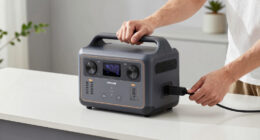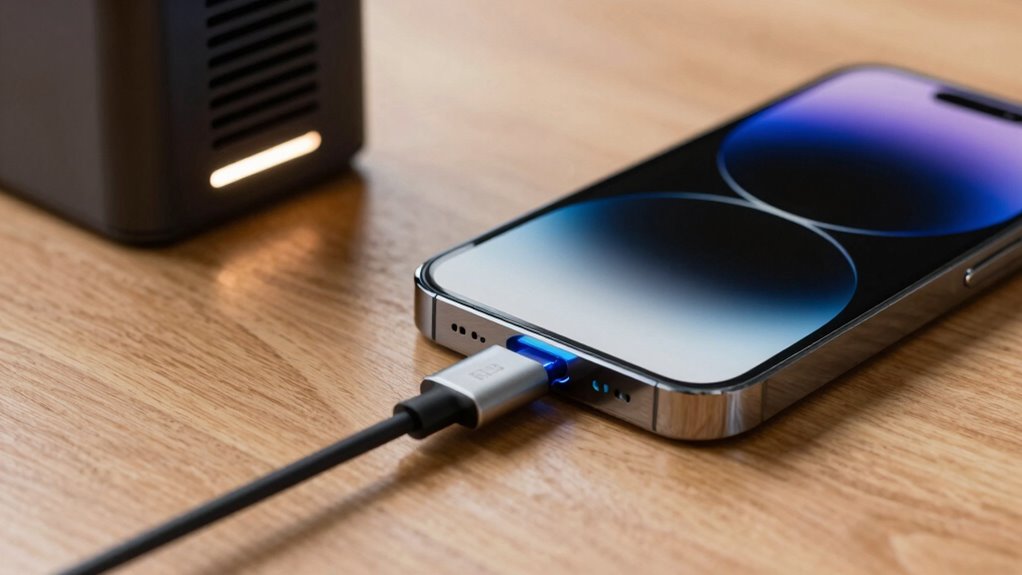

To charge your battery safely, guarantee you keep it in a well-ventilated area to prevent heat buildup that can cause damage or hazards. Avoid charging in enclosed or sunny spots, especially during fast charging, which generates more heat quickly. Using certified chargers and following manufacturer instructions help prevent overheating. Understanding these rules keeps your battery healthy and safe. If you’re curious about more tips, you’ll find useful advice that can help extend your battery’s life and safety.
Key Takeaways
- Proper ventilation during charging dissipates heat, preventing overheating and reducing fire risks.
- Using certified chargers and following manufacturer guidelines ensures safe, efficient charging without excessive heat buildup.
- Fast charging generates higher temperatures; advanced safety features and controlled charging algorithms help prevent battery damage.
- Charging in well-ventilated, open environments minimizes heat accumulation and prolongs battery lifespan.
- Immediate disconnection is essential if overheating or swelling occurs to avoid safety hazards and battery failure.
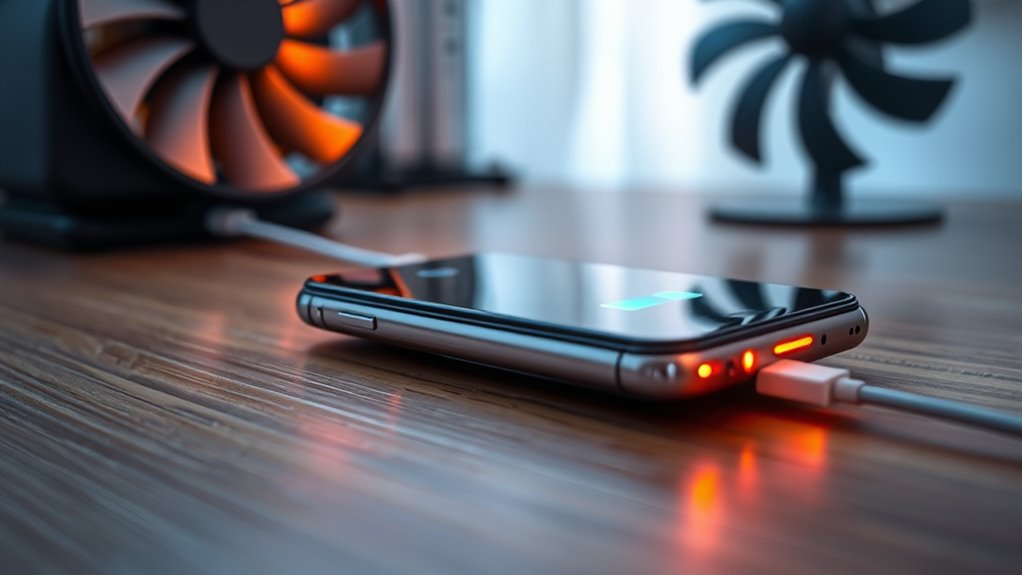
Charging your batteries safely is essential to prevent damage, extend their lifespan, and avoid potential hazards. One of the primary concerns during charging is battery overheating. When batteries get too hot, the internal chemistry can break down, leading to reduced capacity, swelling, or even dangerous fires. Overheating often results from poor charging practices or inadequate charging infrastructure. For example, using chargers not designed for your specific battery type can cause excessive heat buildup, which accelerates wear and risks safety. That’s why it’s crucial to use certified chargers and follow manufacturer guidelines. Proper charging infrastructure plays a vital role here, as high-quality stations include built-in safety features like temperature regulation and automatic shut-off to prevent overheating issues.
You should also be mindful of the charging environment. Charging in a well-ventilated area helps dissipate heat that naturally builds up during the process. If you charge batteries in enclosed spaces or near flammable materials, the risk of heat-related accidents increases considerably. Ventilation isn’t just about comfort; it’s a safety measure that can prevent dangerous heat accumulation. Many charging stations now incorporate advanced cooling systems to manage heat, but you still need to make sure that your setup isn’t obstructed or exposed to direct sunlight, which can exacerbate overheating issues. When you notice your battery or charger feeling unusually hot, it’s a sign to stop charging immediately and assess the situation. Additionally, understanding the importance of proper heat management can help you prevent long-term damage to your batteries.
Fast charging, while convenient, often raises concerns about heat and battery health. Rapid charging can generate a lot of heat in a short period, which, if unmanaged, can damage the battery or shorten its lifespan. That’s why many modern charging infrastructure solutions include smart algorithms that control the rate of charge and monitor temperature levels. If you’re using fast chargers, pay attention to the device’s instructions and warnings. Don’t push for a quick charge if the system indicates excessive heat or if the battery feels warm to the touch. Taking a little extra time with regular, slower charges can greatly prolong your battery’s health and safety.

Energizer Recharge Pro Rechargeable AAA and AA Battery Charger With 4 NiMh Rechargeable AA Batteries, Provides a Full Charge in 3 Hours
RECHARGEABLE AA BATTERIES WITH CHARGER: One Energizer Recharge Pro Rechargeable AAA and AA Battery Charger With 4 NiMh...
As an affiliate, we earn on qualifying purchases.
Frequently Asked Questions
How Can I Tell if My Battery Is Overheating During Charging?
You can tell if your battery is overheating during charging by paying attention to thermal management indicators and battery sensors. If your device feels unusually hot, especially around the battery area, that’s a sign. Many devices also have temperature alerts or warnings. To stay safe, avoid fast charging if you notice excessive heat, and guarantee proper ventilation. Regularly check for any warning messages related to battery temperature to prevent damage.
Are There Specific Ventilation Requirements for Different Device Types?
Yes, there are device-specific ventilation and cooling system requirements. You should check your device’s manual or manufacturer guidelines to determine the appropriate ventilation needs. Laptops, smartphones, and tablets often have different cooling system requirements, so guarantee vents aren’t blocked and use cooling accessories if recommended. Proper ventilation helps prevent overheating, especially during fast charging, which generates more heat. Always follow device-specific instructions for maximum safety.
Does Fast Charging Reduce Battery Lifespan Significantly?
Fast charging can reduce your battery’s lifespan, but the impact depends on your battery chemistry and charging algorithms. Modern devices use smart algorithms to minimize damage, balancing fast charge with durability. While some battery chemistry types are more resilient, consistently using fast charging may cause gradual capacity loss over time. To preserve your battery, avoid frequent rapid charges and follow manufacturer recommendations for ideal charging practices.
What Are the Signs of a Damaged or Unsafe Charging Port?
Think of your charging port as the gateway to your device’s power; if it’s damaged, it’s like a broken dam. Signs include port corrosion, visible physical damage, or loose connections. You might notice difficulty plugging in the charger, intermittent charging, or the device not recognizing the cable. These issues signal a compromised port, which could lead to further damage or safety risks if ignored. Regular inspection keeps your device safe and functioning smoothly.
How Does Ambient Temperature Affect Charging Safety?
Ambient temperature directly impacts your device’s thermal management during charging. When conditions are too hot or cold, it can cause overheating or slow charging, risking battery damage. High temperatures, for example, hinder heat dissipation, increasing safety risks. Conversely, cold environments can reduce charging efficiency. Always make certain your device is in a suitable ambient condition to promote safe, efficient charging and prevent potential safety hazards.

BONAI AA AAA Battery Charger 16 Bay for NiMH Rechargeable Batteries Independent Control with LED Light and Standard American AC Charging Plug, Battery not Included - Black
Save Time & Charge More - Bonai AA AAA battery charger 16 bay for NiMH rechargeable batteries can...
As an affiliate, we earn on qualifying purchases.
Conclusion
By balancing heat, harnessing proper ventilation, and understanding fast charge facts, you can keep your batteries safe and sustainable. Stay smart about safety, steer clear of shortcuts, and safeguard your device’s longevity. Remember, mindful management minimizes mishaps and maximizes performance. When you prioritize protecting your power, you prevent problems before they begin. So, stay vigilant, vent wisely, and value your voltage—because a safe charge sustains your device today and tomorrow.

Duracell Ion Speed 1000-Battery-Charger for AA and AAA-Batteries, Includes 4 Pre-Charged AA-Rechargeable-Batteries, for Household and Business Devices
RECHARGE YOUR BATTERIES IN 4 TO 8 HOURS with 4000 mW of charging power using the Duracell Ion...
As an affiliate, we earn on qualifying purchases.
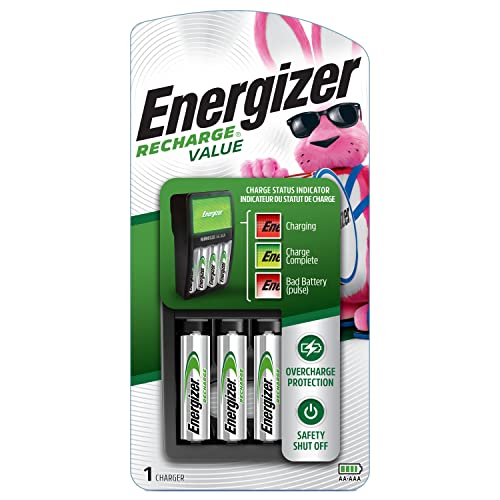
Energizer Recharge Value Charger for NiMH Rechargeable AA and AAA Batteries
Charges 2 or 4 AA or AAA NiMH rechargeable batteries at once (4 AA batteries included)
As an affiliate, we earn on qualifying purchases.