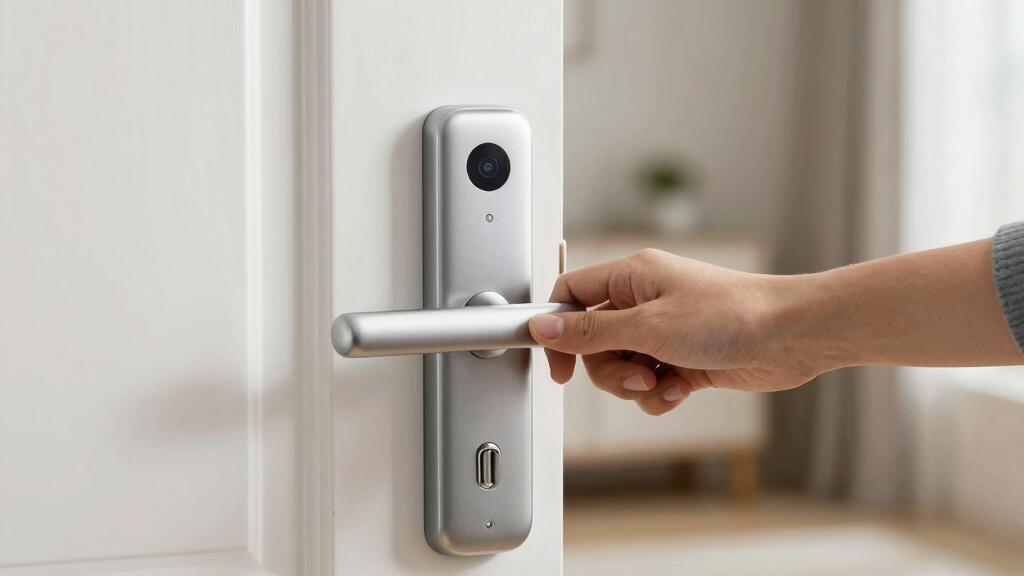

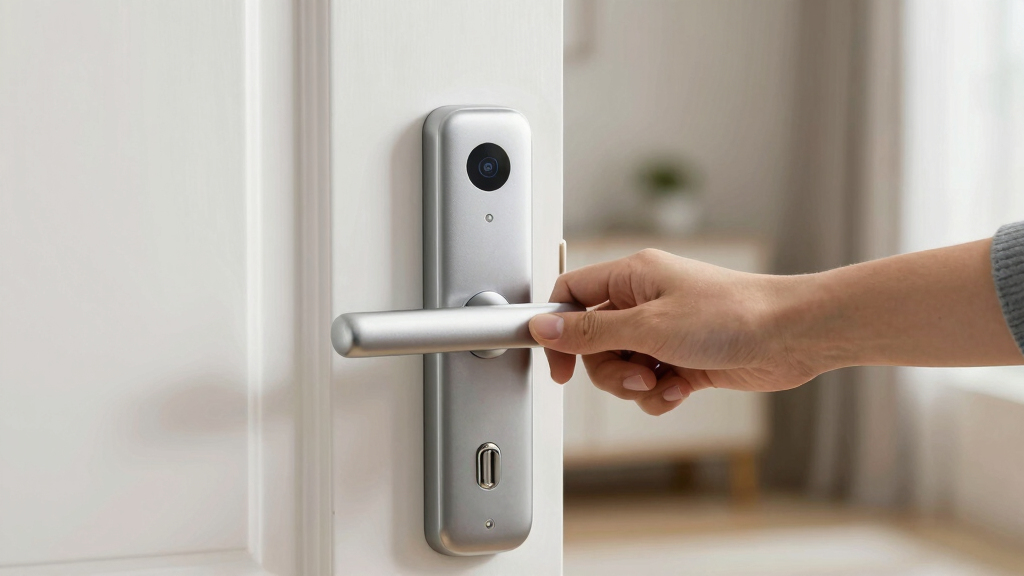
Finding the best smart lock for apartments means balancing convenience, security, and ease of installation. The Philips WiFi Keypad Lock stands out for its seamless app control and fingerprint unlocking, making it ideal for tech-savvy renters. The eufy Security Smart Lock C30 offers reliable Wi-Fi connectivity without extra hubs, perfect for straightforward setups. However, tradeoffs include compatibility issues and varying build quality across models. Keep reading for a detailed breakdown of these options, their strengths, and their limitations to help you make an informed choice.
Key Takeaways
- The best locks combine Wi-Fi connectivity with intuitive control options like fingerprint or keypad access.
- Models with integrated Wi-Fi and no hub requirement tend to be more straightforward for renters but may compromise on advanced features.
- Build quality and user interface vary significantly, influencing long-term reliability and ease of use.
- Higher-end options like Schlage offer advanced integrations but come at a premium price and installation complexity.
- Compatibility with smart home ecosystems differs, so consider your existing setup when choosing a lock.


More Details on Our Top Picks
Philips WiFi Keypad Door Lock with Handle, Built-in WiFi, APP Remote Control, Voice & Fingerprint Unlock, Keyless Entry Deadbolt
This Philips model stands out for its seamless integration of multiple access options, including fingerprint, PIN, app control, and voice commands, making it highly versatile for apartment dwellers who want convenience. Compared with the eufy C30, it offers faster fingerprint unlocking and a complete handle set that simplifies installation, though it requires 8 AA batteries, which could be inconvenient. Its direct WiFi connection means no bridge is necessary, simplifying setup, but it’s limited to 2.4GHz networks, which could pose issues in busy WiFi environments. The auto-lock feature adds security without user intervention, but the need for a specific door thickness and battery dependency are potential downsides. This pick makes the most sense for residents seeking a fully featured, easy-to-manage smart lock with flexible access methods.Pros:- Supports multiple access methods including fingerprint, PIN, app, and voice commands
- Includes a handle set for straightforward installation
- Fast fingerprint recognition at 0.3 seconds
Cons:- Requires 8 AA batteries, which are not included
- Limited to 2.4GHz WiFi networks, which could limit connectivity
Best for: Tech-savvy renters who prioritize convenience and multiple unlocking options.
Not ideal for: Those with older doors or incompatible door thicknesses, or who prefer battery-free solutions.
- Connectivity:WiFi 2.4GHz
- Unlock Methods:Fingerprint, PIN, App, Voice
- Auto Lock Timer:0-180 seconds
- Fingerprint Speed:0.3 seconds
- Handle Set Included:Yes
- Door Thickness Compatibility:1-3/8″ to 1-3/4″
- Batteries:8 AA alkaline (not included)
Bottom line: This is the best all-around choice for apartment residents wanting a versatile, easy-to-install smart lock with remote access.
eufy Security Smart Lock C30, Keyless Entry Door Lock with Wi-Fi, Deadbolt, App Control, No Bridge Needed
The eufy C30 offers a straightforward approach to keyless entry with built-in Wi-Fi and a physical keypad, making it ideal for renters who want reliable remote control without extra accessories. Compared to the Philips WiFi lock, it’s slightly less feature-rich but excels in durability and weather resistance, thanks to its IPX3 waterproof rating and robust build. Installation takes around 15 minutes, and its physical keypad adds a layer of security if the app isn’t accessible, though its battery life can decline with frequent use—an important consideration for heavy daily use. It’s perfect for tenants who value durability and easy DIY setup but don’t need extensive smart home integrations. The lack of an included bridge means limited advanced automation options, but its affordability and simplicity are key benefits.Pros:- No bridge required for app control, simplifying setup
- Weather-resistant and durable for outdoor use
- Quick installation in about 15 minutes
Cons:- Requires 4 AA batteries, which are not included
- Battery life may be limited with heavy daily use
Best for: Renters seeking a durable, easy-to-install smart lock with reliable Wi-Fi control without complex setup.
Not ideal for: Households wanting extensive smart home integration or customizable automation features.
- Connectivity:Wi-Fi
- Power:4 AA batteries (not included)
- Battery Life:Up to 5 months
- Waterproofing:IPX3
- Temperature Range:-22℉ to 158℉
- Lock Grade:BHMA Grade 3
- Installation Time:Approx. 15 minutes
Bottom line: This lock offers excellent value and durability for renters who want straightforward, remote-controlled security.
Philips Smart Lock with Handles, Keyless Entry Door Lock Set, Keypad Deadbolt for Front Door, App, Fingerprint, PIN Code Unlocking
This Philips set combines two lever handles with a keypad deadbolt, offering a comprehensive solution for those who want multiple unlocking options, including fingerprint, PIN, key, and app control. Its Bluetooth connectivity allows remote access up to 10 meters, but it requires a separate WiFi gateway for remote control and voice integration, which adds complexity and cost. Its large fingerprint capacity and unlimited PIN options make it suitable for families or shared apartments with diverse access needs. However, it relies on the door being fully closed to auto-lock and needs battery replacement after low battery alerts, which could cause inconvenience. This lock is perfect for users who want a multi-faceted security system but are willing to handle additional setup steps.Pros:- Multiple unlocking methods including fingerprint, PIN, key, and app
- Bluetooth control with a range of 8-10 meters
- Includes two lever handles for easy installation
Cons:- Requires a separate WiFi gateway for remote and voice control
- No auto-lock sensor, relies on fully closing the door
Best for: Families or roommates needing multiple access methods and flexible control options.
Not ideal for: Renters with limited space or those seeking a simple, one-step solution without extra gateways.
- Includes:2 lever handles, smart lock
- Unlocking Methods:Fingerprint, PIN, key, app
- Bluetooth Range:8-10 meters
- Fingerprint Capacity:Up to 50
- PIN Codes:Unlimited one-time + 100 user PINs
- Compatibility:Standard doors 1-3/8″ to 1-3/4″ thick
- Power:Battery operated (replace promptly)
Bottom line: This option suits households needing diverse access methods and Bluetooth control, accepting extra setup components.
Philips Wi-Fi Smart Lock Keyless Entry Deadbolt for Front Door
This Philips Wi-Fi deadbolt excels with its broad compatibility for most doors, and its extensive access options including app, fingerprint, passcode, and voice commands make it ideal for residents who want flexible control. Its ability to send real-time notifications and support multiple user codes enhances security, especially for frequent guest access or shared living. Compared with the simpler eufy C30, it offers more remote management features but requires 4 or 8 AA batteries, which is a potential hassle. Its limited to 2.4GHz networks, and it lacks a physical door sensor, so users must trust the lock’s status without physical confirmation. It’s perfect for apartment tenants who want comprehensive remote control and guest management but are okay with battery dependency.Pros:- Supports app, fingerprint, passcode, and voice commands
- Real-time notifications and customizable access codes
- Easy DIY installation on most standard doors
Cons:- Requires 4 or 8 AA batteries, which are not included
- Limited to 2.4GHz WiFi networks, may affect connection stability
Best for: Renters who prioritize remote access, guest management, and real-time notifications.
Not ideal for: Those who prefer a physical indicator of lock status or have limited WiFi stability.
- Compatibility:Most doors 1-3/8″ to 2″ thick
- Connectivity:Built-in WiFi
- Power:4 or 8 AA batteries (not included)
- Auto Lock Timing:10-180 seconds
- Voice Control:Alexa & Google Assistant
- Additional Features:Fingerprint, passcode, remote control, multiple user codes
Bottom line: This model is best suited for apartment residents wanting advanced remote management and guest access features.
Philips Wi-Fi Smart Lock with Handle, Keyless Entry Keypad Door Lock, Front Door Deadbolt Set with WiFi Gateway, App Control, Fingerprint Unlock, PIN Code Unlock, Auto Locking
This Philips model stands out for offering a wide array of unlocking options, including fingerprint, PIN, app, and voice commands, making it highly adaptable for different users. Its auto-lock feature adds an extra layer of security, and remote management through the Philips app turns your door into a smart hub. Compared with the Schlage Encode, it provides more biometric options but requires a Wi-Fi gateway and potentially more installation effort, especially since battery life isn’t specified. The need for a gateway could be a hurdle for those seeking a completely wireless, plug-and-play solution. Still, its flexibility in unlocking methods makes it a top pick for households that value convenience and multiple security layers.
Pros:- Multiple unlocking options including fingerprint, PIN, app, and voice commands
- Auto-lock feature enhances home security automatically
- Easy to install on most standard doors with minimal fuss
- Remote management and real-time notifications via app
Cons:- Requires Wi-Fi gateway for remote features, adding complexity and cost
- Installation may involve drilling and compatibility checks
- Battery life not specified, which could impact long-term reliability
Best for: Buyers who want a highly adaptable, feature-rich smart lock with biometric options and remote control capabilities.
Not ideal for: Apartment dwellers seeking a simple, low-maintenance lock without the need for additional Wi-Fi gateways or complex installation.
- Compatibility:Doors 1-3/8″ to 2″ thick
- Auto Lock Timer:30-180 seconds (adjustable)
- Fingerprint Recognition:Yes, 99.99% accuracy
- Number of PIN Codes:Unlimited one-time, up to 100 user codes
- Connectivity:Wi-Fi with included gateway
- Power Source:Battery operated (not specified)
Bottom line: This model suits tech-savvy users who want maximum flexibility and remote control, accepting some setup complexity and potential extra cost.
Schlage Encode Smart Wi-Fi Deadbolt Lock with Touchscreen Keypad, Keyless Entry, App Control, Alexa & Google Home Compatibility, Matte Black
The Schlage Encode excels in its straightforward integration with popular voice assistants like Alexa and Google Home, making it ideal for users seeking seamless voice-controlled entry. Its built-in touchscreen keypad offers an extra layer of convenience, especially for guests or family members without smartphones. Compared to the Philips Wi-Fi Smart Lock, the Schlage’s advantage lies in its simplicity—no need for an extra gateway—though its battery life may demand more frequent replacements under heavy use. Its security features, including encrypted connections and a built-in alarm, bolster peace of mind, but the touchscreen’s fingerprint-prone surface could be a minor annoyance. Overall, it’s designed for those who want a reliable, easy-to-install smart lock with voice and app control.
Pros:- Remote access and management via smartphone app
- Compatible with Alexa and Google Home for voice control
- Easy to install without hardwiring or extra hubs
- High security with encryption and built-in alarm
Cons:- Battery life may require frequent replacements with heavy use
- Requires Wi-Fi connection for remote features, which could be a concern for unstable networks
- Touchscreen may be fingerprint-prone and less durable over time
Best for: Homeowners or renters who prefer a straightforward, voice-compatible lock that works well with smart home ecosystems and doesn’t require extra hubs.
Not ideal for: Tech enthusiasts who want biometric unlocking or highly customizable access codes, as the touchscreen may be fingerprint-prone and its management less flexible than biometric options.
- Material:Matte Black finish
- Connectivity:Wi-Fi
- Control:App, Touchscreen keypad
- Compatibility:Alexa, Google Home, Airbnb
- Battery:4 AA batteries (included)
- Battery Life:Up to 6 months
Bottom line: Ideal for users seeking an easy-to-install, voice-compatible lock with strong security features, who prefer simplicity over biometric customization.
How We Picked
These smart locks were evaluated based on performance, ease of installation, build quality, connectivity options, and value for typical apartment dwellers. We prioritized models that combine reliable Wi-Fi or app control with straightforward setup, since renters need hassle-free solutions. Security features like fingerprint access and keypads were considered essential, while compatibility with smart home systems was a bonus. We ranked products by balancing these factors to highlight options suitable for different needs and budgets, aiming to help renters and homeowners alike find the best fit.Factors to Consider When Choosing Best Smart Lock For Apartments
When choosing a smart lock for an apartment, several considerations can help you avoid pitfalls and select a model that truly fits your lifestyle. Beyond basic features, understanding installation requirements, compatibility, and security options will prevent costly mistakes. This guide explores key factors that influence your decision, helping you find a lock that balances convenience with peace of mind.Ease of Installation and Compatibility
Most renters need a lock that installs quickly without permanent modifications. Look for models that fit standard deadbolts and require minimal tools. Compatibility with your door type and existing hardware is also crucial — some locks only work with specific thicknesses or backsets. Choosing a model designed for easy DIY installation can save time and avoid damage, especially if you plan to move soon or rent.
Connectivity and Control Options
Wi-Fi-enabled locks with app control are a must for remote management, but check if they require additional hubs or bridges. Fingerprint scanners and keypads add convenience, especially if you don’t want to carry keys or phone access. Consider whether the lock supports voice commands or smart home integrations, which can enhance daily use but may complicate setup or raise security concerns if not properly configured.
Security Features and Reliability
Beyond digital convenience, security is paramount. Look for models with robust encryption, tamper alerts, and quality construction. Some locks offer auto-locking or temporary access codes, which are useful for guests or service providers. Be cautious of cheaper models that may compromise on durability or security, as a lock is only as good as its ability to protect your home or apartment.
Battery Life and Power Backup
Smart locks rely on batteries, so check their longevity and ease of replacement. A lock with a low-battery alert saves you from unexpected lockouts. Some models feature backup keys or power options—such as micro-USB ports—to ensure access during power failures or dead batteries. Prioritizing reliable power management helps maintain security and convenience over time.
Price and Long-Term Value
Smart locks range from budget-friendly to premium models, so consider what features matter most to you. Cheaper options may lack durability or keyless entry options, while higher-priced locks often include advanced integrations and stronger security. Investing in a higher-quality lock can be worthwhile if it offers better reliability, but be mindful of your actual needs and whether premium features are necessary for your apartment lifestyle.
Frequently Asked Questions
Can I install a smart lock myself in an apartment?
Yes, many smart locks are designed for DIY installation and fit standard deadbolts, making them suitable for renters. However, it’s important to check the specific model’s compatibility with your door and whether it requires any modifications. Some locks may need additional components like bridges or Wi-Fi hubs, which can add complexity. Always follow the manufacturer’s instructions to avoid damaging your door or voiding your lease terms.
Will a smart lock work with my existing smart home devices?
Compatibility varies by model; some smart locks integrate seamlessly with popular systems like Alexa, Google Home, or Apple HomeKit, while others operate independently. Check the product specifications and app support before purchasing if integration with your existing setup is a priority. Keep in mind that some features, like voice control or routines, depend on your smart home ecosystem supporting the lock’s protocols.
What should I do if the lock’s battery dies?
Most smart locks include low-battery alerts well before complete power loss. Many offer backup options such as physical keys, external power ports, or emergency override codes. Ensuring easy access to backup methods is crucial, especially in an apartment where you may need quick entry. Regularly replacing batteries and monitoring their status helps prevent lockouts caused by power failure.
Are smart locks secure enough for an apartment door?
When chosen carefully, smart locks can be highly secure, especially those with strong encryption, tamper alerts, and durable construction. Avoid models with known vulnerabilities or flimsy build quality. Remember, the security of your apartment also depends on how well you manage access, such as using temporary codes wisely and keeping software updated. A well-designed smart lock can be a reliable part of your overall home security system.
Can I share access with multiple people easily?
Yes, most smart locks allow you to generate temporary or permanent access codes or digital keys through their apps. This feature is particularly useful for tenants who want to grant access to roommates, friends, or service providers without handing over physical keys. Managing access remotely also means you can revoke permissions instantly if needed, providing flexibility and security in shared living situations.
Conclusion
For the typical apartment dweller, the Philips WiFi Keypad Lock offers a balanced mix of features and ease of use, making it the best overall choice. If you’re seeking a reliable, straightforward solution without extra hubs, the eufy Security Smart Lock C30 stands out for its simplicity and solid performance. Those with a higher budget who want advanced integrations will appreciate the Schlage Encode, while first-time buyers or renters might prefer models with minimal installation hassle. Ultimately, your choice depends on your specific needs, existing smart ecosystem, and budget.