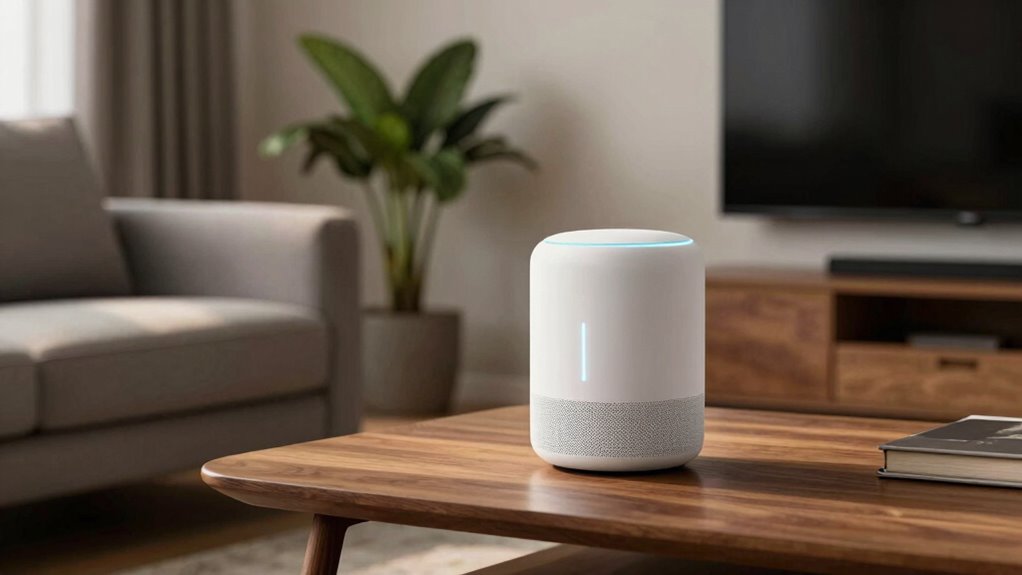

Voice assistants work by capturing your voice through a microphone, converting it into digital signals, and sending them to the cloud for analysis using natural language processing. They understand your commands, search for answers or actions, and respond in real-time, making daily tasks easier. Popular options like Amazon Alexa, Google Assistant, and Siri can control smart home devices and provide information. Keep exploring to discover more about setting them up and maximizing their benefits at home.
Open a free Amazon Business account
Business pricing, bulk buying and tax-exempt orders.
As an affiliate, we earn on qualifying purchases.
Key Takeaways
- Voice assistants convert speech into digital signals for quick analysis and response, enabling hands-free control at home.
- Popular options include Alexa, Google Assistant, Siri, and Cortana, each compatible with specific ecosystems and devices.
- They provide benefits like instant information access, smart device management, and enhanced accessibility for users.
- Setup involves connecting to Wi-Fi, customizing preferences, creating voice profiles, and managing privacy settings.
- Maximize use by giving specific commands, exploring integrations, setting routines, and personalizing device features.

Amazon Echo Dot (newest model) – Vibrant sounding speaker, Designed for Alexa+, Great for bedrooms, dining rooms and offices, Charcoal
- Music and Content Playback: Stream music, audiobooks, podcasts via Bluetooth
- Voice Assistance: Ask Alexa for weather, timers, answers, jokes
- Smart Home Control: Manage smart devices with voice commands
As an affiliate, we earn on qualifying purchases.
As an affiliate, we earn on qualifying purchases.
How Voice Assistants Work
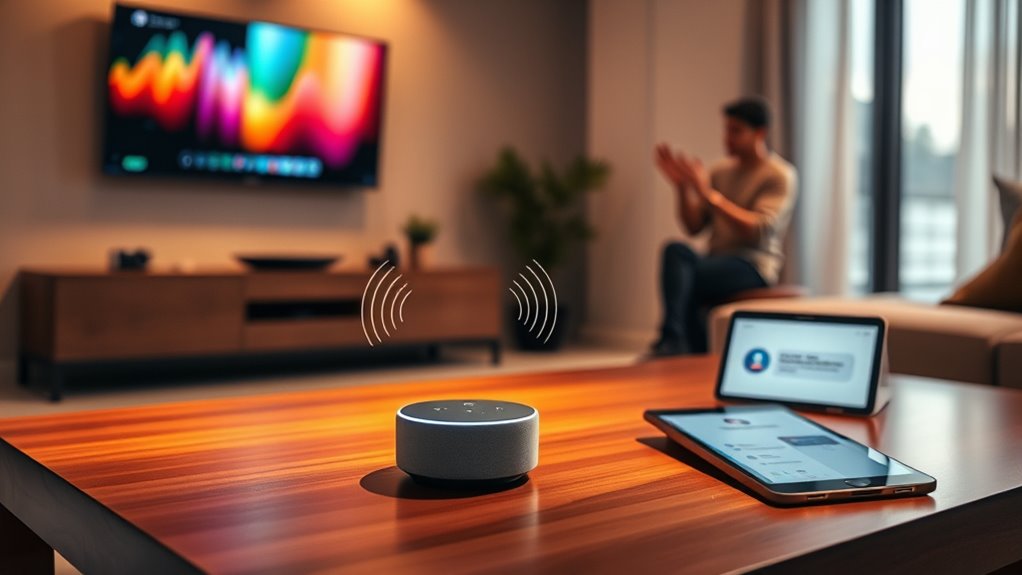
Ever wondered how voice assistants understand what you say? When you speak, your voice is captured by a microphone and converted into a digital signal. This signal is then sent to the cloud, where specialized software analyzes your words using natural language processing (NLP). NLP breaks down your speech into components like keywords and intent, helping the system interpret what you want. Once understood, the assistant searches for an answer or action, whether it’s playing music, setting a reminder, or controlling smart devices. The response is then sent back as synthesized speech, which you hear through your device’s speaker. This seamless process happens in seconds, making it feel like you’re chatting with a real person. Additionally, voice assistants can integrate with smart home technology, enabling you to control various devices through simple voice commands. Behind the scenes, the use of energy-efficient cloud servers helps facilitate fast processing while promoting sustainable technology practices. Advances in natural language understanding further improve the accuracy and responsiveness of voice assistants.

Google Nest Hub 7” Smart Display with Google Assistant (1st Gen) – Chalk (Bulk Packaging)
- Display Size: 7-inch smart display
- Built-in Assistant: Google Assistant for hands-free help
- Language Support: Korean model with language change
As an affiliate, we earn on qualifying purchases.
As an affiliate, we earn on qualifying purchases.
Popular Voice Assistants in the Market
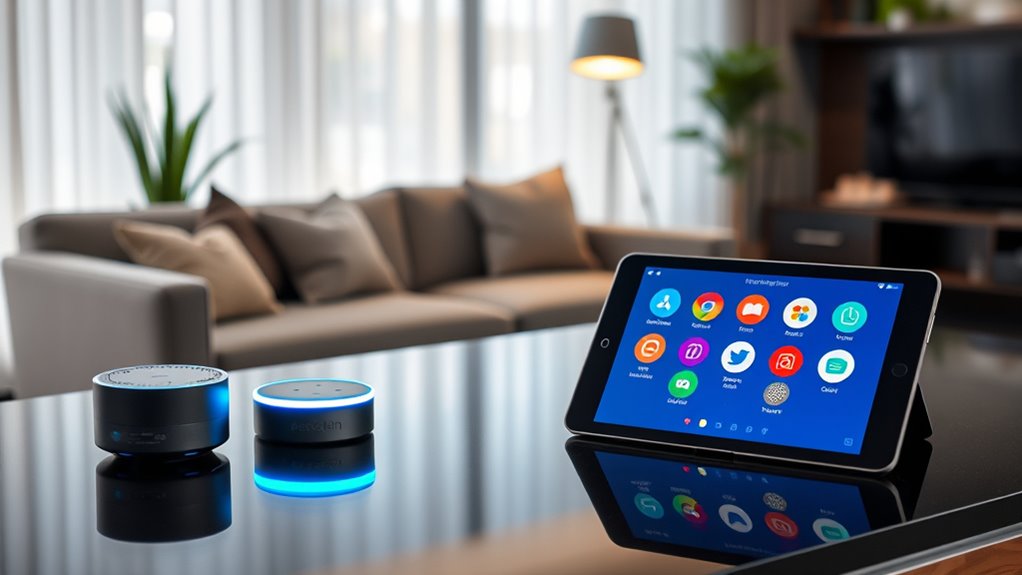
Many voice assistants have become household names, offering a variety of features to make daily tasks easier. Popular options include Amazon Alexa, Google Assistant, Apple’s Siri, and Microsoft’s Cortana. Each one integrates with specific devices and ecosystems, so your choice depends on your existing tech setup. For example, Alexa works seamlessly with Echo devices and smart home gadgets, while Google Assistant excels at search and information. Siri is ideal if you’re an Apple user, and Cortana integrates well with Windows systems. Compatibility and thermal behavior can impact how these assistants connect with smart devices and ensure reliable operation. Understanding the compatibility of each assistant with your devices can help optimize their performance and reliability, especially considering how device ecosystems influence overall functionality. Additionally, software integration plays a crucial role in ensuring smooth interactions across different platforms and devices. Furthermore, user privacy considerations are essential when selecting a voice assistant, as different platforms have varying data security policies.
Siri voice assistant for Apple HomeKit
As an affiliate, we earn on qualifying purchases.
As an affiliate, we earn on qualifying purchases.
Benefits of Using Voice Assistants at Home

Using a voice assistant at home can considerably streamline your daily routines by providing quick access to information, controlling smart devices, and managing tasks hands-free. You can ask for weather updates, set reminders, or find recipes without interrupting your activities. Voice assistants also help you control smart home devices like lights, thermostats, and security systems effortlessly, creating a more convenient environment. They save you time by enabling multitasking, so you don’t need to stop what you’re doing to manually operate gadgets or look things up. Additionally, they enhance accessibility, making it easier for people with mobility or vision challenges to interact with their home. They can also learn from your user interactions to better anticipate your needs and preferences over time. Furthermore, voice assistants utilize artificial intelligence to improve their responses and adapt to your preferences over time. These learning capabilities contribute to a more personalized and intuitive experience, making your home smarter, more efficient, and more responsive to your needs. Many voice assistants are also capable of integrating with other smart devices, creating a seamless and connected home environment, and understanding complex commands through natural language processing.

Amazon Basics Smart Plug, Works with Alexa Only, Voice Control, Remote APP Control, Schedule, Compact Design, Versatile, 2.4 GHz Wi-Fi, No Hub Required, 4-Pack, White
- Easy Alexa setup: Quick setup with multiple options
- Remote control and scheduling: Control appliances remotely and set schedules
- Compact design: Fits into one socket, leaves others free
As an affiliate, we earn on qualifying purchases.
As an affiliate, we earn on qualifying purchases.
Setting Up and Customizing Your Voice Assistant
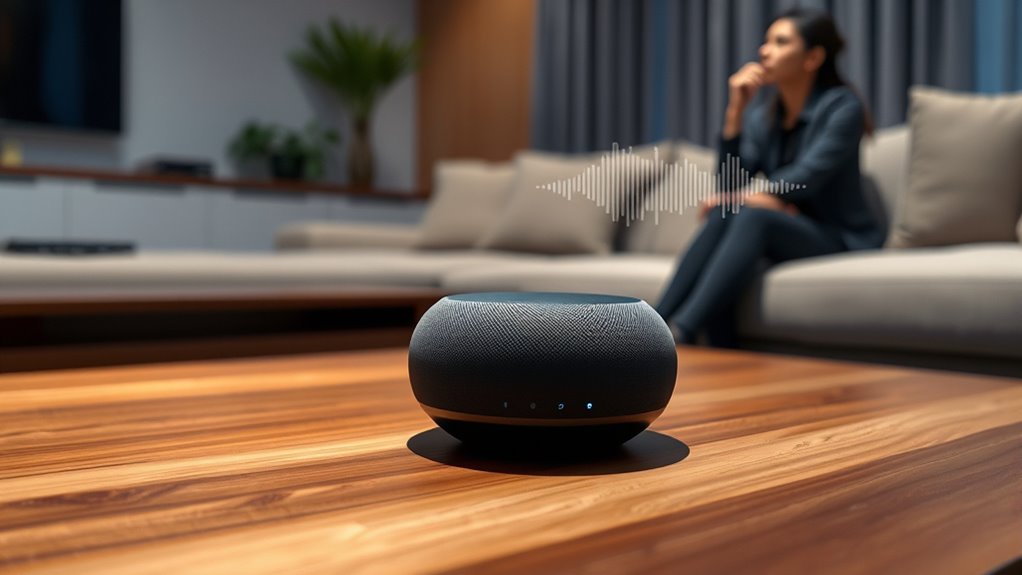
Getting your voice assistant set up and personalized is straightforward and guarantees it works best for your needs. First, connect it to your Wi-Fi network, ensuring a stable connection. Download the companion app on your smartphone or tablet, and follow the prompts to link your device. During setup, you’ll likely create a voice profile or select preferences, which helps improve recognition. Customize your settings, such as language, location, and preferred services, to tailor the experience. You can also link smart home devices or music services for seamless control. Take a moment to review privacy options, deciding what data you share. Once personalized, try a few commands to confirm everything is working correctly and your assistant is ready to help. Understanding voice recognition technology can also enhance your experience by helping you troubleshoot any issues. Additionally, exploring personalization options allows you to optimize your device’s responsiveness and features. For example, adjusting device settings can improve accuracy and functionality for your specific household needs. Becoming familiar with network infrastructure can further improve your device’s connectivity and performance. Familiarizing yourself with voice command syntax can further improve your interaction efficiency.
Tips for Making the Most of Your Voice Assistant
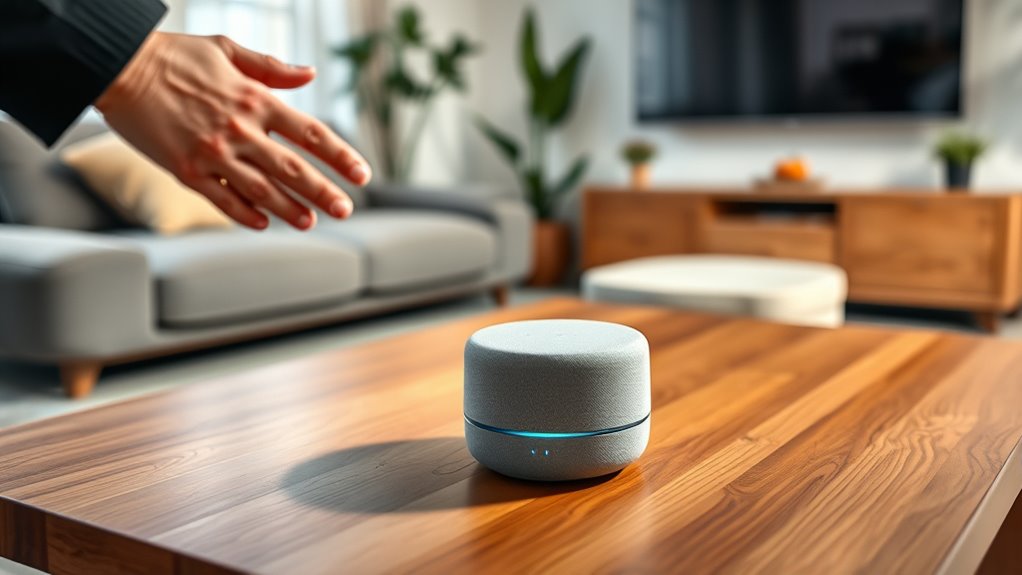
Ever wondered how to get the most out of your voice assistant? To maximize its benefits, be specific with your commands and use natural language. Regularly update its software to access new features and improvements. Take time to explore its skills and integrations that can streamline your daily routines. Customize wake words or routines to fit your lifestyle better. Also, organize your voice commands into categories for easier access. Here are some tips to enhance your experience:
Maximize your voice assistant by customizing commands, exploring features, and organizing routines for seamless daily use.
- Use clear, concise commands for better accuracy
- Set routines for common tasks like weather or reminders
- Link your smart devices for seamless control
- Personalize your assistant’s voice and preferences
- Practice consistency to improve recognition over time
- Be aware of privacy policies and how your data is managed to ensure a safe experience
Furthermore, understanding smart device integration can help you create a more cohesive and efficient smart home environment. Knowing how to troubleshoot common issues with your voice assistant can also save time and frustration, especially when it comes to managing home appliances and ensuring their proper operation. Additionally, being aware of power management strategies can help you optimize your device’s performance and reliability during outages or power fluctuations.
Frequently Asked Questions
How Secure Are Voice Assistants’ Personal Data?
Voice assistants can be reasonably secure, but your personal data isn’t foolproof. They often store voice commands and other info on servers, which could be vulnerable if not properly protected. To stay safe, use strong passwords, enable two-factor authentication, and regularly review privacy settings. Be mindful of what you say around your device, and consider deleting voice recordings periodically to minimize risks.
Can Voice Assistants Understand Multiple Languages Simultaneously?
Yes, voice assistants can understand multiple languages simultaneously, and they do it remarkably well—almost as if you’re speaking in a multilingual symphony with perfect harmony. They switch effortlessly between languages, recognizing accents and dialects with astonishing accuracy. You just need to set your preferred languages, and your voice assistant will seamlessly respond in the right tongue, making your smart home feel like a truly global, multilingual paradise.
What Privacy Controls Are Available for Voice Assistant Users?
You can control your privacy with voice assistants by adjusting settings to limit data collection, disable voice recordings, or delete past interactions. Most assistants also offer a mute button or privacy mode to stop listening when you prefer. Regularly reviewing privacy options in your app or device settings helps make sure your personal information stays secure. Staying informed about updates and using strong security practices keeps your voice assistant experience safe.
How Do Voice Assistants Handle Complex or Unclear Commands?
Think of your voice assistant as a skilled translator, trying to interpret your complex or unclear commands. When you say, “Play that song I liked last summer,” it might ask for clarification or offer options. Most assistants analyze context and learn from your interactions to improve understanding. They handle ambiguity by asking follow-up questions, ensuring they get your meaning right, much like a helpful friend who’s enthusiastic to understand you better.
Are Voice Assistants Compatible With All Smart Home Devices?
Not all voice assistants are compatible with every smart home device. You need to check if your devices work with your chosen assistant, like Alexa, Google Assistant, or Siri. Some devices are designed to connect seamlessly, while others may require a hub or additional setup. To guarantee smooth integration, verify compatibility before purchasing new devices, and update your assistant’s app regularly for the best performance.
Conclusion
Now that you know how voice assistants work and how to set them up, you’re ready to make your home smarter. Embrace the convenience and fun they bring, and don’t be afraid to explore their features — it’s all about getting the most bang for your buck. Remember, the ball’s in your court, so take charge and turn your house into a tech-savvy haven. Happy voice-controlling!
Labor Day sales Picks
labor day deals
As an affiliate, we earn on qualifying purchases.