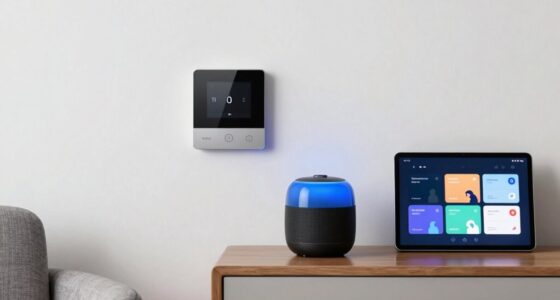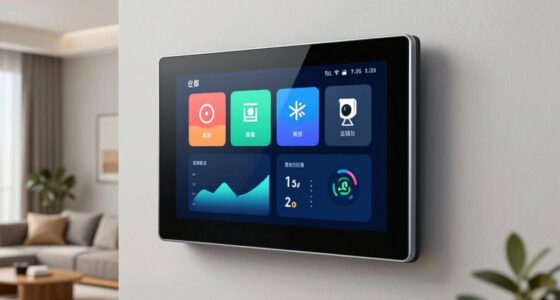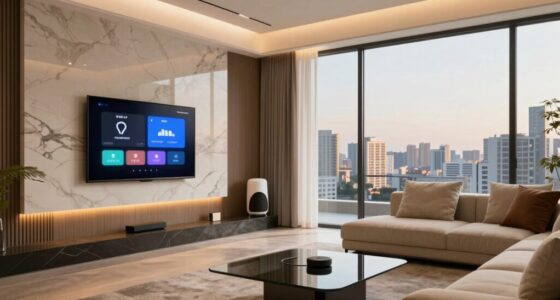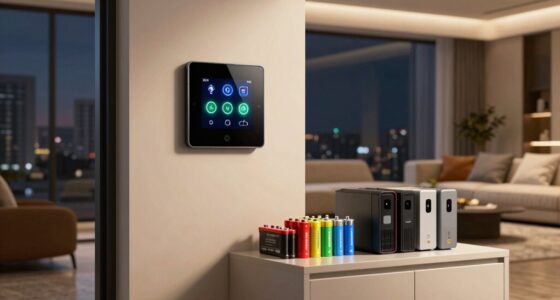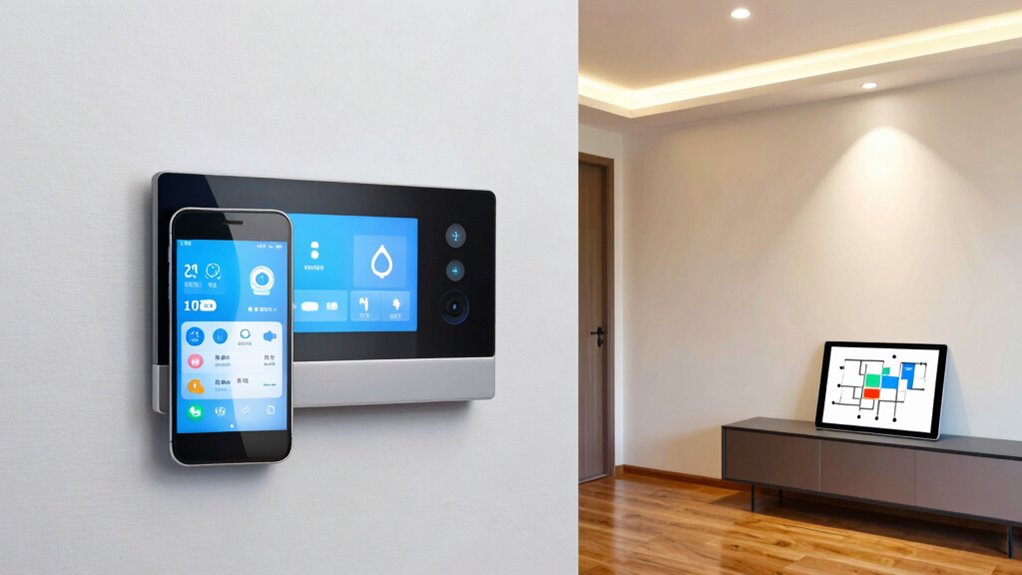

To plan your whole house automation, start by identifying your home’s priorities like security, energy savings, or convenience. Choose compatible, scalable devices that work well together, focusing on open standards like Z-Wave or Zigbee. Develop a centralized control system to manage everything seamlessly. Break the project into phases to manage costs and upgrades, ensuring future flexibility. Keep in mind, thoughtful planning now makes expanding your system easier later—exploring these steps helps you set a solid foundation.
Key Takeaways
- Assess home needs and budget to prioritize automation features like security, lighting, and energy efficiency effectively.
- Choose compatible, scalable technologies using open standards such as Z-Wave, Zigbee, and Wi-Fi for seamless integration.
- Develop a centralized control system ensuring reliable connectivity, security, and future expandability.
- Implement a phased approach, focusing on critical systems first and adjusting plans based on progress and budget.
- Design with modular components and open standards to ensure future scalability and easy upgrades.
Assessing Your Home’s Needs and Priorities
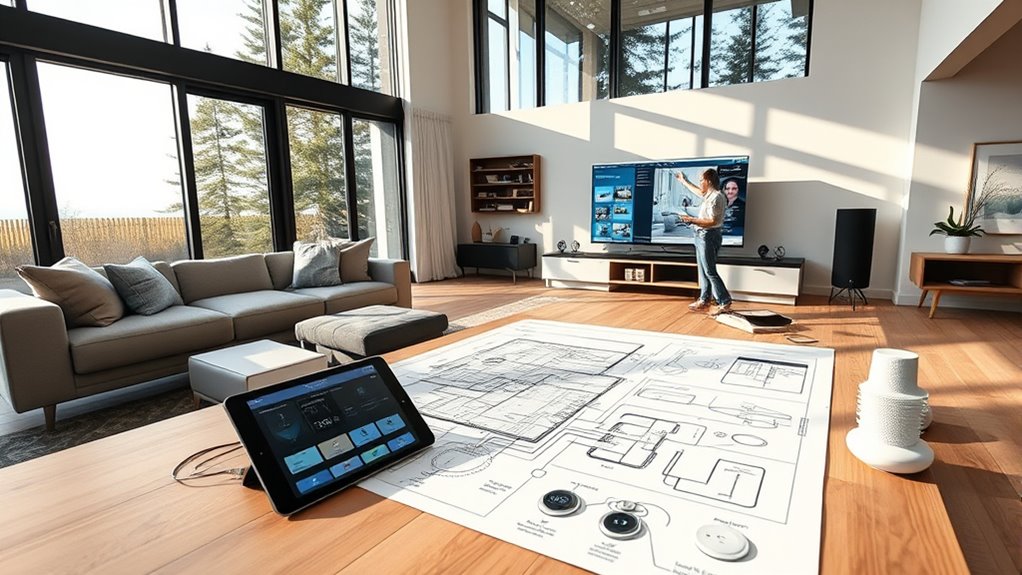
Before planning your whole house automation, you should clearly identify your home’s needs and priorities. Start by considering which areas require the most attention—are you focused on security, energy efficiency, convenience, or entertainment? Think about your daily routines and where automation could make life easier. For example, if safety is your top concern, prioritize smart locks and security cameras. If saving energy matters most, focus on lighting and climate control. List your must-haves versus nice-to-haves, and be honest about your budget constraints. Knowing your priorities helps you avoid unnecessary features and guarantees your system aligns with your lifestyle. Understanding your home’s needs and priorities is essential for tailoring a system that provides maximum benefits and satisfaction. Taking into account the performance and capability of various automation devices ensures you select solutions that truly enhance your home environment. Additionally, evaluating the safety and compliance standards of equipment helps ensure your automation system remains reliable and safe over time. Considering the connectivity and integration options available can further optimize your system’s effectiveness and user experience. Moreover, understanding the natural integration of outdoor features can contribute to a cohesive and efficient automation setup.
Choosing the Right Automation Technologies
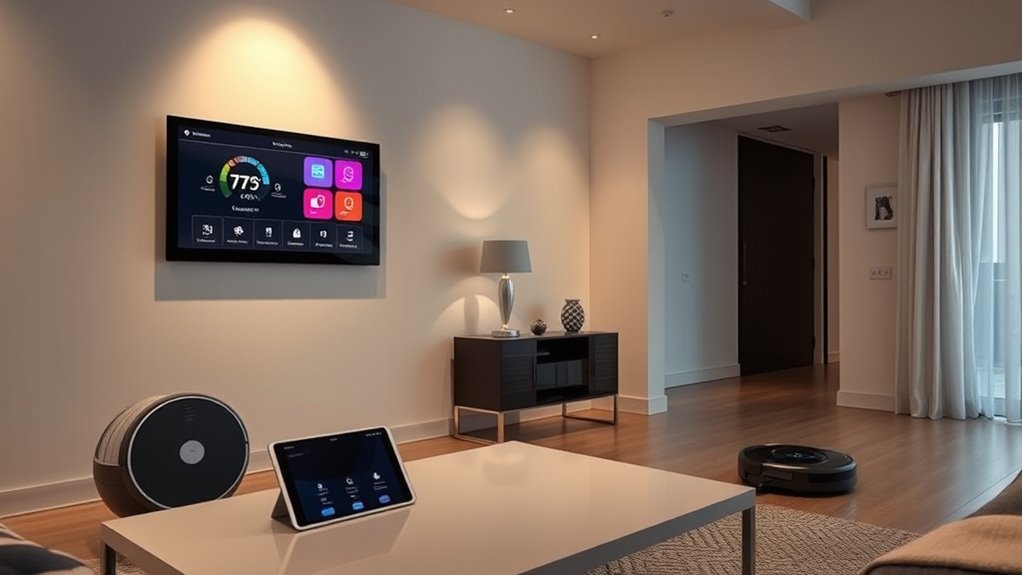
When selecting automation technologies, you need to ensure how well they work together and fit into your existing systems. Your budget and future plans also play a key role in choosing solutions that can grow with your home. Focusing on compatibility and scalability ensures your automation setup remains efficient and flexible over time. Additionally, considering cross-platform integration can help create a seamless user experience across different devices and systems. Incorporating interoperable systems can further enhance this flexibility by allowing various smart devices to communicate effectively. Prioritizing standardized protocols can also help avoid compatibility issues as your smart system expands. Exploring cloud-based control options, such as European cloud solutions, can provide added security and sustainability benefits for your home automation infrastructure.
Compatibility and Integration
Choosing the right automation technologies hinges on guaranteeing they can seamlessly communicate and work together within your smart home. Compatibility is key; select devices and systems that follow common standards like Z-Wave, Zigbee, or Wi-Fi. This ensures they can connect without issues. Integration is equally important; opt for platforms that support multiple device types and brands, allowing you to expand your system easily. Check for open APIs or compatibility with popular hubs and controllers. Avoid proprietary systems that may lock you into specific brands or limit future upgrades. A well-integrated setup reduces frustration, minimizes technical problems, and creates a cohesive smart home experience. Additionally, understanding interoperability of devices helps ensure your system remains flexible and adaptable as new technologies emerge. Ensuring standardization across your devices can further enhance compatibility and ease of integration. Incorporating industry standards can also help future-proof your smart home against evolving technology.
Budget and Scalability
Selecting automation technologies that fit your budget and can grow with your home is essential for a successful smart home setup. You want options that are affordable now but can also expand as your needs change. You can also look for systems with scalable features, allowing you to add devices over time. Second, prioritize open standards that ensure compatibility with future upgrades. Third, evaluate the long-term costs, including maintenance and subscription fees. Fourth, choose technologies with a broad ecosystem and good support, so your investment remains flexible. This approach helps you avoid costly replacements later and ensures your smart home can evolve seamlessly. Planning for scalability now saves money and effort, giving you a smarter, more adaptable home in the long run. Additionally, selecting systems with proven predictive validity can improve your ability to anticipate future needs and make informed upgrade decisions. Incorporating future-proofing principles during planning can further enhance your system’s longevity and relevance. Moreover, considering interoperability ensures your devices work harmoniously across different brands and technologies, enhancing the overall flexibility of your setup.
Developing a Centralized Control System
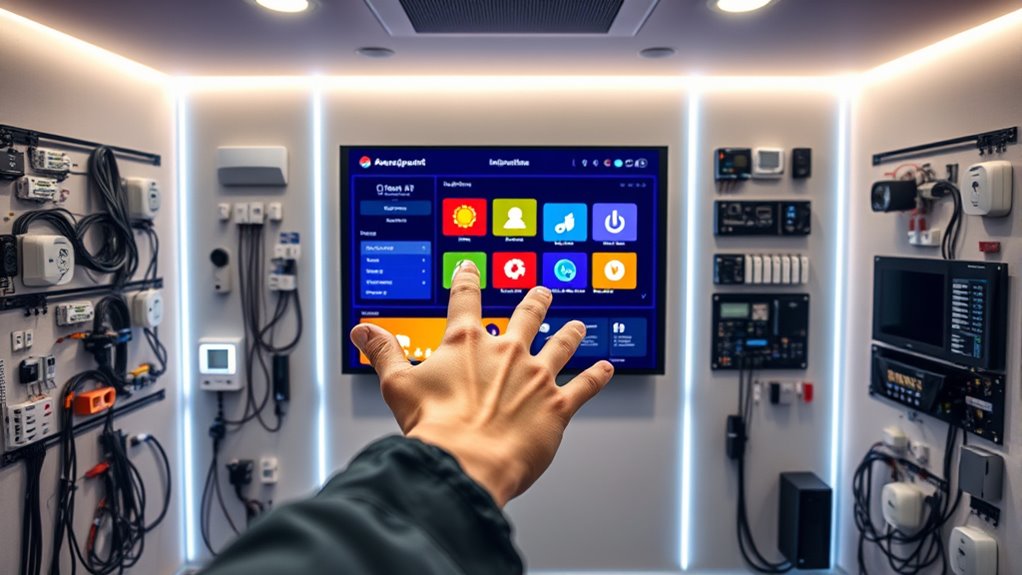
A centralized control system serves as the backbone of your whole house automation, enabling you to manage multiple devices and functions from a single interface. It simplifies operation, improves efficiency, and reduces clutter. When developing your system, consider the key components: hardware, software, and network connectivity. Choose a platform that supports your current needs and future expansion. Compatibility is vital to avoid integration issues later. Additionally, ensuring your network security is robust will protect your smart home from potential vulnerabilities. Understanding cable types and their specifications can help you select the most reliable connections for your system. Familiarity with system protocols is essential to ensure seamless communication between devices. Incorporating security protocols can further safeguard your system from unauthorized access. Understanding cryptid mysteries can inspire innovative themes for your home’s design or security features, blending folklore with technology.
Planning for Integration and Compatibility

Once you’ve established a centralized control system, guaranteeing that all components work seamlessly together becomes your next priority. You need to plan carefully for integration and compatibility to avoid headaches later.
Here are four key steps:
- Choose open standards to ensure devices communicate regardless of brand.
- Verify compatibility of new components with your existing system before purchase.
- Prioritize firmware updates to maintain security and functionality.
- Test integrations early to identify conflicts before final installation.
- Understand interoperability to make sure devices function smoothly within your home automation ecosystem.
Budgeting and Phasing Your Implementation
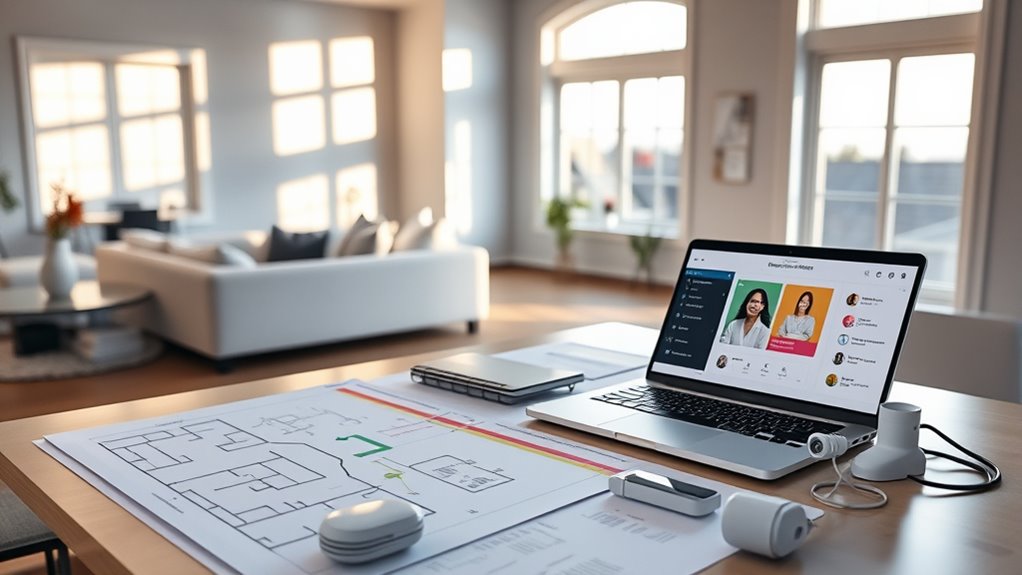
Effective budgeting and phased implementation are essential to guarantee your home automation project stays on track and within your financial limits. Start by setting a realistic overall budget, then break it into manageable phases, focusing on high-priority areas first. Prioritize systems that offer immediate benefits, like security or lighting control, before expanding to less urgent features. Allocate funds for unexpected costs, ensuring your project isn’t derailed by surprises. Phasing allows you to spread expenses over time, making upgrades more affordable and manageable. Regularly review your progress and adjust your plan as needed, ensuring each phase aligns with your budget and goals. This approach helps prevent overspending while providing flexibility to adapt your automation system as your needs evolve.
Ensuring Future Scalability and Upgradability

Planning for future scalability and upgradability guarantees your home automation system can evolve with your needs. To achieve this, you should consider several key factors.
- Use modular components that can be easily added or replaced as technology advances.
- Choose a flexible platform compatible with various protocols and devices.
- Prioritize open standards to avoid vendor lock-in and ensure seamless upgrades.
- Design your network infrastructure with sufficient capacity to handle increased devices and data flow.
Frequently Asked Questions
How Do I Ensure My Automation System Remains Secure From Cyber Threats?
You can keep your automation system secure by regularly updating its firmware and software to patch vulnerabilities. Use strong, unique passwords for all devices and change them periodically. Enable two-factor authentication where available, and network your system through a separate, secured Wi-Fi network. Monitor your system’s activity logs for suspicious activity, and disable any features you don’t use. These steps help prevent cyber threats and keep your home safe.
Can I Integrate Existing Smart Devices With a New Home Automation System?
Yes, you can integrate your existing smart devices with a new home automation system. Studies show that 60% of smart home users upgrade devices regularly, so compatibility is key. Check if your devices support common protocols like Zigbee or Z-Wave, and look for hubs or controllers that support multiple standards. Updating firmware and using secure networks guarantee seamless integration and protect your devices from vulnerabilities.
What Are the Best Practices for Training Family Members to Use Automation Controls?
You should start by demonstrating how each automation control works, making it easy for family members to see its benefits. Use simple language and avoid jargon, encouraging questions along the way. Create quick reference guides or cheat sheets for common tasks, and set aside time for hands-on practice. Reinforce learning with positive feedback, and be patient as everyone gets comfortable with the new system.
How Does Automation Impact Home Insurance and Security Policies?
Ever wonder if automation could lower your home insurance premiums? It can, as many insurers see smart security and fire detection systems as reducing risk. Installing features like cameras, smart locks, and sensors might qualify you for discounts. However, you should check with your insurer to make certain these upgrades are covered and understand how they impact your policies. Is your home protected enough to save money and boost security?
What Are the Common Troubleshooting Steps for Automation System Malfunctions?
When your automation system malfunctions, start by checking the power supply and resetting devices. Make certain all connections are secure and update the system firmware or software. If issues persist, consult the user manual or app instructions for troubleshooting tips. You can also disconnect and reconnect devices or restart your hub. If problems continue, contact customer support for further assistance to identify hardware or network issues.
Conclusion
Don’t let the complexity of whole house automation overwhelm you. With careful planning, clear priorities, and choosing scalable, compatible systems, you can create a smart home that adapts to your needs today and tomorrow. Starting small doesn’t mean sacrificing future upgrades—it’s about building a flexible foundation. Embrace the process, and you’ll enjoy a seamless, efficient home that grows with you. Your smart home journey begins now—why wait?