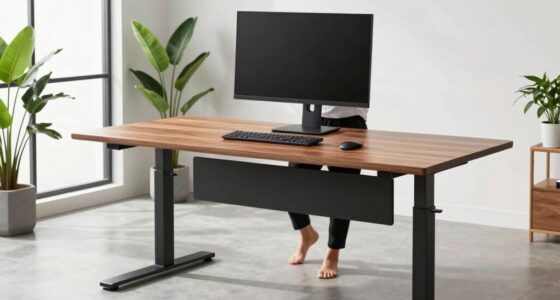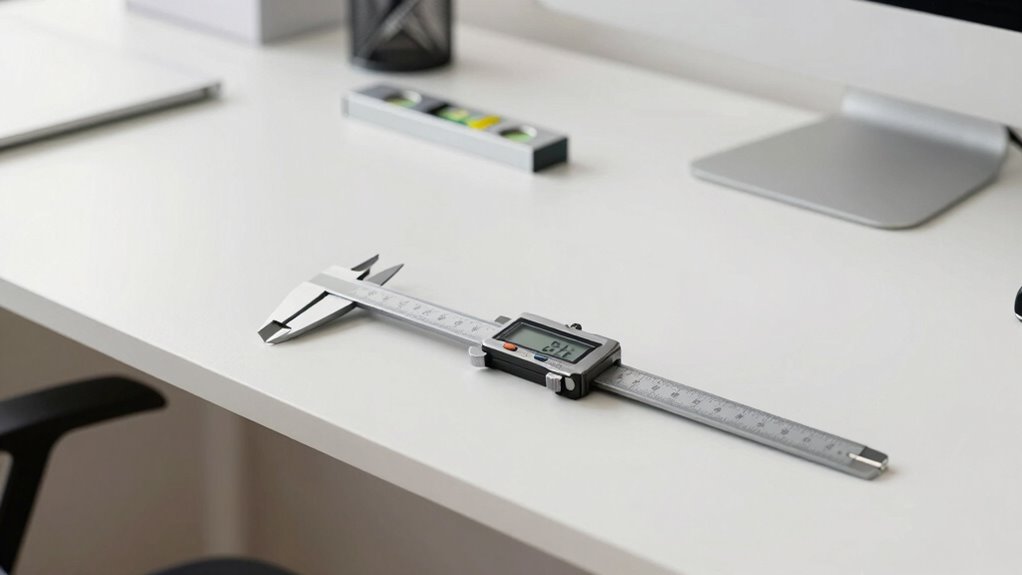

Desk height calibration guarantees you sit comfortably and maintain good posture. To do this, measure from the floor to your forearm’s underside while sitting with feet flat, then adjust your desk so your elbows form about a 90-degree angle. Use tools like a tape measure, level, or calipers for accuracy. Proper setup reduces strain and improves productivity. Keep exploring for detailed steps and tips to set up your workspace correctly.
Key Takeaways
- Desk height calibration involves adjusting the desk to ensure elbows are at a 90-degree angle for ergonomic comfort.
- Proper measurement uses tools like a tape measure or digital calipers from the floor to the underside of the forearm.
- Adjustments should be made gradually, verifying that feet are flat and posture remains supported during setup.
- Calibration requires checking that the monitor is at eye level and wrist positions stay straight to prevent strain.
- Recalibration is necessary when discomfort occurs or physical or workspace changes happen.

PuroAir 240 HEPA Air Purifiers for Home Large Rooms - Covers Up To 1,000 Sq Ft - Filters Up To 99.9% of Pollutants, Smoke, Pollen, Dust - Quiet HEPA Air Filter - Air Purifiers for Bedroom
Cleaner Air in Minutes: PuroAir is proven to filter the pollutants lurking in your home’s air. This large...
As an affiliate, we earn on qualifying purchases.
Understanding the Importance of Proper Desk Height
Having the correct desk height is essential for maintaining good posture and preventing discomfort during extended periods of work. When your desk is too high, it can cause strain on your shoulders and neck, leading to tension and fatigue. If it’s too low, you might hunch over, putting unnecessary stress on your back and wrists. Proper desk height allows your elbows to stay close to your body and form roughly a 90-degree angle, reducing muscle strain. It also encourages you to sit upright, supporting your spine’s natural curve. Maintaining the right height improves comfort, boosts productivity, and helps prevent long-term health issues like repetitive strain injuries. In essence, getting your desk height right is a simple but crucial step toward a healthier, more efficient workspace. Ensuring your workspace setup includes considerations like ergonomic principles can further enhance your comfort and well-being. Additionally, using adjustable desk features can help accommodate different body types and preferences for optimal comfort. Adjusting your workspace to align with proper ergonomic setup can make a significant difference in overall comfort and health, especially when considering individual body differences to tailor the workspace to your needs.
BLUEAIR Air Purifiers for Large Rooms, Cleans 3,048 Sqft In One Hour, HEPASilent Smart Air Cleaner For Home, Pets, Allergies, Virus, Dust, Mold, Smoke - Blue Pure 211i Max
BLUEAIR’S TOP-PERFORMING AIR PURIFIER LINE: Blue family’s new Pure Max series with our proprietary HEPASilent performance now even...
As an affiliate, we earn on qualifying purchases.
How to Measure Your Ideal Desk Height
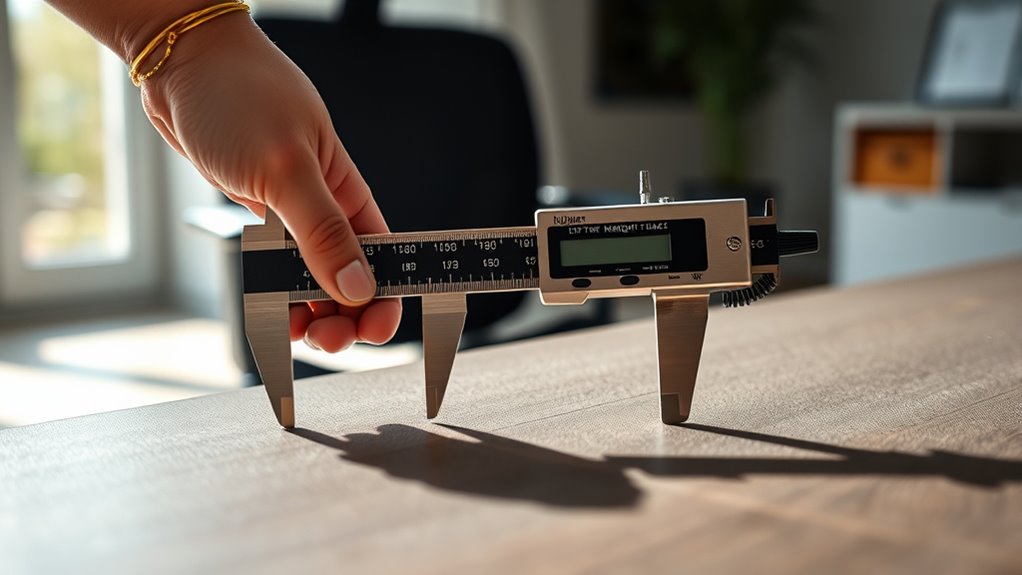
To find your ideal desk height, you’ll need to measure carefully and consider key factors like your sitting posture and workspace setup. Start by following simple step-by-step instructions to get accurate results. Keep in mind that your comfort depends on balancing these measurements with your personal needs. Ensuring proper ergonomic setup can help prevent strain and improve overall comfort during extended periods of work. Additionally, paying attention to supportive furniture can further enhance your workspace ergonomics. Remember that net worth and personal success stories, like those of individuals such as Kate from Breaking Amish, can be inspiring, but your focus should remain on creating a balanced and healthy workspace. Being mindful of ergonomic principles can make a significant difference in maintaining comfort throughout your workday. Properly adjusting your desk height in relation to your chair and monitor positioning is also essential to achieve optimal posture alignment.
Measuring Properly Step-by-Step
Measuring your ideal desk height accurately is essential for comfort and ergonomics. To do this effectively, follow these steps:
| Step | Action | |
|---|---|---|
| 1 | Sit upright in your chair, feet flat on the ground. | |
| 2 | Use a tape measure or ruler to note the distance from the floor to your forearm’s underside. | |
| 3 | Adjust your desk height so your elbows are at a 90-degree angle when your hands rest comfortably on the surface. | |
| 4 | Ensure your posture remains supported and avoid slouching for optimal ergonomic setup. Proper desk height helps prevent strain and promotes healthy positioning. When seated correctly, your wrist alignment should be neutral to reduce strain during extended work sessions. | |
| 5 | Consider ergonomic adjustments such as wrist support or monitor height for a comprehensive workspace setup. | Proper desk height supports healthy posture and reduces discomfort during extended work periods. |
Ensure your chair height supports your feet firmly on the floor, and avoid slouching. Taking precise measurements helps you set a desk height that promotes good posture and reduces strain. Repeat the process if needed for accuracy.
Ideal Desk Height Factors
Determining your ideal desk height involves considering several key factors to guarantee comfort and proper ergonomics. First, your elbow height is vital; your desk should be set so your elbows rest at a 90-degree angle when your arms are relaxed at your sides. Second, your wrist position matters—your wrists should stay straight while typing or using a mouse, preventing strain. Third, your eye level influences your monitor placement; ideally, your screen should be at or just below eye level to reduce neck strain. Additionally, ergonomic desk setup plays a crucial role in maintaining overall comfort and health during long work sessions. Ensuring your posture remains aligned can help prevent discomfort and long-term injury. Proper desk height also depends on chair adjustments, which support your overall ergonomic position. Adjusting your workspace for personal comfort can significantly enhance productivity and reduce fatigue. Incorporating supportive accessories, like footrests or wrist rests, can further improve your ergonomic setup. By focusing on these factors, you’ll find a desk height that promotes healthy posture and minimizes discomfort during long work sessions. Adjust your desk accordingly, ensuring each element aligns with your natural body positioning.
KNKA Air Purifier for Home Bedroom Large Room Up to 1,695 Ft² in 1 Hr, HEPA Air Cleaner with Washable Pre-Filter, AQI Display, ECO Mode, Sleep Mode, Pet Mode for Pets, Dust, Pollen, APH4000
𝐇𝐢𝐠𝐡 𝐂𝐀𝐃𝐑 𝐕𝐚𝐥𝐮𝐞: This air purifier provides reliable performance with a Smoke/Dust/PM2.5 CADR of 226 CFM (384 m³/h)...
As an affiliate, we earn on qualifying purchases.
Factors That Influence Desk Height Adjustment
Several factors can influence how you should adjust your desk height to guarantee ideal comfort and ergonomics. Your height plays a significant role; taller individuals may need higher desks, while shorter people benefit from lower setups. The type of work you do also matters—tasks requiring frequent typing or writing might need a different height than activities like reading or drawing. Your chair’s height and support influence your overall posture, so your desk should complement your seating arrangement. Additionally, wrist and arm position are crucial; your elbows should be at a 90-degree angle or slightly more open. Ensuring proper thermal behavior of your workspace setup can help prevent discomfort caused by temperature fluctuations. Proper ventilation can also improve comfort and focus during long periods of work. Maintaining an optimal workspace environment contributes to better concentration and reduces fatigue. Moreover, considering air quality can significantly impact your comfort and productivity during extended work sessions. It’s also important to account for variations in lighting since proper illumination reduces eye strain and enhances visibility. Lastly, personal comfort and any existing health issues, such as back pain or wrist strain, should guide your adjustments to ensure long-term ergonomic benefits.

Coway Airmega AP-1512HH(W) True HEPA Purifier with Air Quality Monitoring, Auto, Timer, Filter Indicator, and Eco Mode, 16.8 x 18.3 x 9.7, White
Coway Mighty (AP-1512HH) is designed to accommodate room sizes up to 361 sq. ft (CADR: Dust 246 /...
As an affiliate, we earn on qualifying purchases.
Tools and Devices for Accurate Calibration
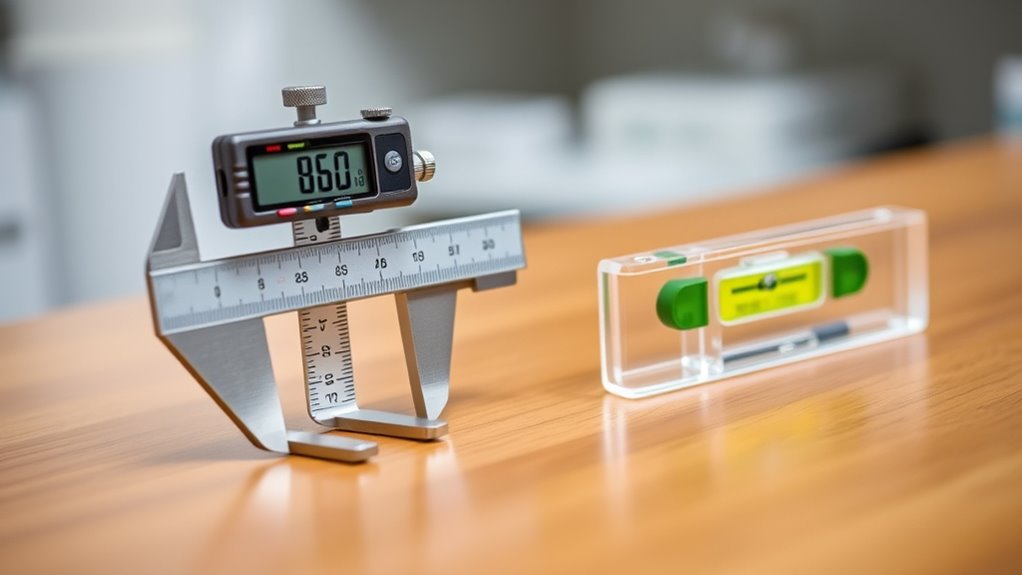
To guarantee your desk height is set accurately, using the right tools and devices can make all the difference. These tools help you measure and verify your setup for maximum comfort and ergonomics.
Using the right tools ensures your desk height is accurate for optimal comfort and ergonomics.
- Measuring Tape or Ruler: Use a measuring tape or ruler to determine the precise height from the floor to your desk surface, ensuring consistency.
- Digital Calipers: These provide exact measurements of your desk height and can help detect small discrepancies.
- Level Tool: A spirit level ensures your desk surface is perfectly horizontal, preventing uneven placement that could cause discomfort.
Step-by-Step Guide to Adjusting Your Desk
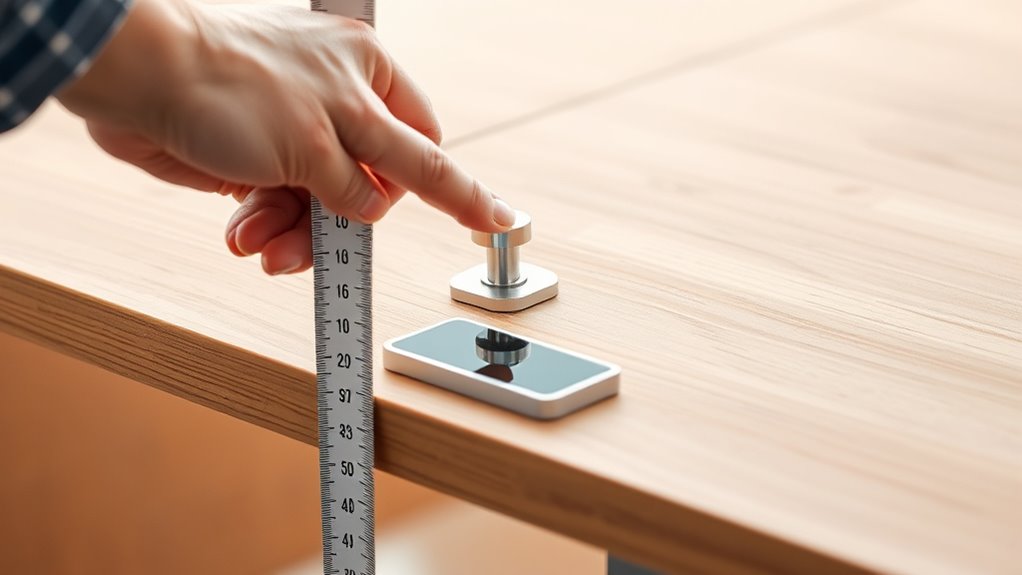
To start adjusting your desk, first measure the ideal height for your sitting posture. Then, follow the steps to carefully modify the desk’s height until it matches your measurements. This process ensures your workspace is ergonomically optimized for comfort and productivity.
Measuring Desk Height
Before adjusting your desk height, measuring it accurately is vital. You need to determine the current height to know how much to change. First, find a flat, stable surface where your desk sits. Then, use a measuring tape or ruler to record the height from the floor to the top of your desk surface. Be sure to measure at the front edge for accuracy. Finally, note the measurement carefully, so you have a clear reference point. This step guarantees you understand your current setup and helps you set a target height. Taking precise measurements prevents guesswork and makes the adjustment process smoother, leading to better ergonomic positioning. Accurate measurement is the foundation for proper desk height calibration, ensuring comfort and reducing strain.
Adjusting the Desk
Once you’ve measured your desk height and know your target, it’s time to make the adjustments. If your desk is adjustable, locate the mechanism—usually levers, knobs, or digital controls—and prepare to modify it. For manual controls, lift or turn the knobs to raise or lower the desk slowly, stopping when you reach your ideal height. For electronic desks, press the appropriate buttons to move it up or down smoothly. Always double-check your position by sitting comfortably with your feet flat on the floor and your elbows at a 90-degree angle. Make fine adjustments if needed. Verify the desk stays stable after adjustments, avoiding sudden movements that could cause misalignment or damage.
Ergonomic Tips for a Comfortable Workspace

Creating a comfortable workspace starts with paying attention to your desk height. Proper setup reduces strain and boosts productivity. Here are some ergonomic tips to enhance comfort:
Adjust your desk and monitor height for better posture and increased comfort throughout the workday.
- Keep your feet flat on the floor or on a footrest to support your lower body.
- Position your keyboard and mouse at elbow height so your arms stay relaxed and close to your sides.
- Ensure your monitor is eye level to prevent neck strain, with the top of the screen roughly at eye level.
These adjustments help maintain good posture throughout the day, reducing fatigue and discomfort. Avoid slouching or craning your neck by regularly checking your setup. Small ergonomic tweaks can make a significant difference in creating a workspace that’s both comfortable and efficient.
Common Mistakes to Avoid When Calibrating Your Desk
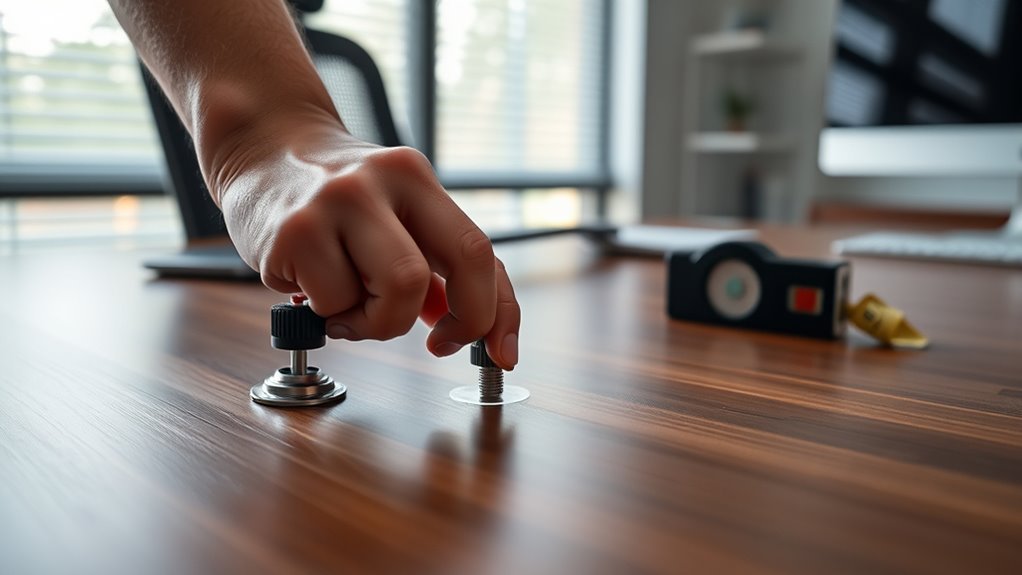
When calibrating your desk, it’s easy to overlook common mistakes that can undermine your efforts to achieve proper ergonomics. One mistake is setting the height too high or low, which causes strain on your neck or wrists. Rushing the process without measuring carefully leads to discomfort later. Ignoring your body’s unique needs or relying on generic recommendations can also hinder comfort. To help you focus, consider this table:
| Mistake | Consequence | Solution |
|---|---|---|
| Not measuring accurately | Improper desk height | Use a ruler or caliper |
| Ignoring individual needs | Discomfort or injury | Adjust based on your body |
| Setting height inconsistently | Uneven workspace | Double-check with a level |
| Skipping comfort tests | Persistent strain | Test and adjust before final |
| Rushing calibration | Poor ergonomic setup | Take your time and review |
Avoid these pitfalls to ensure a more effective calibration.
When and How to Reassess Your Desk Height
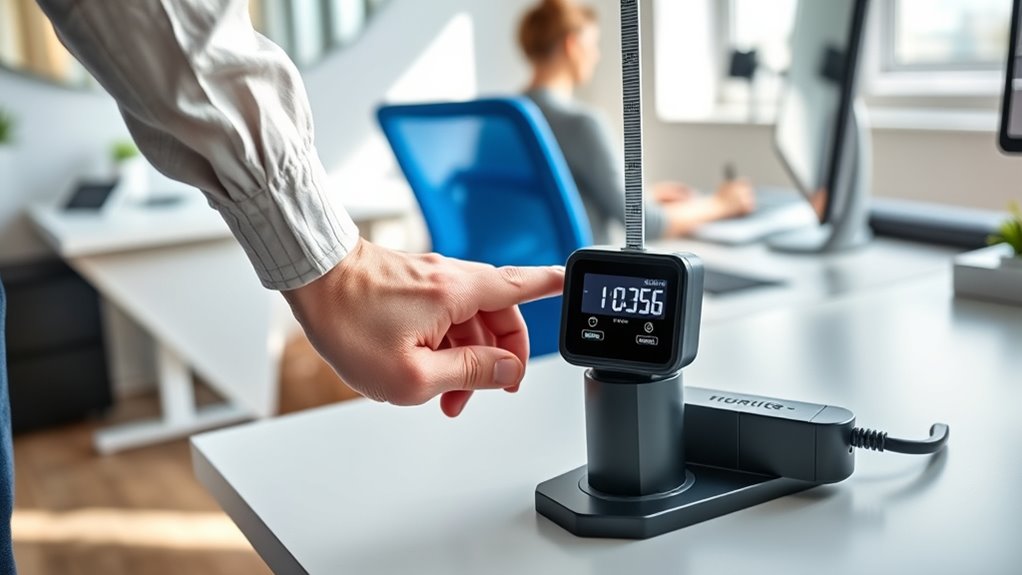
Regularly reevaluating your desk height guarantees your workspace remains comfortable and ergonomic as your body or work habits change. You should check your setup:
Regularly reevaluate your desk height to stay comfortable and ergonomic as your needs change.
- When you notice discomfort or pain in your neck, shoulders, or wrists.
- After significant changes in your body, such as weight fluctuations or injury recovery.
- When your work routine shifts, like switching to longer hours or new tasks.
To reassess, sit with proper posture, ensure your elbows are at a 90-degree angle, and your feet are flat on the floor. Adjust the desk height so your forearms are parallel to the ground and your screen is at eye level. Regular checks help prevent strain and maintain productivity.
Additional Accessories to Enhance Ergonomic Comfort
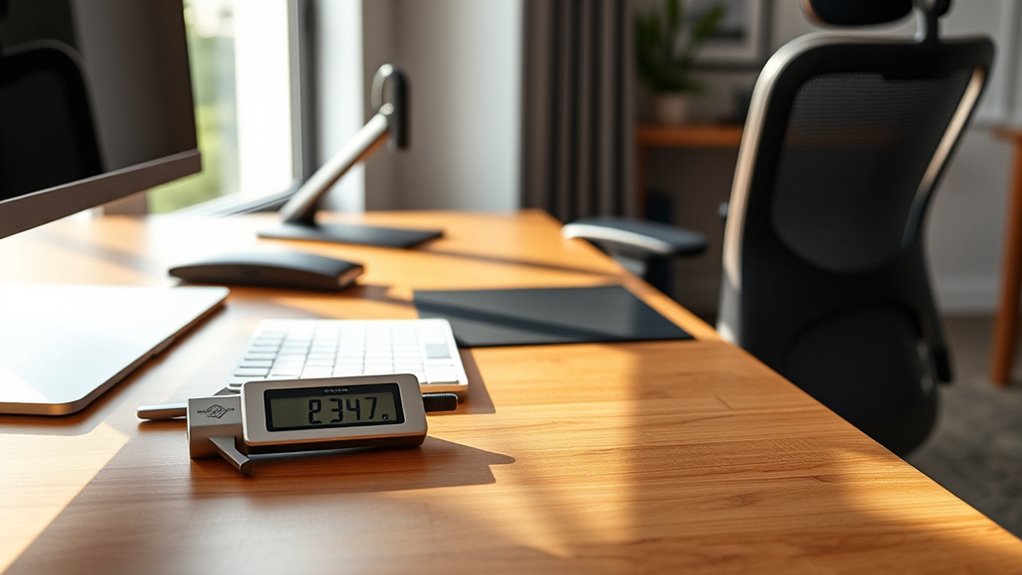
Adding the right ergonomic accessories can make a significant difference in maintaining comfort and reducing strain during long work sessions. Consider investing in an adjustable footrest to support proper leg positioning and improve circulation. A lumbar support pillow can help maintain the natural curve of your lower back, preventing soreness. Wrist rests provide cushioning and keep your wrists aligned, reducing the risk of repetitive strain injuries. Monitor arms allow you to position your screen at eye level, minimizing neck strain. Anti-fatigue mats can be useful if you stand while working, offering cushioning and reducing fatigue. Keyboard trays help optimize your arm and wrist positioning. These accessories complement your desk height adjustments, creating a more comfortable and health-conscious workspace.
Frequently Asked Questions
How Often Should I Recalibrate My Desk Height?
You should recalibrate your desk height whenever you notice it’s not comfortable or if it’s shifted from its ideal position. Regularly check your desk every few weeks, especially if you move your workspace or frequently adjust the height. Environmental factors like temperature changes can also affect calibration, so staying attentive ensures your desk remains ergonomic. Recalibrating ensures you stay comfortable and prevent strain during long work sessions.
Can Adjustable Desks Maintain Consistent Height Over Time?
Your adjustable desk can maintain a consistent height over time if you regularly check and recalibrate it. Think of it as tuning a musical instrument—small adjustments keep everything in harmony. Over months of daily use, mechanical parts may drift, but with attentive calibration, your desk stays in sync. Just like a well-tuned instrument, it’s worth the effort to make certain your workspace remains comfortable and ergonomically perfect.
What Are Signs My Desk Height Needs Re-Adjustment?
If your desk feels uneven, squeaks when you adjust it, or your monitor no longer aligns comfortably with your eyes, it’s time to re-adjust. You might also notice persistent wobbling or difficulty maintaining your preferred height. These signs indicate that your desk’s calibration has shifted, so take a moment to fine-tune the height. Regular checks guarantee your workspace stays ergonomic and comfortable for longer periods.
Are There Specific Ergonomic Standards for Desk Height?
You bet there are ergonomic standards for desk height. Typically, your desk should be at a height that lets your elbows rest comfortably at a 90-degree angle when your hands are on the keyboard. Your feet should be flat on the floor, and your monitor should be eye level. Following these guidelines helps prevent strain and keeps you in the clear, so you don’t have to sweat the small stuff.
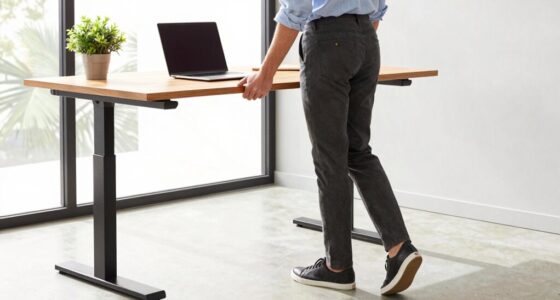
How Do I Calibrate a Standing Desk Differently From a Sitting Desk?
You calibrate a standing desk differently by adjusting it so that when you’re standing, your elbows form about a 90-degree angle, and your forearms are parallel to the ground. For sitting, you set the desk height so that your elbows remain at a 90-degree angle while seated, ensuring your feet rest flat on the floor. Always double-check your posture to prevent strain, and tweak the height as needed for comfort.
Conclusion
Remember, proper posture promotes productivity and prevents pain. By calibrating your desk diligently, you create a comfortable, confident workspace that works for you. Stay steady in your setup, regularly reassess, and refine your routine. Small adjustments make a significant difference, so stay attentive and adaptable. Ultimately, your desk’s perfect height fosters focus, fitness, and freedom from discomfort—fueling your focus and fostering your future success.