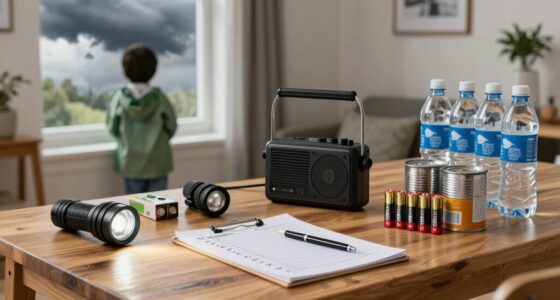
To stay connected when the grid goes down, assess and optimize your charging options. Invest in reliable power banks, preferably with solar or fast-charging features, and create a dedicated home charging station with surge protectors and organized cords. Use solar chargers to extend battery life, and manage device settings to conserve power. Keep backup sources like portable chargers and consider on-the-go options like car chargers. For more tips on staying powered, explore these essential strategies.
Key Takeaways
- Establish a dedicated, organized charging station with surge protection and smart energy management to ensure reliable device charging during outages.
- Invest in high-capacity, portable power banks and keep them fully charged for quick access in emergencies.
- Utilize solar chargers positioned properly and maintain them regularly to supplement power when the grid is down.
- Optimize device battery life by reducing screen brightness, disabling unused features, and enabling power-saving modes.
- Regularly inspect and safely manage charging equipment, avoiding overloaded circuits and ensuring outlets are in good condition.

Portable Power Station 28,000mAh LiFePO4 Battery 100W(200W Peak) Solar Power Bank, Portable Charger Small Generator with AC Outlets & PD Fast Charging for Home/Laptop/Camping(Solar Panel Optional)
【SLIM & POCKETABLE】This portable power bank is about the size of a smartphone (6.5×3.3×4 inches) and weighs only…
As an affiliate, we earn on qualifying purchases.
As an affiliate, we earn on qualifying purchases.
Assessing Your Current Charging Options
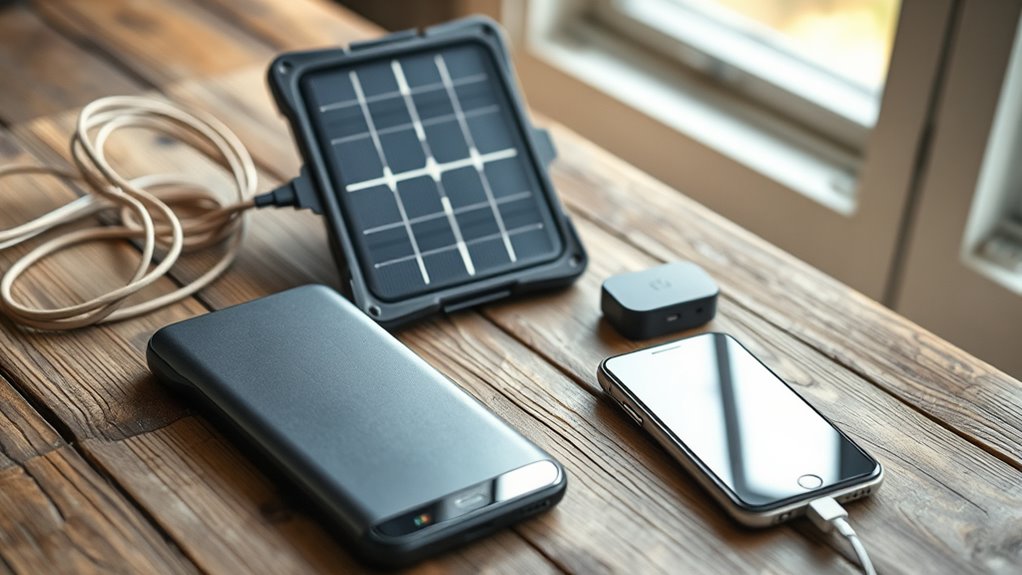
To guarantee you’re prepared for emergencies, start by evaluating your current charging options. Check how many devices you can charge with your existing outlets and power sources. Do you have enough cords, adapters, or spare batteries? Consider whether your home has backup power solutions like a generator or solar panels. Think about the accessibility of these options during a power outage—will they still work if the grid goes down? Also, identify any limitations, such as outlet shortages or incompatible chargers. Knowing your current setup helps you spot gaps and plan effectively. It’s the foundation for a reliable phone-first preparedness plan. Be aware of safe power practices to prevent overloads and ensure your devices remain protected during outages. Additionally, understanding your home’s load calculations can help you avoid overloading circuits when using backup power sources. Conducting a power capacity assessment can further ensure your backup solutions are sufficient for your needs. Furthermore, exploring portable charging options can provide added flexibility during extended outages.

BLAVOR Solar Power Bank 10,000mAh, Portable Wireless Charger, 20W Fast Charging External Battery Pack with USB C for Cell Phones, Solar Panel Charging with Dual Flashlight for Camping
Brand-Oriented and Outdoor Charger Pro: With over 10 years of experience in solar power banks, BLAVOR has already…
As an affiliate, we earn on qualifying purchases.
As an affiliate, we earn on qualifying purchases.
Investing in Portable Power Banks
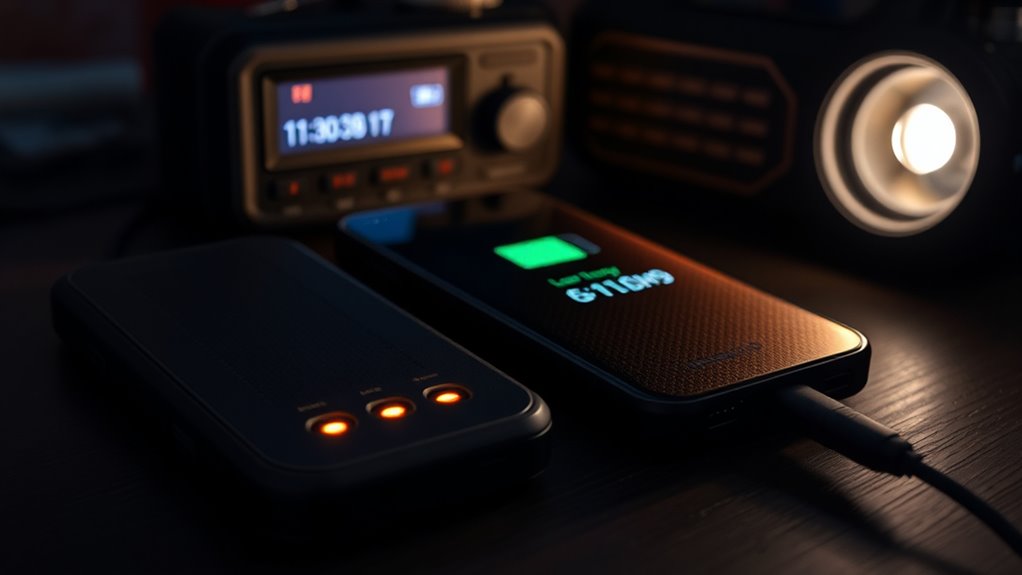
Having a reliable portable power bank guarantees your devices stay charged when outlets aren’t available or during power outages. When choosing one, consider capacity—larger mAh ratings provide more charges but tend to be bulkier. Opt for a model with fast-charging capabilities to save time, especially in emergencies. Look for features like multiple USB ports, so you can charge several devices simultaneously. Durability matters, so select a power bank with a sturdy build and good reviews for reliability. If you plan to be off-grid for extended periods, invest in a solar-compatible power bank or one with a high capacity. Solar charging technology can extend your power supply in remote areas. Keep it fully charged and stored in an accessible location, ready to power your phone when you need it most. A well-chosen power bank is an essential tool in your preparedness kit. Properly maintaining and testing your power bank ensures it functions when needed and can prolong its lifespan. Regularly monitor your device’s battery health to ensure optimal performance during emergencies. Being aware of your device’s power consumption can help you manage your battery life more effectively during outages or extended off-grid situations. Connected fitness devices and apps can also help you monitor your health and stay active during outages or emergencies.

Wyssay USB Charger,50W USB Charging Station with 10-Port (6 USB-A Port & 4 USB-C Port) Compatible with iPhone 15/14/13/12/11/X/8/7/6 Phones, Watch,Tablets, Smartphones Black
10 IN 1 Fast Charger:This Charger With 4 USB-C ports and 6 USB-A ports, you're ready to charge…
As an affiliate, we earn on qualifying purchases.
As an affiliate, we earn on qualifying purchases.
Utilizing Solar Chargers Effectively
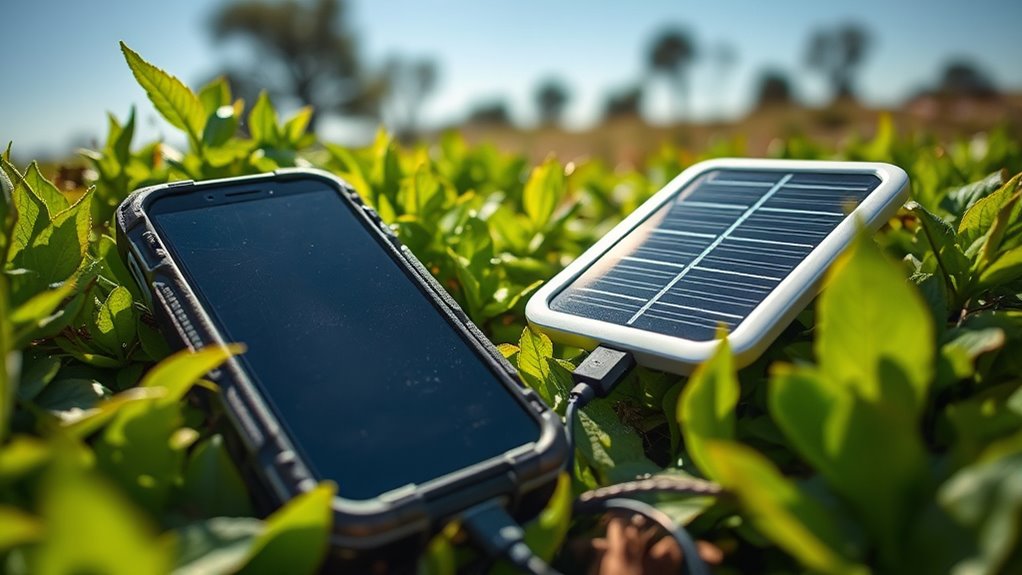
Solar chargers are an invaluable tool for staying powered up in outdoor or emergency situations, especially when traditional outlets are unavailable. To maximize their effectiveness, position your solar panel in direct sunlight, ideally at a 45-degree angle, and adjust it as the sun moves. Keep the panel clean and free of dust or debris to guarantee optimal energy absorption. Use a compatible cable to connect your device promptly after exposure to sunlight, as charging slows once the device reaches full capacity. Avoid shaded areas and don’t rely on partial sunlight; full sun exposure yields the best results. Remember, solar charging depends on weather conditions, so have backup power options ready. With proper use, solar chargers can reliably keep your devices powered during extended outages or outdoor adventures. Additionally, understanding sleep hygiene can help ensure your devices are ready for use when needed. Being aware of emergency preparedness strategies will further enhance your readiness in critical situations. Regularly checking your equipment and staying informed about weather patterns can help optimize your solar charging efforts. For example, monitoring energy consumption habits can help conserve power and extend the usability of your charged devices. Incorporating solar panel maintenance routines can also improve their lifespan and efficiency over time.

INIU Portable Charger, Ultra Slim 45W Fast Charging with Attached USB C Cable, Flight-Safe 10000mAh PD Power Bank Battery Pack, Travel Essential Phone Powerbank for iPhone 17 16 Samsung S25 Google etc
From INIU–the SAFE Fast Charge Pro: Experience the safest charging with over 38 million global users. At INIU,…
As an affiliate, we earn on qualifying purchases.
As an affiliate, we earn on qualifying purchases.
Managing Your Device’s Battery Life
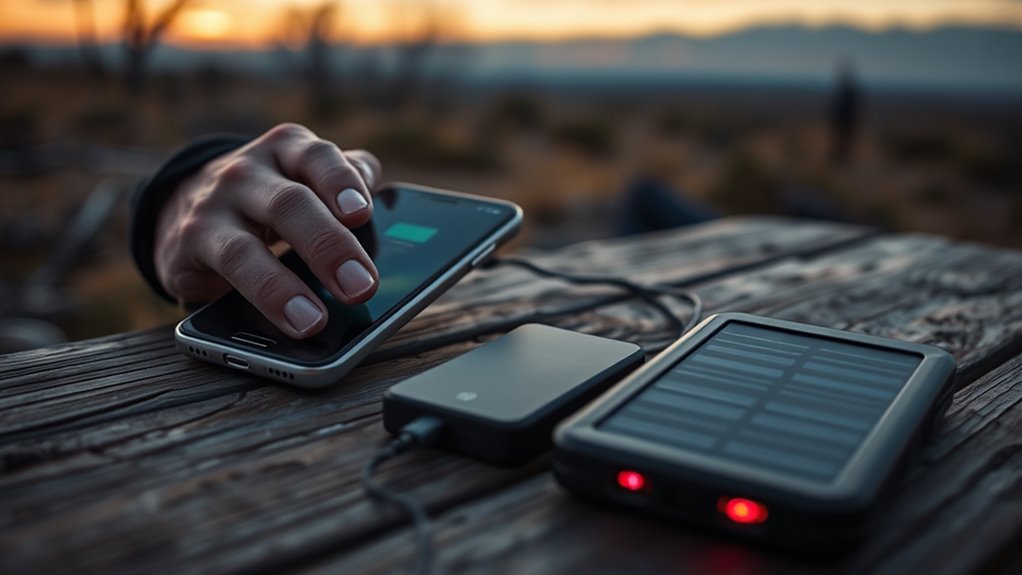
To keep your device ready when needed, you should optimize battery usage by adjusting settings and closing unused apps. Carrying a portable power bank guarantees you can recharge on the go, especially during extended outages. Additionally, essential oils for device care can be used to help maintain your device’s cleanliness and prevent overheating, ensuring optimal performance. Proper air purifier maintenance can also reduce dust accumulation that might affect your device’s cooling system. Being aware of battery preservation techniques can further extend your phone’s operational life during emergencies. Incorporating power management features can help conserve energy by limiting background activity and screen brightness, making your device last longer. By managing these strategies, you’ll extend your phone’s battery life and stay connected when it matters most.
Optimize Battery Usage
Are you making the most of your device’s battery life? You can optimize it by adjusting settings to reduce power drain. Turn off Wi-Fi, Bluetooth, and location services when you don’t need them. Lower your screen brightness or enable auto-brightness to save energy. Switch to airplane mode in areas with no signal—your device uses more power trying to find a network. Close unnecessary apps running in the background, as they can drain your battery even when inactive. Enable battery saver mode if available; it limits background activity and visual effects. Disable notifications that aren’t urgent. Keep your device updated, since software improvements often include power efficiency fixes. Practicing energy-efficient device use can further extend your battery life during critical times. Being aware of your device’s power management features helps you make smarter choices to conserve energy. These simple steps help stretch your battery’s capacity when power sources are limited. Cut Through Tech Clutter with expert recommendations to maximize your device’s efficiency in critical times.
Use Portable Power Banks
When your device’s battery runs low and you’re away from a power outlet, portable power banks become an essential tool. They allow you to recharge your phone or tablet on the go, ensuring you stay connected during emergencies. Choose a power bank with enough capacity to fully charge your device at least once. Keep it charged and ready in your bag, car, or emergency kit. Use it wisely by prioritizing essential calls and messages. Avoid draining your device’s battery completely before recharging with a power bank, as this can reduce its lifespan. Rotate between devices if you have multiple, and always carry a compatible charging cable. With a reliable power bank, you’ll extend your device’s battery life and maintain communication when power grids fail. Additionally, understanding digital asset management can help you safeguard your devices and data during disruptions.
Creating a Charging Station at Home
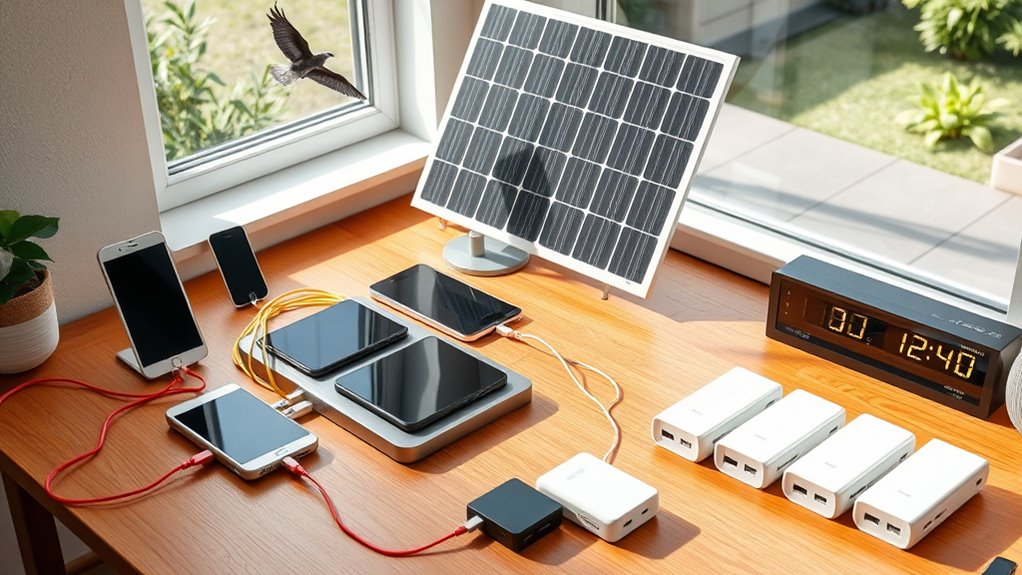
Setting up a dedicated charging station helps keep your devices organized and ready to go. You’ll need to choose a reliable power source and arrange your chargers neatly. Don’t forget to implement safety measures to prevent overheating or electrical issues. Incorporating smart energy management features can further optimize power use and ensure safety during charging. Additionally, ensuring proper cable organization can prevent tripping hazards and maintain a tidy setup.
Choose a Power Source
Choosing a reliable power source is essential for creating an effective home charging station. You need a dependable option that keeps your devices powered during outages. A good starting point is a backup battery or uninterruptible power supply (UPS), which provides immediate power when the grid fails. Solar panels are also a sustainable choice, offering renewable energy that can be stored in batteries. If you prefer simplicity, portable power banks can serve as temporary solutions, especially for quick charges. Remember, your power source should match your device’s energy requirements and be easy to access. Prioritize safety by ensuring all equipment is rated correctly and installed properly. With the right power source, you’ll keep your devices charged and ready, even when the power grid goes down.
Organize Charging Devices
Creating a dedicated charging station at home helps keep your devices organized and readily accessible. Choose a specific spot, like a countertop or shelf, to centralize all chargers and gadgets. Use containers or organizers to separate cables and devices, preventing clutter. Label each charging port for quick identification during emergencies. Consider adding power strips with surge protection to handle multiple devices safely. Keep essential tools like extra cables and power banks nearby for quick access. To streamline your setup, use the table below:
| Device Type | Charger Type | Location |
|---|---|---|
| Smartphone | Wall Adapter | Top shelf |
| Power Bank | USB Charging Hub | Drawers |
| Tablet | Portable Charger | Side tray |
| Emergency Radio | Dedicated Charger | Near front door |
| Laptop | Docking Station | Under desk |
A well-organized station guarantees you’re prepared when power goes out.
Implement Safety Measures
To guarantee your charging station is safe, prioritize electrical safety by inspecting outlets and cords regularly for damage or wear. Faulty wiring or frayed cords can cause short circuits or fires, so replace any damaged components immediately. Use grounded outlets and avoid overloading circuits with multiple devices. Keep your station in a dry, well-ventilated area, away from water or flammable materials. Use surge protectors to prevent power surges from damaging your devices. Avoid running cords under rugs or furniture, as this can cause overheating. Always unplug chargers when not in use, and never force plugs into outlets. Regularly check your setup to ensure safety, and consider consulting an electrician for a thorough inspection if needed. These precautions keep your charging station secure and ready during emergencies.
Tips for Emergency Charging on the Go
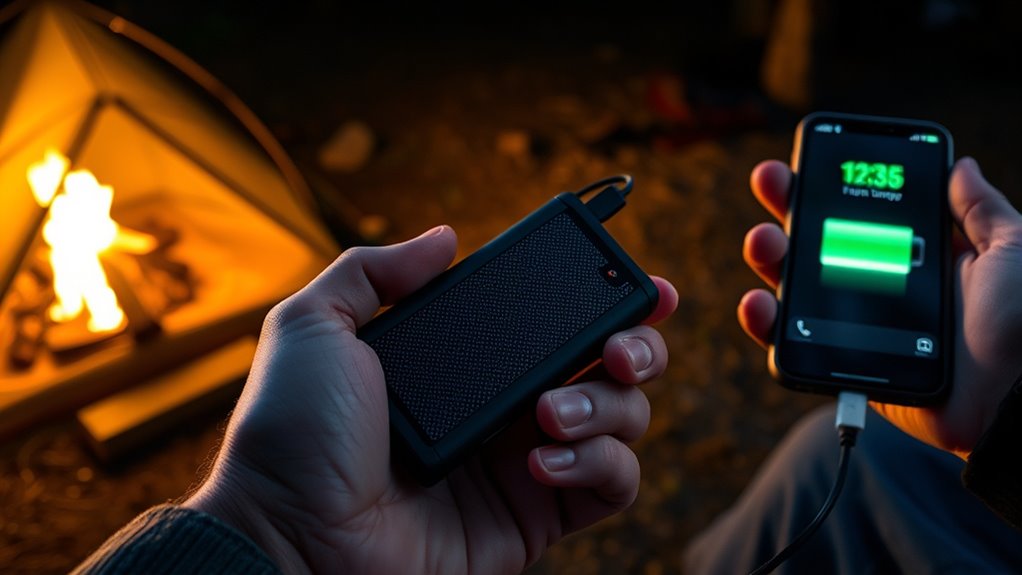
Ever wondered what to do when your phone’s battery hits zero during an emergency? The first step is to stay calm and minimize your phone’s power use. Switch to airplane mode to save energy and disable unnecessary features like Bluetooth, Wi-Fi, and location services. Carry portable chargers or power banks designed for emergency use, and keep them fully charged ahead of time. If available, use a car charger to replenish your device while on the move. You can also utilize solar chargers or hand-crank batteries if you’re in a prolonged outage. Remember, conserving your phone’s battery and having reliable backup options are essential for staying connected and accessing crucial information during emergencies. Always store these tools in an accessible, ready-to-use spot.
Choosing the Right Power Backup Devices
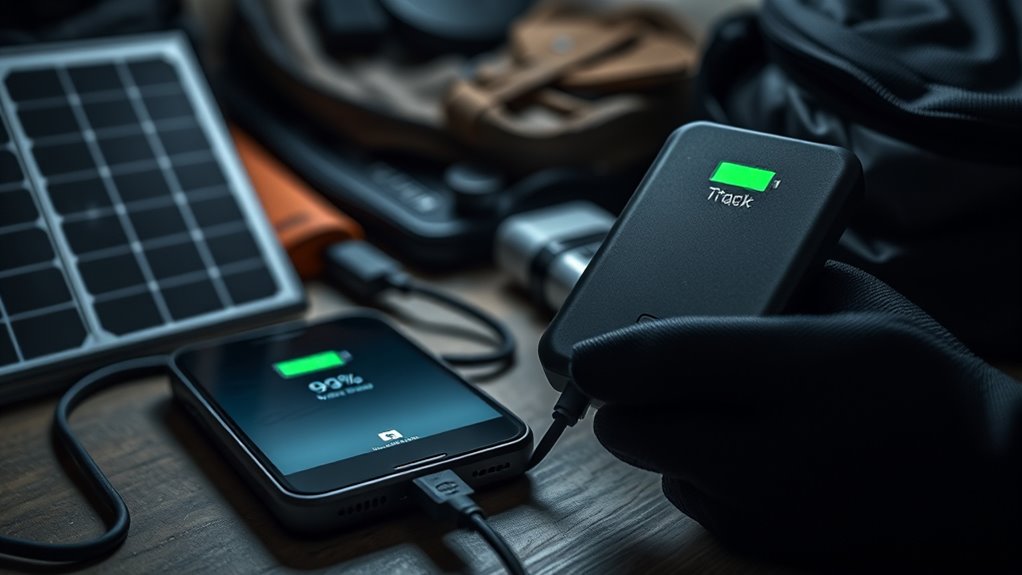
Choosing the right power backup devices is essential for guaranteeing your phone stays charged during emergencies. You want reliable options that fit your needs and budget. Consider portable power banks for quick recharge on the go, and select ones with sufficient capacity—measured in mAh—to last through extended outages. Solar chargers are great if you’re in remote areas, but ensure they’re efficient and durable. Uninterruptible Power Supplies (UPS) are ideal for home use, providing backup power during outages. Here’s a quick comparison:
| Device Type | Best For |
|---|---|
| Power Banks | On-the-move charging |
| Solar Chargers | Remote areas with sunlight |
| UPS | Home backup during power outages |
Maintaining and Testing Your Equipment Regularly
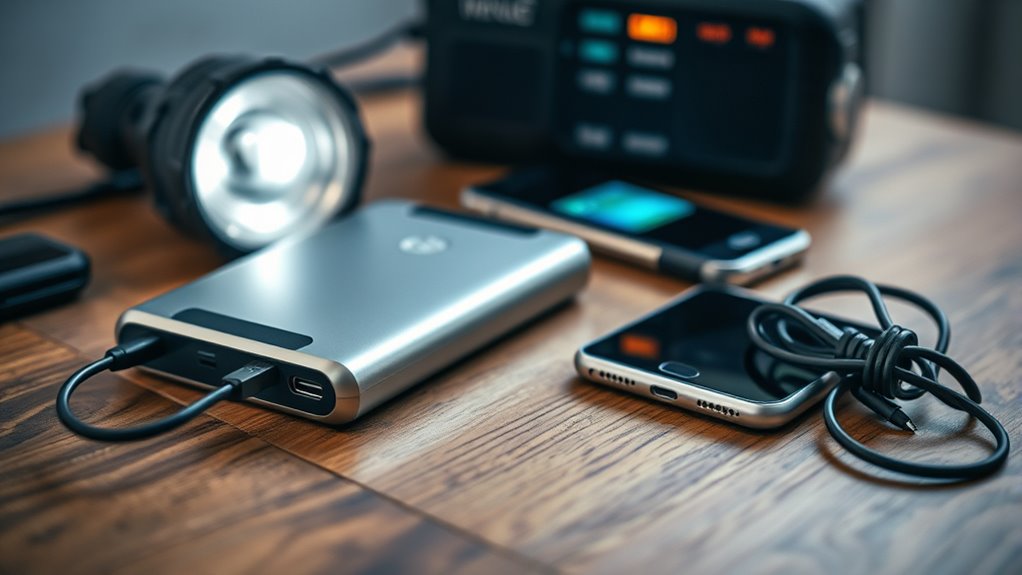
Regularly maintaining and testing your backup devices guarantees they’re ready when you need them most. Schedule routine inspections to verify batteries are charged and connections remain secure. Turn devices on periodically to confirm they power up properly and review their functionality. Replace batteries or components that show signs of wear or corrosion. Conduct test runs in controlled scenarios to confirm your equipment performs as expected under emergency conditions. Keep detailed logs of maintenance activities and test results to track performance over time. This proactive approach helps identify issues early, preventing failure during a power outage. By staying vigilant and diligent, you ensure your backup devices remain reliable and ready to support your communication needs when the grid goes down.
Frequently Asked Questions
How Long Do Portable Power Banks Typically Last Before Needing Replacement?
Portable power banks usually last between 300 to 500 charge cycles before their capacity noticeably drops. This typically translates to about 1 to 2 years of regular use, depending on how often you recharge your devices. To maximize their lifespan, avoid overcharging or letting them fully drain frequently. When your power bank’s capacity decreases markedly or it no longer holds a charge, it’s time to replace it to guarantee reliable backup power.
Can Solar Chargers Work Efficiently in Cloudy or Rainy Weather?
Solar chargers can still work in cloudy or rainy weather, but their efficiency drops dramatically—sometimes to just a fraction of their usual power. Clouds scatter sunlight, so it’s like trying to fill a swimming pool with a leaky hose. You’ll get a trickle rather than a steady flow. To stay prepared, use high-quality, waterproof solar panels and keep backup power sources handy, especially during overcast days.
What Safety Precautions Should I Follow When Using Emergency Power Devices?
When using emergency power devices, you should always read the manufacturer’s instructions carefully. Avoid overloading outlets, and unplug devices when not in use to prevent electrical hazards. Keep cords and devices away from water and moisture, and never attempt repairs yourself—call a professional instead. Use surge protectors if available, and verify your hands are dry before handling any electrical equipment. Regularly check devices for damage or wear to stay safe.
How Do I Store Backup Power Equipment to Maximize Lifespan?
You might think backup power equipment lasts forever, but proper storage is key. Keep your batteries in a cool, dry place away from direct sunlight, and avoid extreme temperatures that can degrade performance. Fully charge batteries periodically, even when not in use, to prevent capacity loss. Store generators in a well-ventilated area, and check labels for specific maintenance tips. Adequate storage guarantees your backup power’s ready when you need it most.
Are There Any Legal Restrictions on Using Certain Types of Portable Chargers?
Yes, there are legal restrictions on using certain portable chargers. You should verify local regulations regarding lithium-ion batteries, as some jurisdictions limit their transport or use due to fire risks. Airlines and shipping companies often have rules about carrying power banks, especially those over 100Wh. Always read labels and manufacturer instructions, and avoid using or transporting damaged or non-compliant chargers to stay within legal boundaries and ensure safety.
Conclusion
By prioritizing your device’s charge, you’re not just preparing for a power outage—you’re empowering yourself to stay connected, informed, and safe. Think of your devices as lifelines in times of crisis; neglect them, and you risk losing crucial links to the world. With the right tools and habits, you can turn blackout moments into manageable pauses rather than chaos. After all, in the symphony of survival, your phone’s battery is the steady beat that keeps everything in tune.