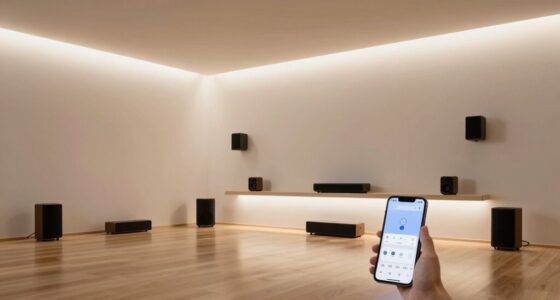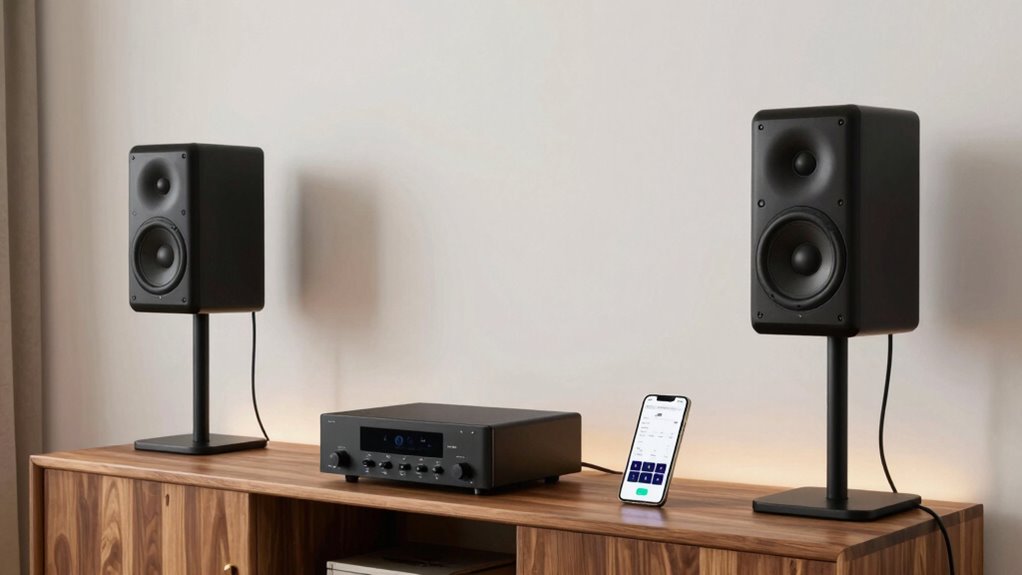

Multi-room audio allows you to play music in different parts of your home either simultaneously or independently, all controlled easily from your smartphone or tablet. It connects multiple speakers through wireless methods like Wi-Fi or Bluetooth, giving you flexibility with zone control and audio sources. Some systems are wired for more stability, while others prioritize convenience. If you want to understand how these setups work and their benefits, there’s plenty more to explore.
Key Takeaways
- Multi-room audio allows synchronized or independent playback across multiple speakers in different rooms.
- Connects devices via Wi-Fi, Bluetooth, or wired methods for seamless audio distribution.
- Supports zone control, enabling separate or grouped music in various home areas.
- Setup options include wireless systems for easier installation and wired setups for more reliability.
- Compatibility and proper network setup are essential to avoid issues like dropouts and ensure high sound quality.
What Is Multi-Room Audio?
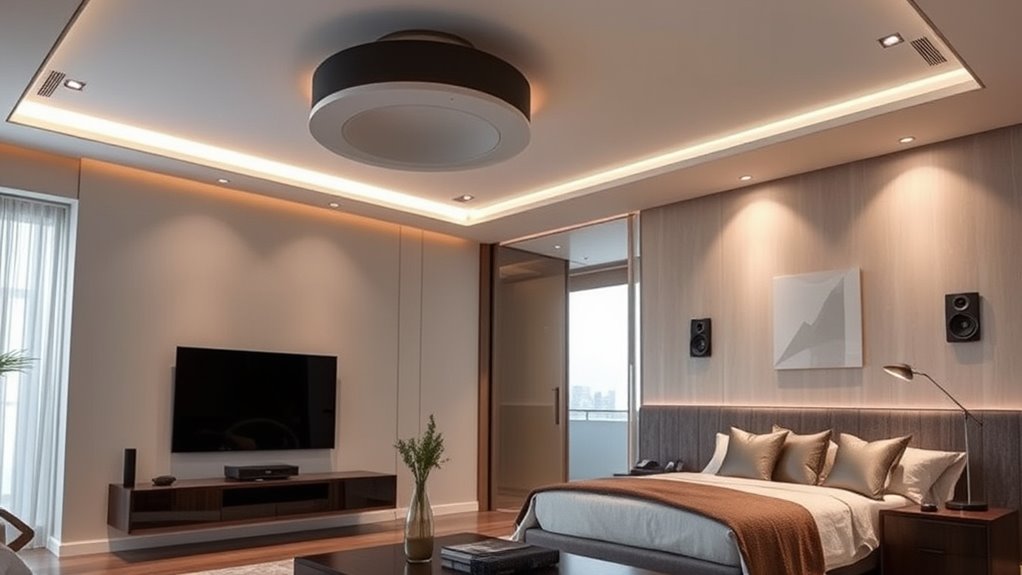
Have you ever wanted to enjoy your favorite music throughout your entire home? Multi-room audio makes that feasible. It’s a system that connects multiple speakers in different rooms, allowing you to play the same song or different music in each space. You control everything from a central device like a smartphone or tablet, giving you convenience and flexibility. These systems use Wi-Fi, Bluetooth, or wired connections to link your speakers seamlessly. Whether you want background music in the living room, upbeat tunes in the kitchen, or relaxing sounds in the bedroom, multi-room audio ensures your music flows effortlessly through your home. It’s a simple way to enhance your daily environment with immersive sound everywhere you go. Understanding how different wireless protocols work can help you choose the best system for your needs.]
How Do Multi-Room Systems Work?
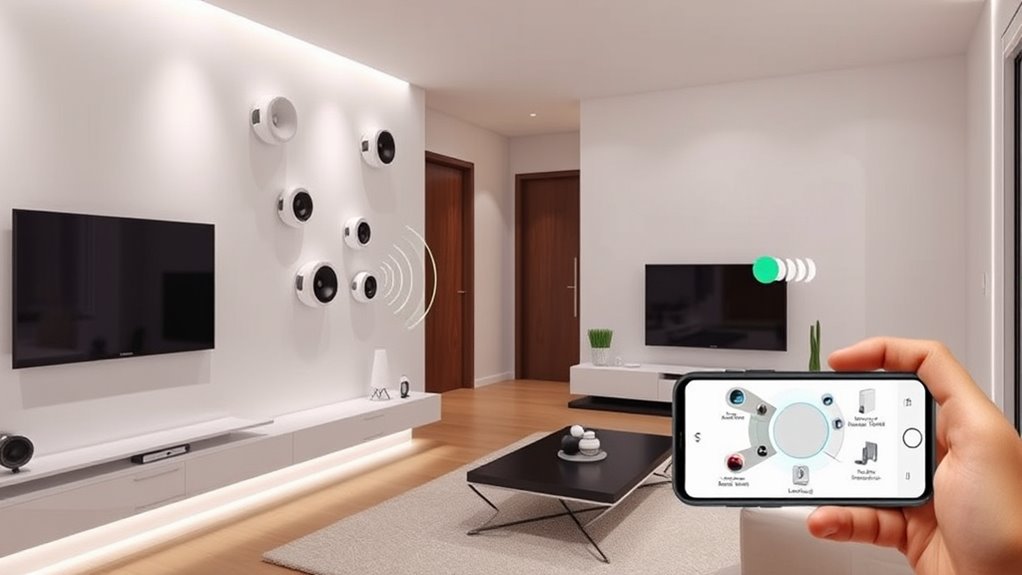
Multi-room systems connect your devices using wireless methods like Wi-Fi or Bluetooth to keep everything seamless. You can control zones independently, so each room plays the audio you want without interference. Audio source distribution guarantees multiple speakers can stream content simultaneously or separately, giving you flexible listening options. Additionally, local automation allows for customized settings and routines to enhance your listening experience across different rooms. The integration of high-quality audio technology ensures that sound remains clear and consistent throughout your entire home. Understanding the wireless communication methods involved helps optimize system performance and reliability, especially when considering network stability, which is crucial for uninterrupted audio streaming. Recognizing the importance of system compatibility can further improve your multi-room audio experience by ensuring all components work together smoothly.
Wireless Connectivity Methods
Wireless connectivity methods are the backbone of multi-room audio systems, enabling different speakers to communicate seamlessly without physical wires. These methods guarantee your music flows smoothly across rooms, giving you control and flexibility. Here are four common wireless options:
- Wi-Fi: Uses your home network to stream high-quality audio, perfect for larger systems. Understanding network stability can help prevent dropouts and ensure consistent playback. Additionally, using a dedicated Wi-Fi network can improve signal strength and overall performance. Regularly checking your home network setup ensures optimal connectivity for your audio system. Optimizing your network’s bandwidth allocation can further enhance audio streaming quality and reduce latency.
- Bluetooth: Ideal for quick pairing with individual speakers, but limited range.
- Zigbee/Z-Wave: Low-power protocols designed for smart home integration, offering reliable connections.
- Proprietary Wireless Protocols: Some brands develop their own systems for optimized performance and compatibility.
Each method has its strengths, so your choice depends on your setup, desired quality, and ease of use. Wireless connectivity keeps your system simple and clutter-free. Understanding filtration, suction vs airflow, floor safety, carpet extraction, and maintenance schedules can help optimize your audio system’s performance and longevity.
Zone Control Capabilities
Zone control capabilities allow you to customize your listening experience by independently adjusting the audio in different areas of your home. With this feature, you can play different music in the living room, set a quiet background in the bedroom, or turn off sound in certain zones without affecting others. You manage these settings through a central app or dedicated controls, giving you flexibility and control at your fingertips. This means you don’t need to synchronize all zones to the same volume or content, providing personalized soundscapes for each space. Advanced system configuration options enable seamless integration with other smart home features, similar to how deep-sky imaging setups can be optimized for specific celestial targets. Additionally, smart‑home integrations allow you to automate zone adjustments based on your routines or preferences, enhancing the overall experience. System scalability ensures that your multi-room audio setup can grow and adapt as your needs evolve. The ability to precisely manage audio zones also allows you to create different audio environments tailored to various activities or times of day. Zone control also allows you to group or ungroup rooms easily, making it simple to create the perfect environment for any occasion. Ultimately, it enhances your home audio experience by offering seamless, tailored control over multiple areas.
Audio Source Distribution
Audio source distribution determines how content is delivered to each zone in a multi-room system. It controls where the music or audio plays and how it’s shared across different rooms. You can choose to send a single source, like a playlist, to all zones, or customize each zone with its own content. Here are some common ways it works:
- Single Source Sharing – One device streams music to all zones simultaneously.
- Multiple Sources – Different content plays in each zone, controlled independently.
- Zone Grouping – Certain zones sync together, playing the same source.
- Independent Control – Each zone has its own source and volume settings. Proper user consent management ensures that privacy preferences are respected when controlling these sources, especially with third-party integrations. Additionally, audio source management can improve overall sound quality and reduce interference between zones. Understanding content distribution is key to creating a seamless multi-room listening experience. Implementing effective audio configuration practices further enhances system performance and user satisfaction.
Types of Multi-Room Audio Technologies
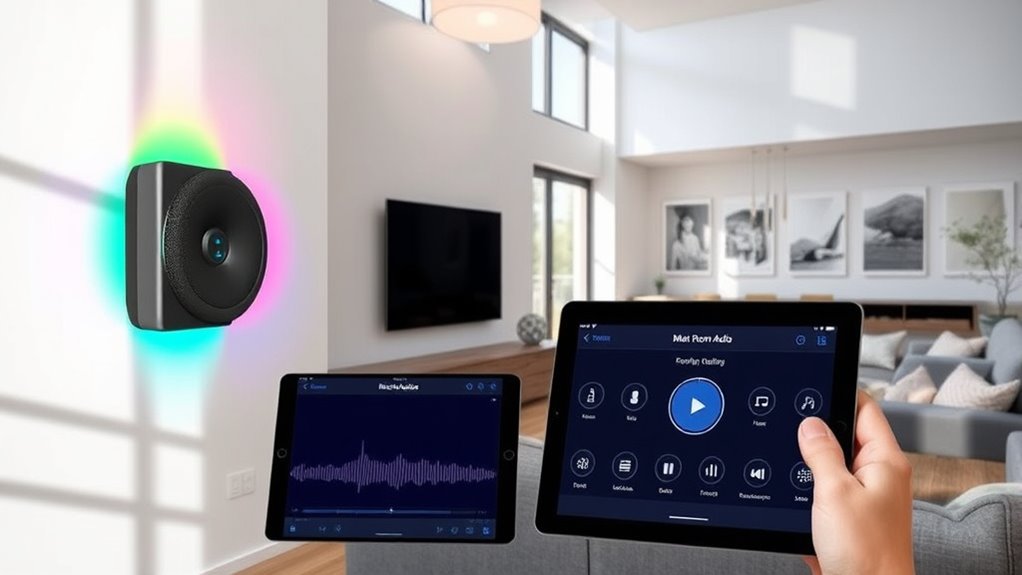
You have several options when it comes to multi-room audio technologies, each offering different ways to distribute sound throughout your home. The most common types include Wi-Fi-based systems, which use your home’s network to stream music directly to compatible speakers. These systems provide high-quality sound and easy control via apps. Another option is Bluetooth-based setups, ideal for smaller spaces or temporary use, as they connect directly from your device to speakers. Some systems use wired connections, like speaker wires or Ethernet, ensuring a reliable signal without interference, often preferred for fixed, high-fidelity setups. Additionally, proprietary platforms from brands like Sonos or Bose offer integrated solutions, combining multiple technologies for seamless multi-room audio experiences. Your choice depends on your preferences for convenience, sound quality, and setup complexity. Understanding different technology types can help you select the best system for your needs, especially considering wireless connectivity options that offer greater flexibility. For optimal performance, many systems also incorporate professional installation services to ensure proper setup and configuration. Incorporating sound quality considerations is essential to achieve an immersive listening experience across your home.
Wireless vs. Wired Multi-Room Setups
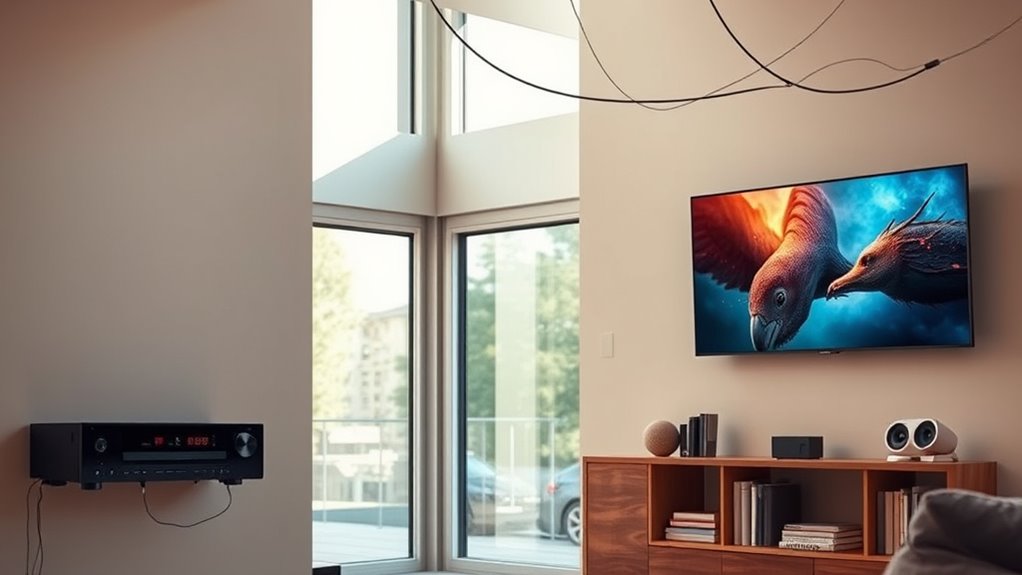
When choosing between wireless and wired multi-room setups, you’ll notice differences in installation complexity and reliability. Wireless systems are easier to install but can face connectivity issues, while wired setups require more effort but offer stable connections. Cost and scalability also vary, affecting how easily you can expand your system over time.
Installation Complexity Differences
Wired multi-room setups typically involve more complex installation processes because they require running cables through walls or ceilings, securing connections, and sometimes modifying existing structures. This means you might need to drill holes, fish cables through tight spaces, or hire professionals to handle the work. The process can be time-consuming and may require planning to hide wires neatly. On the other hand, wireless systems are generally easier to set up since they rely on Wi-Fi or Bluetooth connections, eliminating the need for physical wiring.
Here’s a quick comparison:
- Wired setups need cable routing and wall modifications.
- Wireless systems typically involve app setup and device pairing.
- Wired installations can be more invasive and disruptive.
- Wireless setups are faster to deploy with minimal structural changes.
Connectivity Reliability Variations
Wireless multi-room systems can sometimes face connectivity issues due to interference, signal range limitations, or network congestion, which may cause audio dropouts or lag. These issues can disrupt your listening experience, especially if your devices are far from the router or in areas with many competing signals. Wi-Fi interference from other electronics, thick walls, or multiple connected devices can weaken the signal, leading to inconsistent playback. On the other hand, wired setups generally offer more reliable connections, since they use physical cables that aren’t affected by interference or range constraints. While wired systems provide steadier audio quality and fewer interruptions, they do require proper installation and can limit flexibility. Your choice depends on balancing convenience against the importance of consistent, high-quality sound.
Cost and Scalability Options
Setting up a multi-room audio system involves weighing initial costs and long-term expenses. Wireless setups are often more affordable upfront, since they eliminate the need for extensive wiring. However, they can have ongoing costs if you need to upgrade or replace components. Wired systems usually cost more initially due to installation and cabling but tend to be more reliable and easier to scale over time. To help you decide, consider these options:
- Wireless systems are budget-friendly at first but may require upgrades.
- Wired setups have higher initial costs but often last longer.
- Scalability favors wired systems for adding more speakers without signal issues.
- Wireless systems are easier to install in existing homes but might face interference as you expand.
Choosing depends on your budget, home layout, and future expansion plans.
Popular Devices and Brands
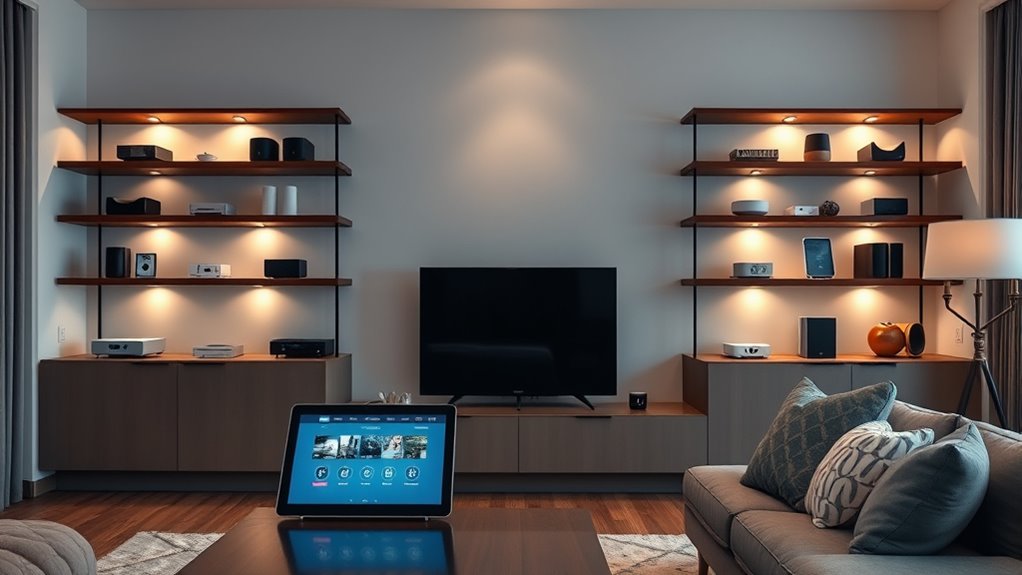
When it comes to multi-room audio, several popular devices and brands have established themselves as leaders in the market. Brands like Sonos, Bose, and Yamaha offer reliable systems with seamless app integration, easy control, and excellent sound quality. Sonos is especially popular for its versatile ecosystem and compatibility with various streaming services, making it a top choice for many users. Bose provides compact, stylish speakers with impressive sound performance, ideal for smaller rooms or those seeking discreet setups. Yamaha offers robust options, often combining multi-room capabilities with traditional audio equipment. These brands have built reputations on durability, user-friendly features, and strong customer support. Choosing the right device depends on your budget, room size, and desired features, but these brands are a solid starting point.
Setting Up a Multi-Room System
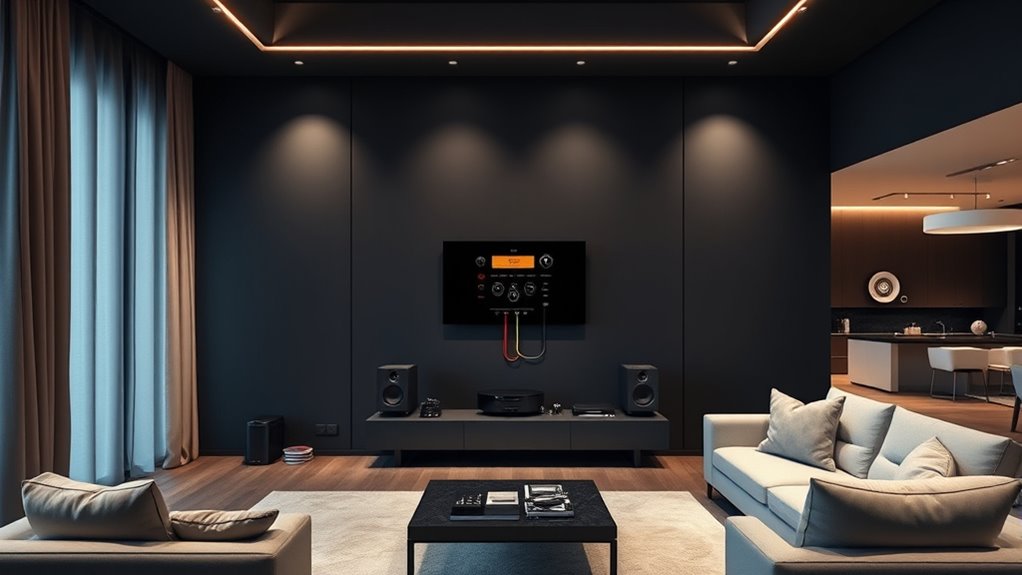
To set up a multi-room system effectively, start by choosing a central hub or controller compatible with your preferred devices and streaming services. This device manages all audio sources and guarantees seamless control across rooms. Next, identify the rooms where you want audio, and place speakers accordingly. Make sure each speaker or zone is connected to your network. Then, connect your speakers to the hub or controller following the manufacturer’s instructions. Finally, download the necessary app or software to manage your system easily. Here’s a quick checklist:
Start your multi-room system by choosing a compatible hub, connecting speakers, and installing the control app.
- Select a compatible central hub or controller
- Identify and prepare your rooms and speakers
- Connect speakers to your network and hub
- Install apps for system management
This setup creates a solid foundation for enjoying multi-room audio.
Synchronization and Multi-Room Playback
Once your multi-room system is set up and connected, ensuring synchronized playback across all speakers becomes the next priority. To do this, you’ll want to use the system’s app or control interface, which typically offers a “group” feature. This feature allows you to select multiple speakers and play the same audio simultaneously. Most systems automatically handle synchronization, but minor delays can sometimes occur. If you notice lip-sync issues or audio lag, check for firmware updates or restart your devices. Some advanced systems use mesh networking or dedicated Wi-Fi channels to improve sync accuracy. Keep in mind, consistent Wi-Fi connectivity is key. The better your network, the more reliable the synchronized playback will be across all your rooms.
Benefits of Using Multi-Room Audio
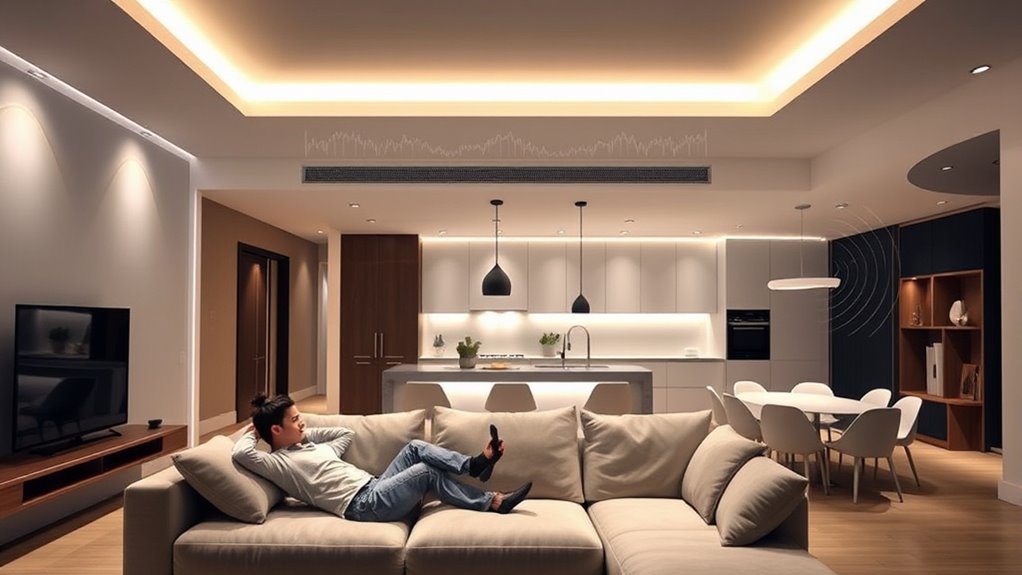
Multi-room audio enhances your listening experience by allowing you to enjoy music seamlessly throughout your entire home. You can set different playlists for each room or play the same song everywhere, creating a cohesive atmosphere. The system offers convenience, so you don’t need multiple devices or manual adjustments. It also saves space and reduces clutter since one setup handles all your audio needs. Plus, multi-room audio can improve your home’s ambiance, whether you’re hosting guests or relaxing alone. You’ll appreciate the ease of control, often via a single app or voice command. Here are some key benefits:
- Unified control of all speakers
- Customizable listening zones
- Enhanced home ambiance
- Simplified music management
Challenges and Troubleshooting Tips
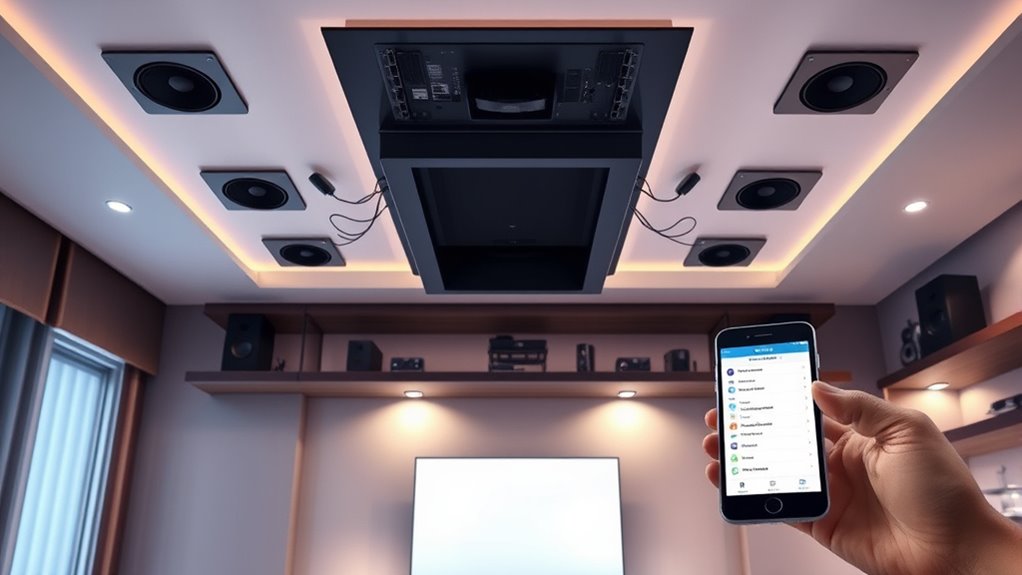
You might encounter connectivity issues or audio sync problems when setting up your multi-room system. Ensuring your devices are compatible and properly configured can save you time and frustration. Here are some common challenges and quick tips to troubleshoot them effectively.
Common Connectivity Issues
Are connectivity issues holding back your multi-room audio experience? You’re not alone. These problems can turn your setup into a frustrating puzzle. Here are some common issues to watch for:
- Weak Wi-Fi signals causing dropouts or buffering. Make sure your router is close enough and free of interference.
- Network congestion slowing down your devices. Limit other high-bandwidth activities during listening.
- Outdated firmware or app versions. Keep everything updated for better compatibility.
- Incorrect network settings or passwords. Double-check your Wi-Fi details and reconnect if needed.
Troubleshooting these problems often involves resetting devices, improving Wi-Fi coverage, or updating firmware. Addressing these issues helps guarantee your multi-room audio operates smoothly and reliably.
Audio Sync Problems
Even with a well-designed multi-room audio system, audio sync problems can still occur, disrupting your listening experience. You might notice sound lagging behind or being out of sync between rooms, which can be frustrating. These issues often happen due to network latency, device processing delays, or inconsistent Wi-Fi signals. To troubleshoot, start by checking your Wi-Fi connection and ensuring all devices are on the same network with a strong signal. Restart your speakers and router to clear temporary glitches. If audio continues to lag, consider updating firmware or software on your devices. Sometimes, reducing the number of connected devices or switching to a wired connection can improve synchronization. Addressing these factors helps restore seamless, synchronized playback across your multi-room setup.
Equipment Compatibility Tips
Ensuring equipment compatibility is crucial for a seamless multi-room audio experience. When your devices work well together, you avoid frustrating issues like audio dropouts and synchronization errors. To keep everything running smoothly, consider these tips:
- Check that all speakers and amplifiers support the same audio standards and protocols.
- Verify that your network devices are compatible with your streaming platforms and each other.
- Confirm that your controller or app supports your device brands and models.
- Make sure that power supplies and connections match the specifications to prevent damage or performance issues.
Future Trends in Multi-Room Sound Systems
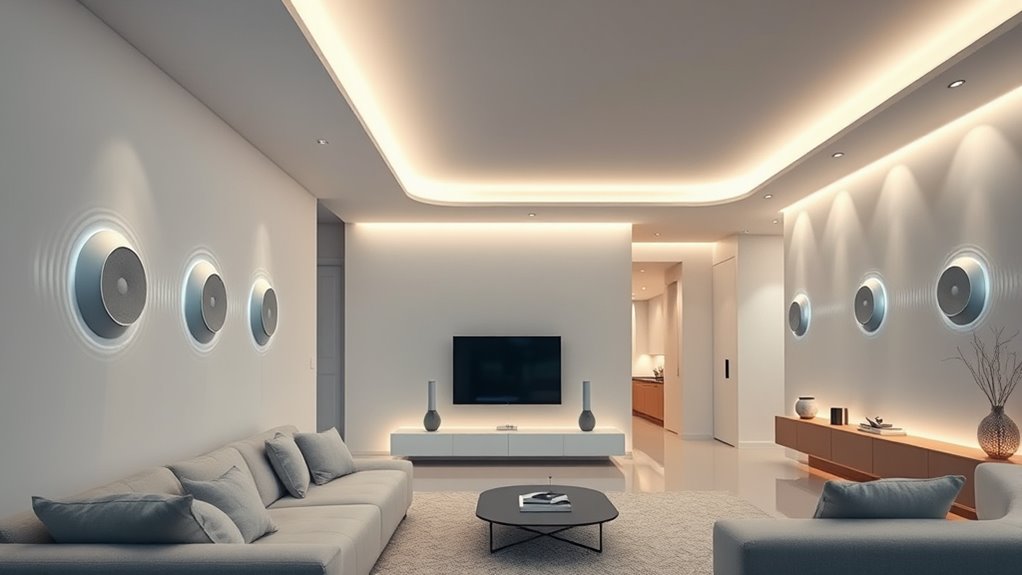
As technology advances, future trends in multi-room sound systems are set to revolutionize how you experience audio throughout your home. Expect wireless connectivity to become even more seamless, allowing you to control multiple speakers effortlessly from your smartphone or voice commands. Artificial intelligence will play a larger role, enabling personalized sound profiles and adaptive audio that adjusts based on your preferences or room acoustics. Integration with smart home systems will deepen, giving you centralized control over lighting, climate, and audio with simple commands. Enhanced speaker designs will prioritize aesthetics without sacrificing sound quality. Additionally, more systems will support higher-resolution audio formats, providing richer, more immersive sound. Staying updated on these trends assures you’ll enjoy smarter, more flexible multi-room audio setups in the near future.
Frequently Asked Questions
Can I Integrate Multi-Room Audio With Existing Home Automation Systems?
Yes, you can integrate multi-room audio with your existing home automation systems. Most modern systems support popular platforms like Alexa, Google Home, or Apple HomeKit, allowing seamless control through your smart devices. You’ll need compatible speakers and a central hub or controller. Once set up, you can easily synchronize music across rooms, control volume, and create custom playlists, making your home’s audio experience more convenient and immersive.
What Is the Typical Cost Range for a Complete Multi-Room Audio Setup?
A complete multi-room audio setup typically costs between $2,000 and $5,000. For example, if you want high-quality speakers in your living room, kitchen, and bedrooms, plus a central controller, you might spend around $3,500. The price varies based on speaker brands, system complexity, and installation costs. You’ll want to budget for both equipment and professional installation if needed, to guarantee seamless integration and ideal sound quality.
Are There Privacy Concerns With Multi-Room Audio Systems?
Yes, there are privacy concerns with multi-room audio systems. You might worry about unauthorized access or hacking, especially if your system isn’t secured properly. These systems can listen in or be controlled remotely if not protected with strong passwords and updates. To stay safe, make sure your Wi-Fi is secure, change default passwords, and regularly update your device firmware. Being cautious helps protect your privacy while enjoying your multi-room audio setup.
How Scalable Are Multi-Room Audio Solutions for Larger Homes?
Think of your home as a symphony, with each room a different instrument. Multi-room audio solutions are quite scalable for larger homes, allowing you to expand the system seamlessly. You can add more speakers and zones as needed, ensuring every corner is filled with sound. With Wi-Fi or wired connections, your setup can grow just like a melody, providing consistent, high-quality audio throughout your entire home.
What Maintenance Is Required for Multi-Room Audio Devices?
You need to keep your multi-room audio devices clean and dust-free to prevent buildup that can affect performance. Regularly check for software updates, which improve functionality and security. Make certain connections are secure and cables are intact. Occasionally, reset devices if you encounter issues. If you notice any hardware problems, replace faulty components promptly. Proper maintenance keeps your system running smoothly and extends its lifespan, guaranteeing consistent audio quality across all rooms.
Conclusion
Imagine a home where music flows seamlessly from room to room, creating an inviting atmosphere. Despite occasional hiccups or setup challenges, the joy of effortless, synchronized sound outweighs the hurdles. Whether you crave background ambiance or lively gatherings, multi-room audio transforms your space into a cohesive sonic haven. Embrace the technology, troubleshoot when needed, and enjoy the perfect harmony of sound that connects every corner of your home.