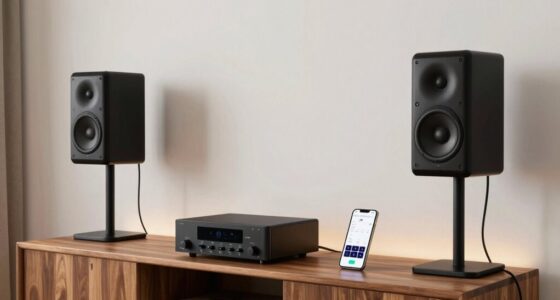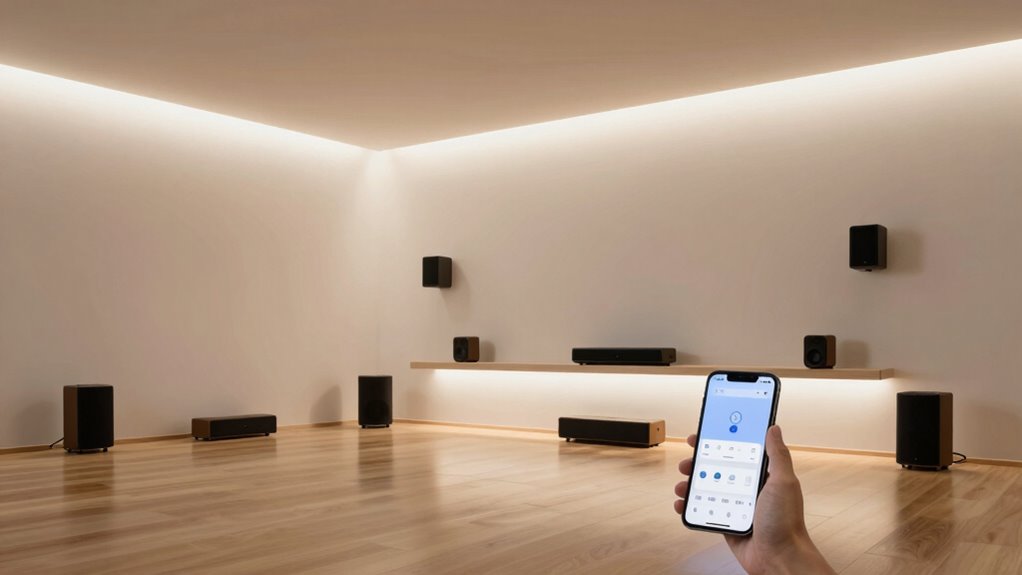

Multi-room audio systems let you enjoy music across multiple spaces, either synchronized or separate, using wireless options like Wi-Fi or Bluetooth. You can control everything conveniently from your smartphone or voice commands. These systems come in wired and wireless types, offering flexibility and reliable sound quality. Choosing the right system depends on your setup and preferences. Keep exploring, and you’ll discover how to select and optimize the perfect multi-room audio solution for your home.
Key Takeaways
- Multi-room audio systems connect multiple speakers across different rooms for synchronized or independent music playback.
- They can be wired or wireless, offering flexible installation options based on layout and preferences.
- Control methods include apps, voice commands, and smart home integrations for easy management.
- Proper setup involves choosing compatible devices, ensuring strong Wi-Fi, and strategic speaker placement.
- Popular brands like Sonos, Bose, and Amazon Echo provide various features and price points to suit different needs.
What Are Multi-Room Audio Systems?

Have you ever wanted to enjoy your favorite music throughout your entire home? Multi-room audio systems make that possible. These setups connect multiple speakers across different rooms, letting you stream music seamlessly from a single device. You can listen to the same playlist in the living room, bedroom, and kitchen, or choose different songs for each space. These systems use Wi-Fi or Bluetooth to wirelessly connect speakers, eliminating the need for complicated wiring. They’re designed for convenience and flexibility, so you can control everything from your smartphone or tablet. Whether you want background music while relaxing or a full surround sound experience, multi-room audio systems create an immersive environment that enhances your home’s atmosphere. They’re perfect for music lovers who want effortless control and sound quality. Additionally, many systems offer options for easy installation, making it simpler for DIY enthusiasts to set up and enjoy their upgraded audio experience. Modern systems also utilize advanced networking technology to ensure reliable streaming and minimal lag across devices, which is especially important for maintaining audio synchronization. To maintain a consistent listening experience, some systems also feature automatic device discovery to easily connect new speakers without manual setup.
Types of Multi-Room Audio Setups

When choosing a multi-room audio setup, you’ll need to decide between wired and wireless systems based on your home’s layout and preferences. Consider how speaker configurations can vary to suit different spaces, and think about how you want to control and integrate your system for ease of use. These options directly impact the overall functionality and convenience of your multi-room audio experience. Additionally, understanding the different types of multi-room audio setups, such as wireless options, can help you select the best solution for your needs. For example, some systems integrate network infrastructure to enhance connectivity and reliability across multiple rooms. Furthermore, evaluating signal distribution methods can ensure consistent audio quality throughout your home. Recognizing the importance of energy-efficient technologies, as highlighted in European cloud solutions, can also inspire you to choose systems that are both sustainable and high-performing. Incorporating proper maintenance practices can further ensure long-term optimal performance of your audio system.
Wired Vs Wireless Systems
Choosing between wired and wireless multi-room audio systems depends on your home’s layout and your installation preferences. Wired systems require running cables to each speaker, offering reliable sound quality and minimal latency. Wireless setups use Wi-Fi or Bluetooth, providing flexibility and easier installation, especially in existing structures. However, wireless systems can be affected by network congestion or interference. Consider factors like signal stability, ease of setup, and aesthetics. Here’s a quick comparison:
| Feature | Wired Systems | Wireless Systems | Best For |
|---|---|---|---|
| Installation | Complex, needs cabling | Easy, no wiring needed | Renters or quick setups |
| Reliability | Very stable | Subject to interference | Critical audio quality needs |
| Flexibility | Fixed speaker placement | Portable and adaptable | Customizable multi-room setups |
Additionally, understanding audio signal integrity can help you make an informed choice based on your specific needs, especially when prioritizing sound quality in your setup. Ensuring proper wire management during installation can further enhance the system’s longevity and performance. For example, selecting quality cables and organizing them neatly can prevent signal degradation and physical damage.
Speaker Configuration Options
Are you wondering how to set up your multi-room audio system for ideal sound coverage? There are several configuration options to contemplate, each offering different benefits. A well-designed speaker placement can significantly enhance your listening experience by reducing dead zones and ensuring even sound distribution. Proper speaker positioning takes into account room acoustics and furniture layout to optimize sound quality. Additionally, understanding audio system architecture can help you select the most appropriate setup for your needs and space.
- Stereo Pairing: Places two speakers together for a richer, balanced sound in one room.
- Distributed Setup: Spreads speakers across multiple rooms for seamless audio throughout your home. To ensure consistent quality, understanding speaker placement can help you optimize your system for the best listening experience.
- Zoned Audio: Assigns different audio sources or music to specific zones or rooms.
- Centralized System: Connects all speakers to a single hub, simplifying control and syncing.
Your choice depends on your home’s layout and how you want to enjoy your music. Whether you prefer a simple stereo pair or a complex multi-zone system, understanding these options helps you create the perfect listening environment.
Control and Integration
Different types of multi-room audio setups offer varying levels of control and integration, allowing you to tailor your listening experience to your preferences. Some systems provide simple control through dedicated remotes or smartphone apps, ideal for straightforward operation. Others integrate seamlessly with smart home platforms like Alexa, Google Assistant, or Apple HomeKit, enabling voice commands and automation. Wireless streaming services such as Spotify Connect or Apple AirPlay 2 let you easily regulate music across multiple rooms from your device. Wired systems often require more setup but offer reliable, synchronized sound. Choosing the right setup depends on your desired level of control, existing technology ecosystem, and whether you prefer app-based, voice-controlled, or manual operation. This flexibility ensures your audio experience matches your lifestyle perfectly. Multi-room audio compatibility is an important factor to consider when selecting the system that best fits your home. Additionally, ensuring system interoperability can enhance your overall user experience by allowing different devices and platforms to work together smoothly, promoting seamless integration across your smart home ecosystem. Incorporating control options tailored to your preferences can further optimize your listening environment.
How Do Multi-Room Audio Systems Work?
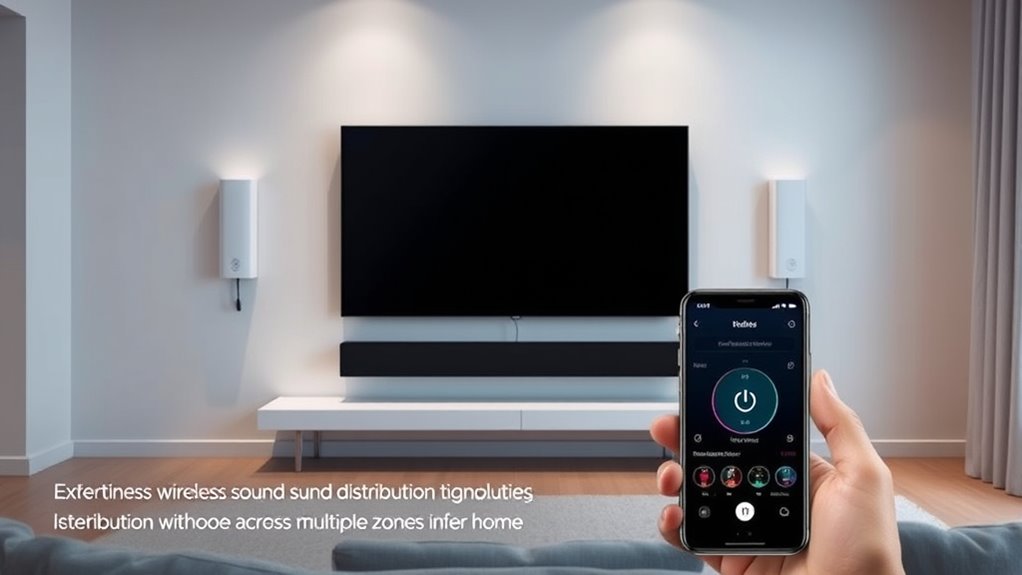
Multi-room audio systems rely on various wireless connectivity options to send music signals across different rooms seamlessly. You control everything through centralized systems that manage multiple speakers at once, ensuring a unified listening experience. Speaker synchronization methods keep the sound in sync, so music feels cohesive no matter where you’re in the house.
Wireless Connectivity Options
Ever wondered how multi-room audio systems seamlessly stream music across multiple spaces? It all comes down to wireless connectivity options. These systems typically use Wi-Fi, Bluetooth, or proprietary wireless protocols to communicate between speakers and control devices. Wi-Fi offers high-quality streaming and wider range, ideal for connecting multiple speakers over larger areas. Bluetooth is simple and quick, perfect for smaller setups or temporary use. Some systems use specific protocols like Zigbee or Thread for reliable, low-latency connections. You might also encounter mesh networking, which guarantees stable connections across multiple speakers by creating a network. These options provide flexibility, allowing you to set up your system without complicated wiring, so you can enjoy synchronized music anywhere in your home effortlessly.
Centralized Control Systems
Centralized control systems serve as the command hub for multi-room audio setups, allowing you to manage multiple speakers from a single interface. These systems connect your devices through a central controller or app, giving you the power to adjust volume, select sources, and group speakers effortlessly. Imagine a control panel that displays all your rooms and speakers, enabling seamless management at your fingertips. Here’s a visual breakdown:
| Feature | Benefit |
|---|---|
| Single App Control | Easy room and speaker management |
| Central Hub Device | Connects and processes all signals |
| Grouping Capabilities | Play synchronized audio across rooms |
| Remote Access | Control from anywhere in your home |
| User-Friendly Interface | Simplifies complex multi-room setups |
This setup makes managing your multi-room system intuitive and efficient.
Speaker Synchronization Methods
Speaker synchronization is essential for creating a seamless listening experience across multiple rooms. Without proper sync, your audio can sound disjointed, with echoes or lagging sounds. Different systems use various methods to achieve this, ensuring all speakers play in harmony. Many rely on wireless protocols like Wi-Fi or Bluetooth to coordinate timing. Some systems employ a master speaker that controls the others, sending synchronization signals. Others use mesh networks, where each speaker communicates directly with its neighbors. Advanced systems may utilize time-stamping or digital signal processing to keep audio perfectly aligned. By understanding these methods, you can choose a setup that provides consistent, high-quality sound throughout your home.
- Wireless protocols (Wi-Fi, Bluetooth) for timing
- Master-slave control setups
- Mesh network communication
- Digital signal processing techniques
Popular Brands and Devices
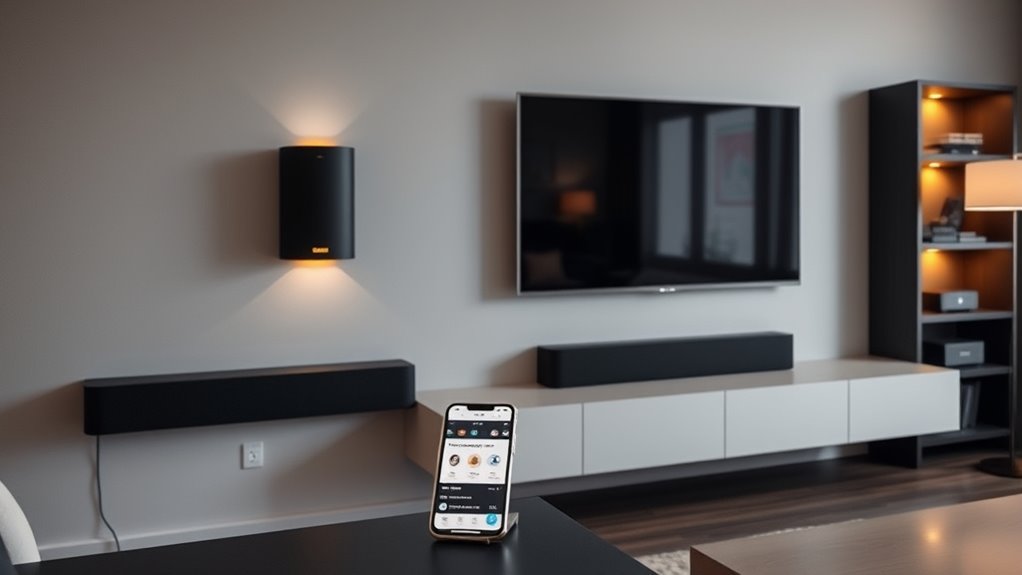
| Brand | Key Feature | Price Range |
|---|---|---|
| Sonos | Multi-room sync, app control | High |
| Bose | Rich sound, stylish design | Mid to high |
| Amazon Echo | Smart home integration, Alexa | Budget-friendly |
Choosing the right device depends on your budget and preferences.
Setting Up Your Multi-Room Audio System

Setting up your multi-room audio system can be straightforward if you follow a few key steps. First, choose a central hub or controller compatible with your devices. Next, connect your speakers to power sources and verify they’re within your network range. Then, install the necessary app or software to manage your system. Finally, follow the setup instructions to sync each speaker with the hub or controller.
Start by selecting a compatible hub, connecting speakers to power, and following app setup steps for seamless multi-room audio.
Here are some tips to get started:
- Confirm your Wi-Fi network is stable and fast
- Position speakers for ideal sound coverage
- Update firmware and app software before setup
- Name each speaker for easy identification in the app
Controlling and Managing Multi-Room Audio
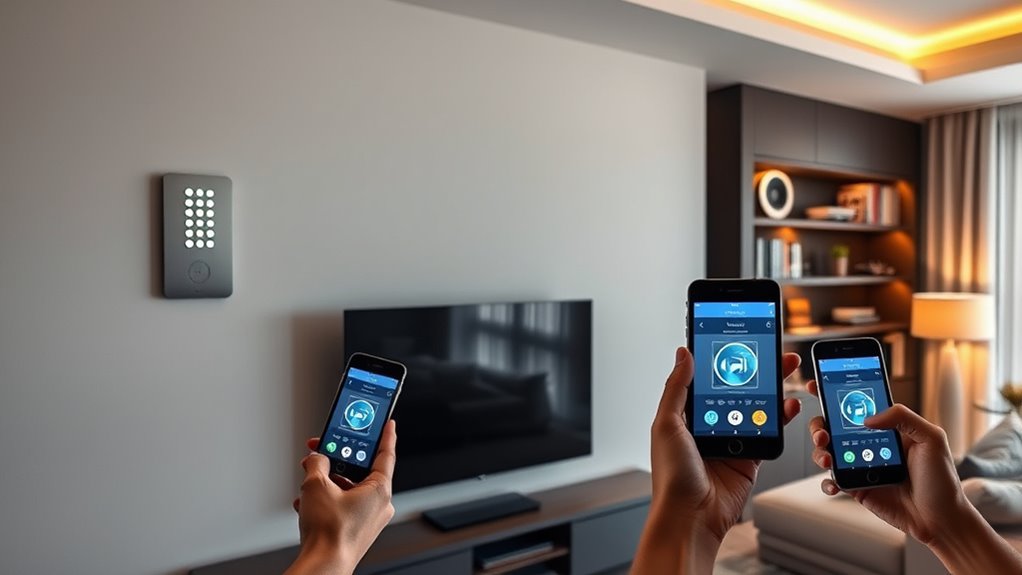
Wondering how to effortlessly control and manage your multi-room audio system? Many systems today offer intuitive options like mobile apps, voice commands, or dedicated remotes, making it simple to operate. With a single app, you can select different zones, adjust volume, or play different music in each room. Voice assistants like Alexa or Google Assistant can handle commands hands-free, allowing you to pause, skip tracks, or change rooms easily. Some systems also let you create playlists or schedules, automating your audio experience. Managing multiple zones becomes straightforward, giving you full control without needing separate devices for each area. By choosing a system with user-friendly control options, you guarantee your multi-room setup is both easy to manage and enjoyable to use.
Benefits of Using Multi-Room Audio Systems
Multi-room audio systems offer numerous benefits that enhance your listening experience and simplify your daily routine. With these systems, you can enjoy synchronized music throughout your home or play different tunes in each room, giving you tailored audio experiences. They allow you to control everything from a single device, making management effortless. Setting up zones means you can easily switch between environments without hassle. Plus, multi-room systems integrate seamlessly with smart home devices, boosting convenience and connectivity. You’ll also save space by reducing the need for multiple speakers and audio sources.
- Enjoy synchronized music across multiple rooms
- Customize audio for each space
- Simplify control with a single app
- Integrate with smart home devices
Tips for Choosing the Right System
Choosing the right multi-room audio system starts with evaluating your home’s layout and your specific needs. Consider how many rooms you want to include and the size of each space. If you have an open floor plan, look for systems that support seamless audio across large areas. Think about your preferred control method—smartphones, dedicated remotes, or voice commands—and verify the system is compatible. Budget is also important; higher-end systems offer better sound quality and more features, but there are affordable options that work well. Compatibility with existing devices, such as smart home hubs or streaming services, can simplify setup and use. Finally, read reviews and ask for recommendations to find a system that balances performance, ease of use, and your budget.
Frequently Asked Questions
Can Multi-Room Audio Systems Integrate With Smart Home Devices?
Yes, multi-room audio systems can integrate seamlessly with smart home devices. You can control your speakers through voice commands with smart assistants like Alexa, Google Assistant, or Siri. Many systems also connect via apps, allowing you to synchronize music with your smart lighting, thermostats, or security cameras. This integration creates a cohesive smart home experience, making it easy to manage your environment and enjoy synchronized audio throughout your home.
What Is the Typical Cost Range for Premium Multi-Room Audio Setups?
Premium multi-room audio setups typically cost between $2,000 and $10,000, depending on the brands, components, and features you choose. You might spend more if you opt for high-end speakers, custom integration, or advanced controls. To get the best value, consider your room sizes, desired sound quality, and whether you want seamless integration with your existing smart home devices. Budget accordingly to guarantee you get a setup that meets your needs.
Are There Any Compatibility Issues Between Different Brands?
Sure, mixing brands is like trying to teach cats to swim—possible, but not without chaos. Compatibility issues do pop up, making your dream of seamless multi-room sound a bit of a nightmare. Some systems use proprietary technology, so they refuse to play nice with others. Unless you’re willing to tinker or settle for limited features, sticking to one brand often keeps your audio paradise peaceful and harmonious.
How Secure Are Wireless Multi-Room Audio Connections?
Wireless multi-room audio connections are generally secure, but their safety depends on your network’s security measures. You should use strong, unique passwords for your Wi-Fi and enable encryption like WPA3. Regularly update your device firmware to patch vulnerabilities. Avoid connecting to open or unsecured networks. By taking these steps, you can protect your audio system from unauthorized access and guarantee your listening experience remains private and safe.
Can Multi-Room Audio Systems Be Upgraded or Expanded Over Time?
Yes, you can upgrade or expand your multi-room audio system over time. Most systems are designed with compatibility in mind, allowing you to add new speakers or upgrade existing ones easily. You simply connect the new components to your current setup, often through a central app or control interface. This flexibility lets you enhance your audio experience as your needs grow or new technology becomes available.
Conclusion
Think multi-room audio systems are just a luxury? Actually, they can transform your space into a seamless sound experience. Recent studies suggest that multi-room setups may boost your mood and focus by creating an immersive environment. So, don’t dismiss them as mere gadgets. With the right system, you’ll enjoy music everywhere—making your home feel more connected and alive. Ready to upgrade? The truth is, better sound could change the way you live.